



Shmoosee's Real Rustic for Minecraft 1.18.1
 Large-scale add-ons designed to enhance the game’s visuals are becoming increasingly common, so we suggest wasting no time and simply enjoying the Shmoosee's Real Rustic add-on for Minecraft.
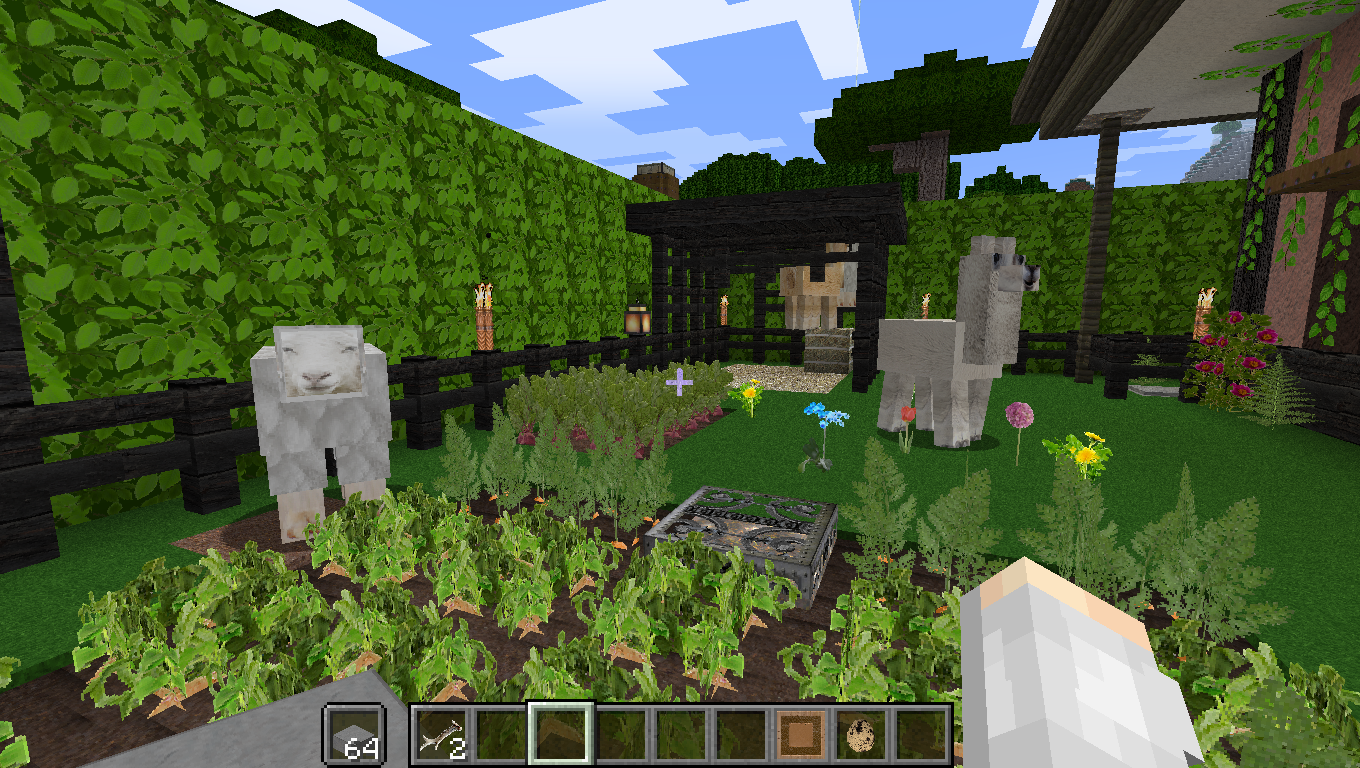
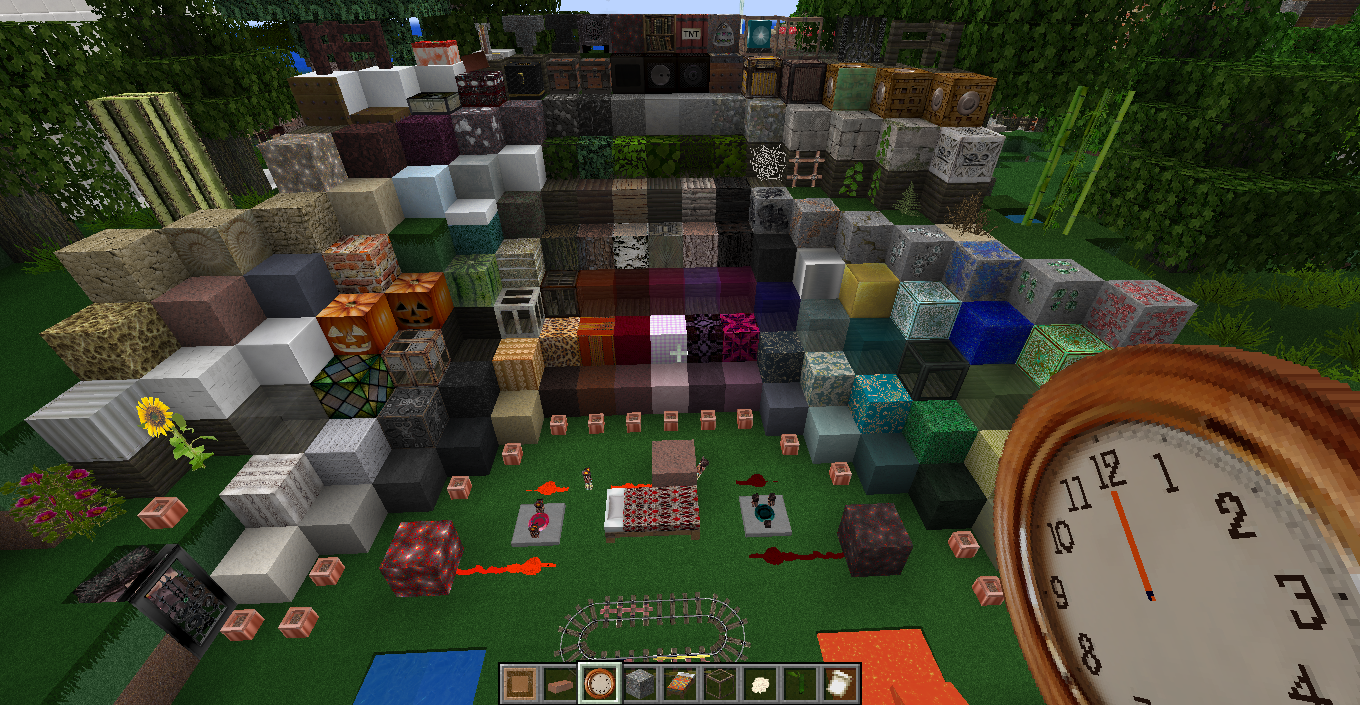
Thanks to this enhancement, you’ll be able to use new variations of your content with ease, enjoy the game’s visual design, and jump into the action. In any case, plenty of new discoveries, visuals to explore, and other intriguing possibilities await you. The creator has done their utmost to change and improve everything, so you’re guaranteed fresh experiences on your adventure.
How to install the texture pack:
Step 1: Download the texture pack using the link below.
Step 2: Extract the downloaded archive and copy the folder Shmoosee's Real Rustic to c:\Users\Пользователь\AppData\Roaming\.minecraft\resourcepacks\ (if this folder does not exist, create it yourself) (For Windows)
Step 3: In the game, go to Settings, then Resource Packs. Click the icon for the newly added texture pack in the list on the left.
Comments (0)