



Snowstorm for Minecraft 1.18
 Snow-themed content has always delighted players with new possibilities and offered an incredible way to customise the environment. That’s precisely why we’d like to recommend the Snowstorm add-on for Minecraft, which adds a wide variety of enhancements to the game world.
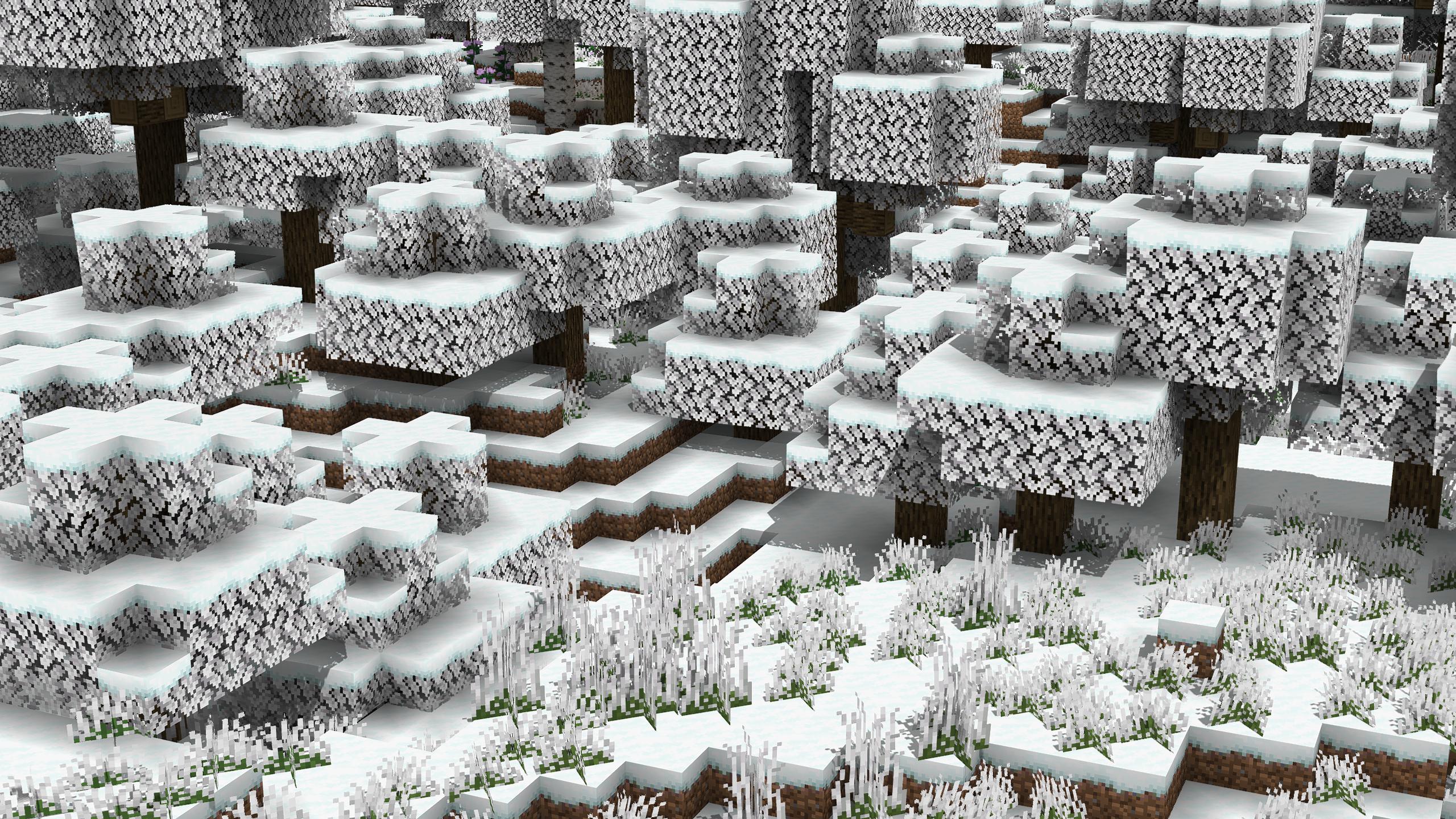
You’ll now have access to a variety of themed enhancements that will offer new experiences and further possibilities. We encourage you to get involved and try to succeed in your new adventures. We hope you have a great time and wish you all the best!
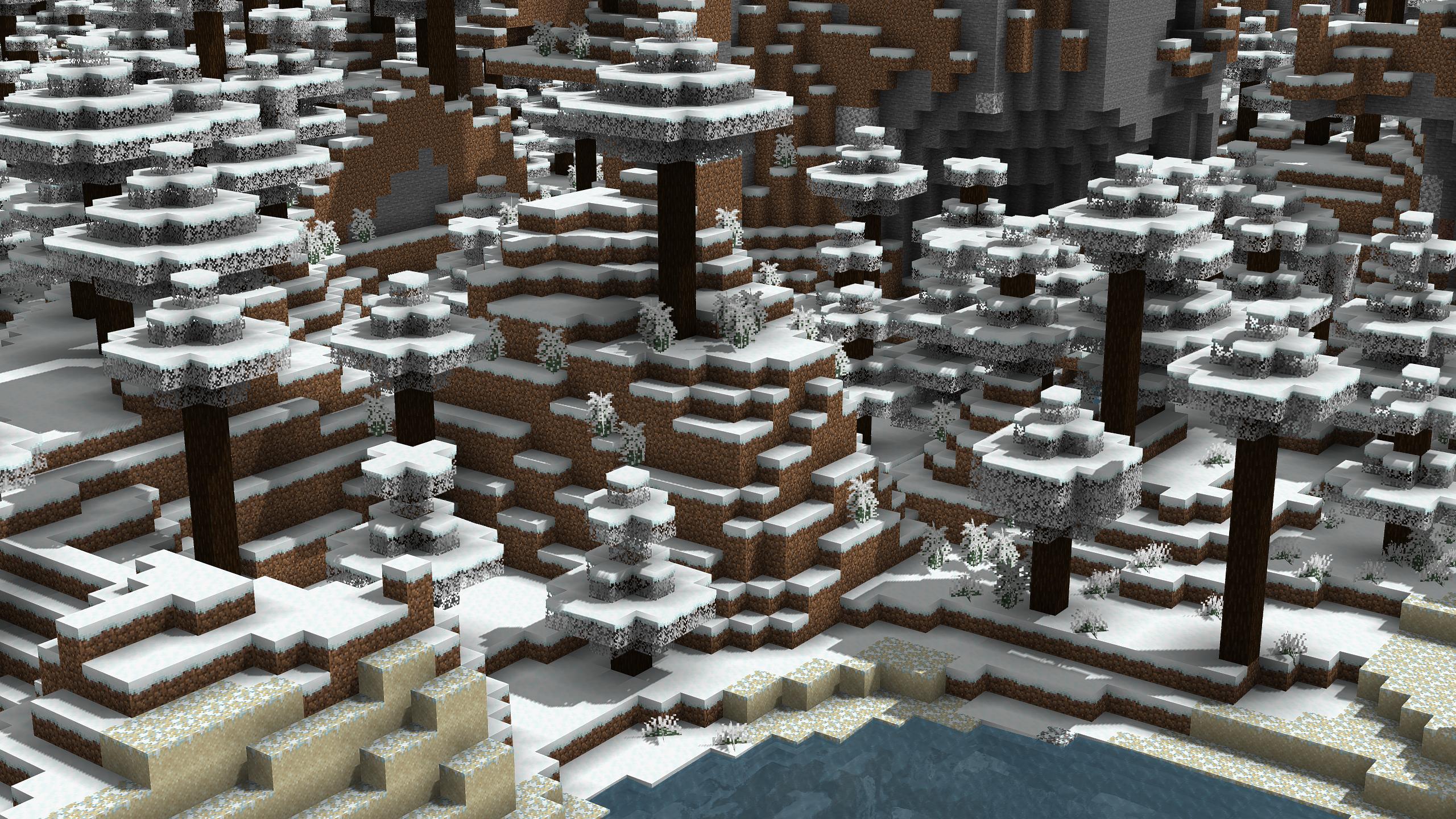
How to install the texture pack:
Step 1: Download the texture pack using the link below.
Step 2: Extract the downloaded archive and copy the Snowstorm folder to c:\Users\Пользователь\AppData\Roaming\.minecraft\resourcepacks\ (if this folder does not exist, create it yourself) (for Windows)
Step 3: In the game, go to Settings, then Resource Packs. In the left-hand list, click on the icon for the newly added texture pack.
Comments (0)