



Cloudless Skies for Minecraft Pocket Edition 1.1
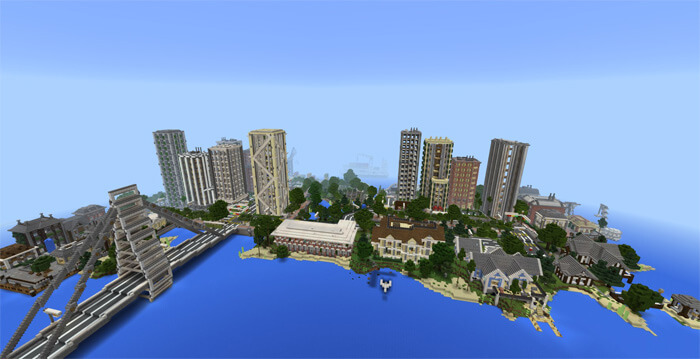
 Builders of large buildings that tower high above the ground often have to contend with clouds. Clouds drift past skyscrapers, obscuring the full beauty of their work. This texture pack for Minecraft Pocket Edition solves this problem perfectly: the clouds simply disappear.
Sunrises and sunsets are preserved. The pack does not affect the starry night sky. This gives it an advantage over Beautiful Skies.
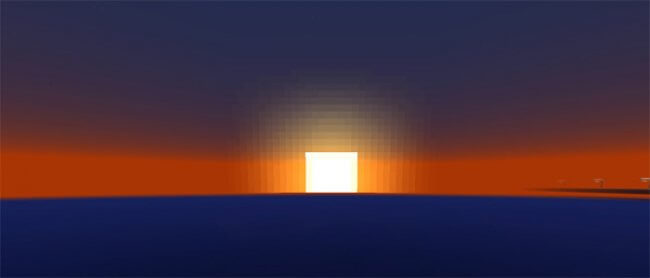 You simply remove those annoying clouds. Magnificent high-rise buildings rise against a clear sky, and nothing stands in the way of enjoying their grandeur with this handy texture pack for Minecraft 1.1.
How to install the texture pack:
Step one: Download the texture pack using the link below.
Step two: Unzip the downloaded archive and copy the Cloudless Skies folder to games\com.mojang\resource_packs (if this folder does not exist, create it yourself)
Step three: In the game, go to Settings and click the Manage button next to Texture Packs. The copied texture pack will appear in the list on the left; click on it so that it moves to the top of the list on the right.
Comments (9)