



Wayukian for Minecraft Pocket Edition 1.2
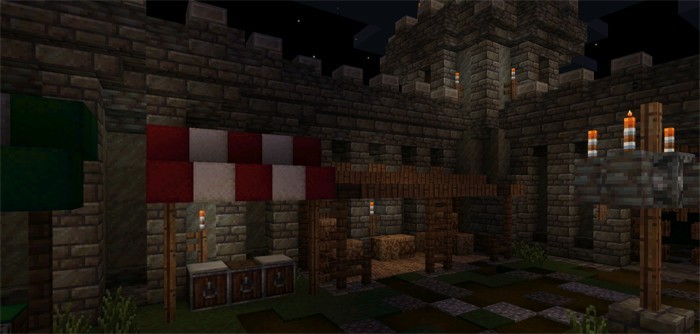
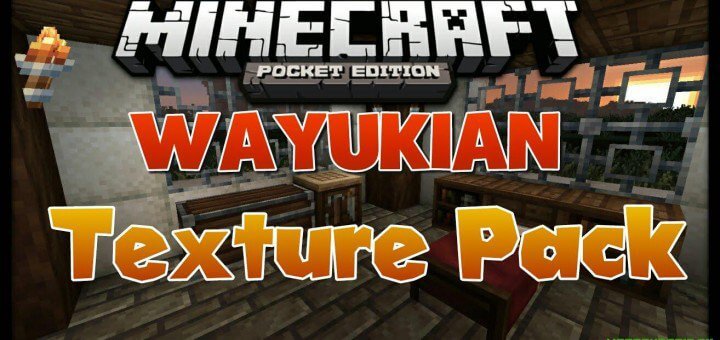 Builders in the mining sandbox game on mobile platforms finally have textures with a dark medieval theme. The pack places little strain on the device and will keep gameplay smooth.
The updated blocks in Minecraft 1.2 will make an excellent foundation for an atmospheric building or an old-style castle. As always, the design is limited only by the players’ imagination.
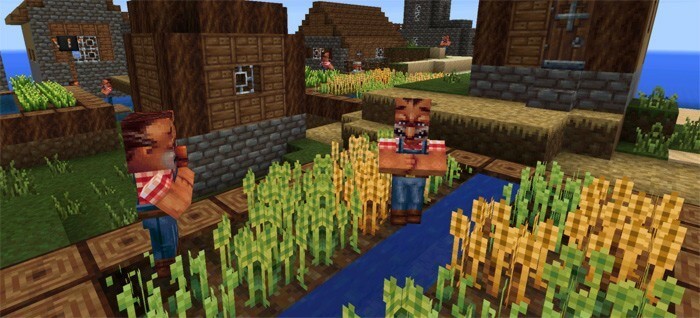
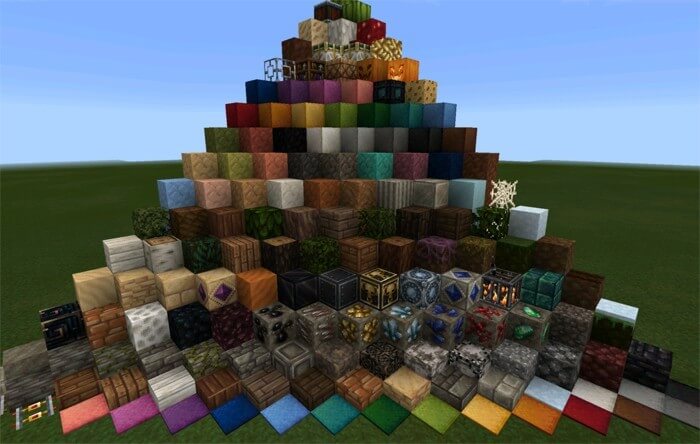 The visuals have now been adapted to the austere style of the Middle Ages and will create a fitting atmosphere during gameplay. The villagers’ textures have also been updated to match the chosen style. Ore, grass and pumpkin blocks have also changed – exploring the world has become even more interesting.
How to install the texture pack:
Step 1: Download the texture pack using the link below.
Step 2: Extract the downloaded archive and copy the Wayukian folder to games\com.mojang\resource_packs (if this folder does not exist, create it yourself)
Step 3: In the game, go to Settings. Next to ‘Texture Packs’, there will be a ‘Manage’ button; click on it. The copied texture pack will appear in the list on the left; click on it so that it moves to the top of the list on the right.
Comments (19)