



Clear Glass for Minecraft 1.9
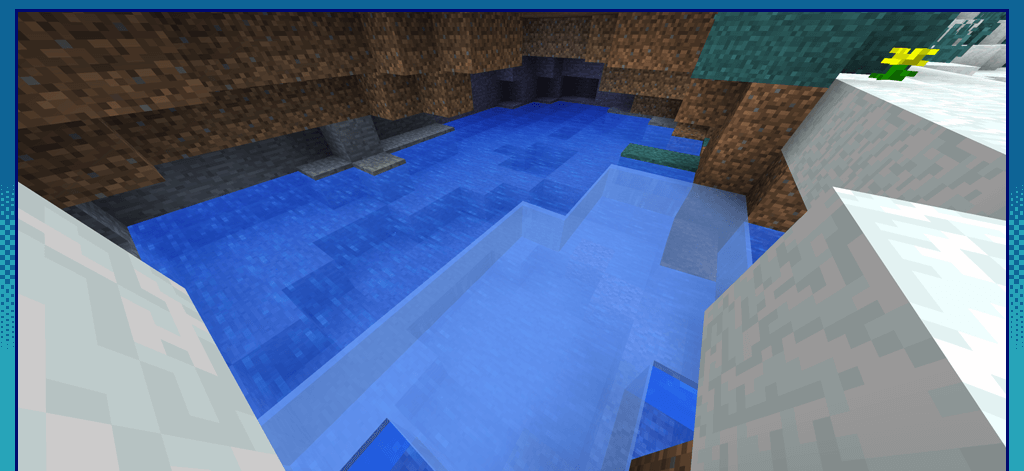
 It’s time to enhance your building capabilities and enjoy pleasant surroundings. This time, you’ll have the opportunity to use an updated range of glass panes that are not only high-quality but also come in a variety of colours.
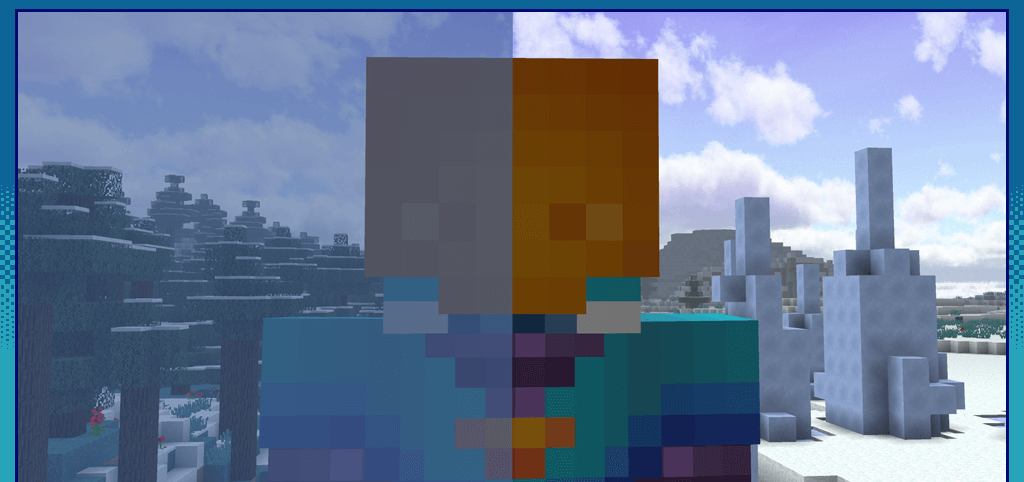
To do this, you’ll need to use the Clear Glass texture pack for Minecraft, which provides all these features. Building will now be far more enjoyable, allowing you to bring all your ideas to life with ease. All that remains is to wish you good spirits and every success.
How to install the texture pack:
Step one: Download the texture pack using the link below.
Step two: Extract the downloaded archive and copy the folder Clear Glass to c:\Users\Пользователь\AppData\Roaming\.minecraft\resourcepacks\ (if this folder does not exist, create it yourself)(For Windows)
Step three: In the game, go to Settings, then to Resource Packs. There, click the icon for the newly added texture pack in the left-hand list.
Comments (2)