



CreatorCraft 3D for Minecraft 1.9
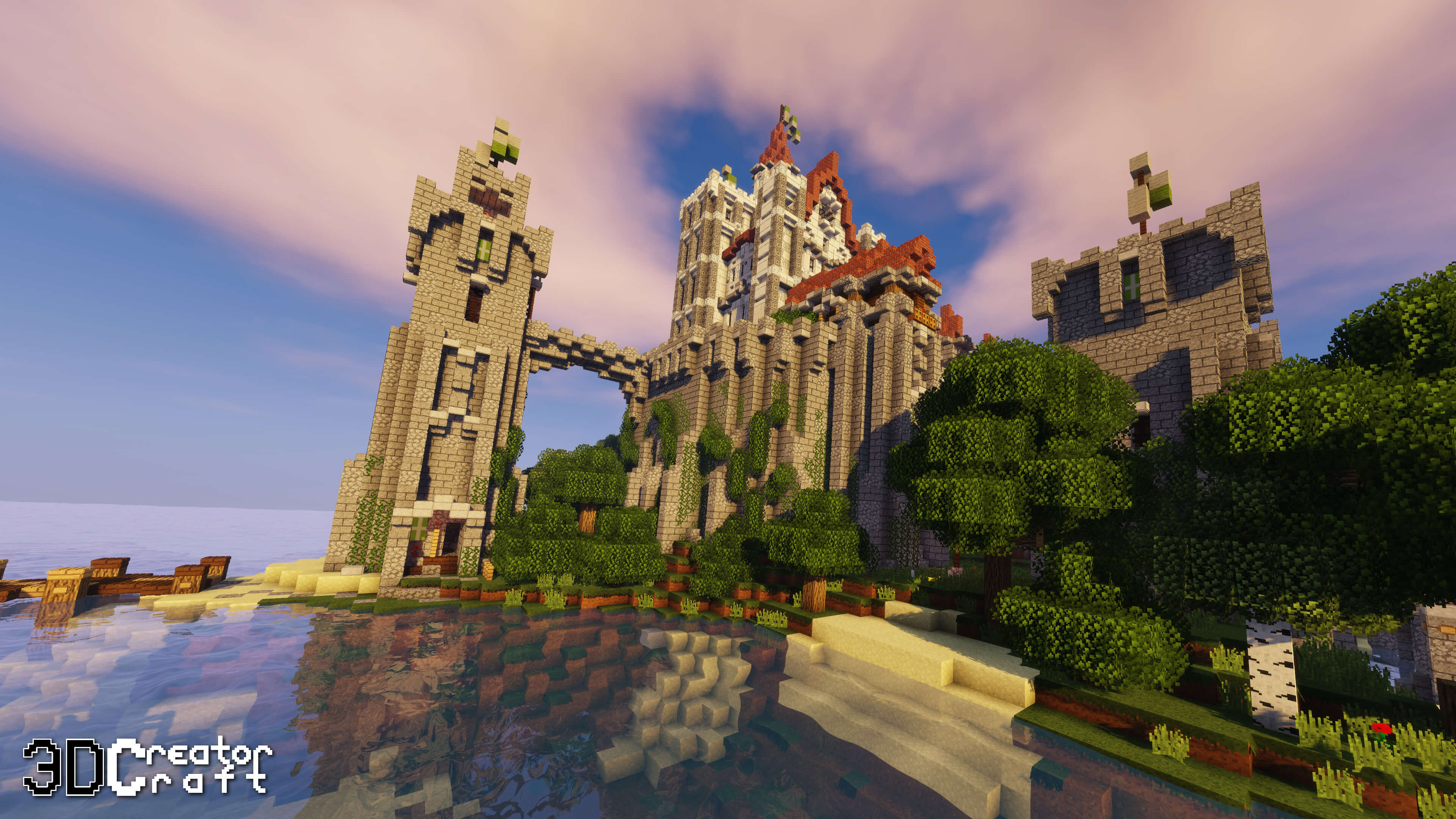
 CreatorCraft 3D for Minecraft – a spectacular add-on that promises to be not only interesting and engaging, but also of the highest quality. Thanks to this texture pack, you’ll be able to enrich the vanilla game world with new details, textures and other interesting changes. But most importantly, you’ll now have the opportunity to use completely new 3D models of items.
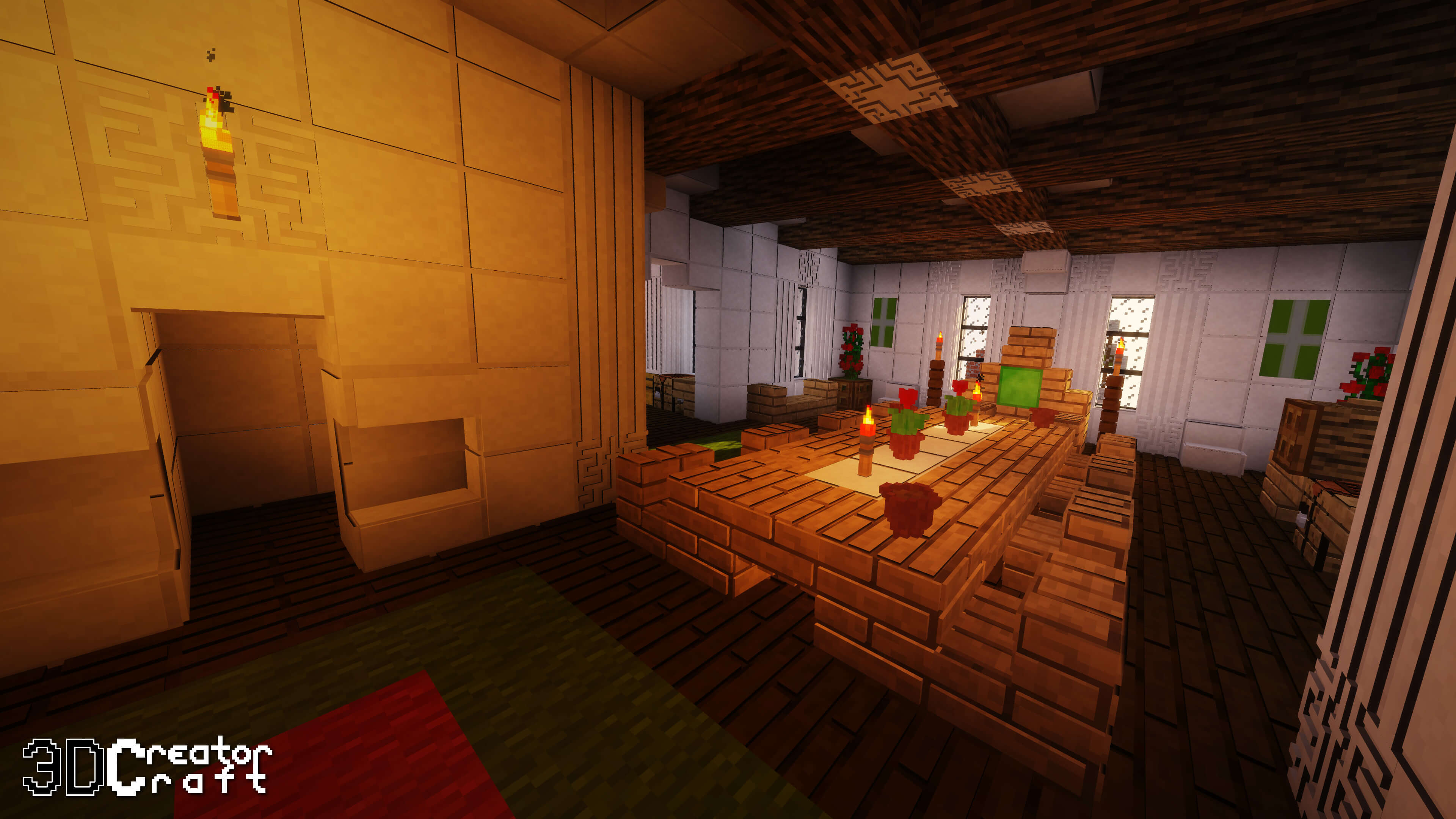
However, this may affect performance. Therefore, to avoid any issues, choose a texture pack that suits the capabilities of your gaming setup.
How to install the texture pack:
Step 1: Download the texture pack using the link below.
Step 2: Unzip the downloaded archive and copy the folder CreatorCraft 3D to c:\Users\Пользователь\AppData\Roaming\.minecraft\resourcepacks\ (if this folder does not exist, create it yourself)(For Windows)
Step 3: In the game, go to Settings, then Resource Packs. Click the icon for the new texture pack in the left-hand list.
Comments (0)