



Dark Loading Screen for Minecraft 1.9
 Many players enjoy having control over virtually every aspect of the game. It’s therefore no surprise that more and more visual enhancements are appearing in the mod collection. For example, today we’d like to draw your attention to the Dark Loading Screen texture pack for Minecraft. Thanks to this enhancement, you’ll gain access to a wide range of interesting tools.
With these tools, you’ll be able to use darkened loading screens with custom designs. Don’t worry – it won’t be difficult to get to grips with all the features; all that remains is to make full use of them and strive for success.
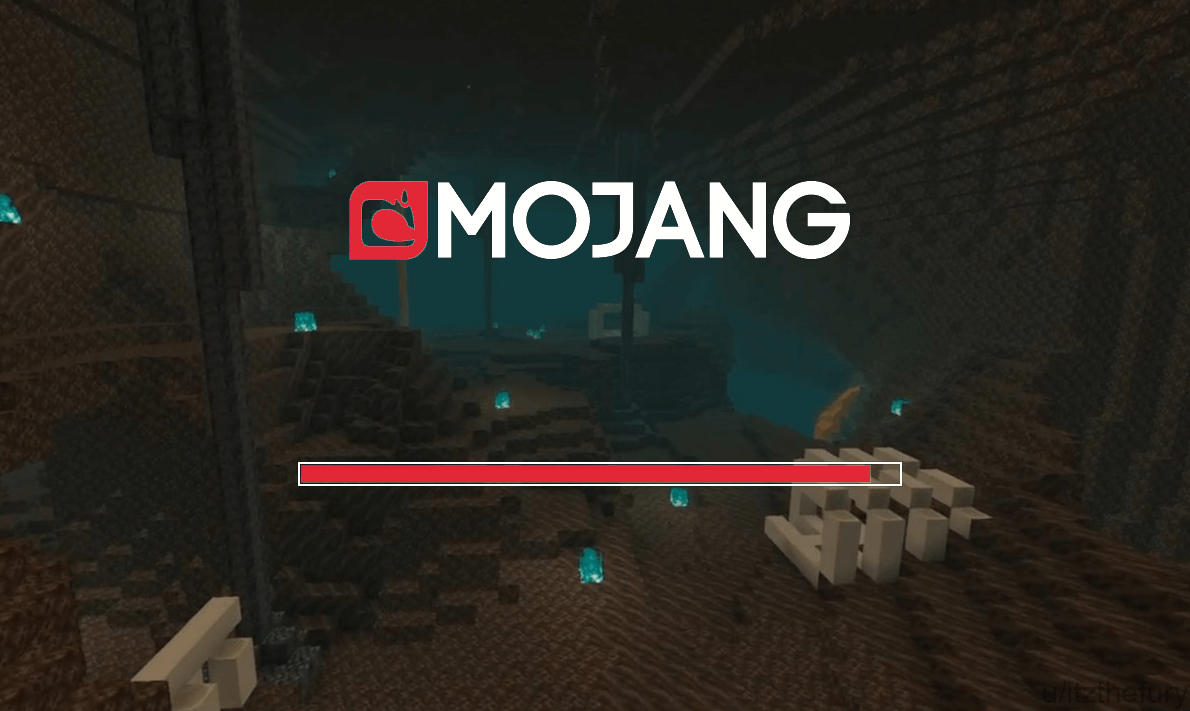
How to install the texture pack:
Step one: Download the texture pack using the link below.
Step two: Extract the downloaded archive and copy the Dark Loading Screen folder to c:\Users\Пользователь\AppData\Roaming\.minecraft\resourcepacks\ (if this folder does not exist, create it yourself)(For Windows)
Step three: In the game, go to Settings, then Resource Packs. There, click on the icon for the new texture pack in the left-hand list.
Comments (2)