



oCd Pack Vanilla for Minecraft 1.9
 If you enjoy spending time playing the game, we suggest you waste no time and try out oCd Pack Vanilla for Minecraft as soon as possible. This texture pack lets you make full use of new block textures that will be a real find for every inhabitant of this virtual world.
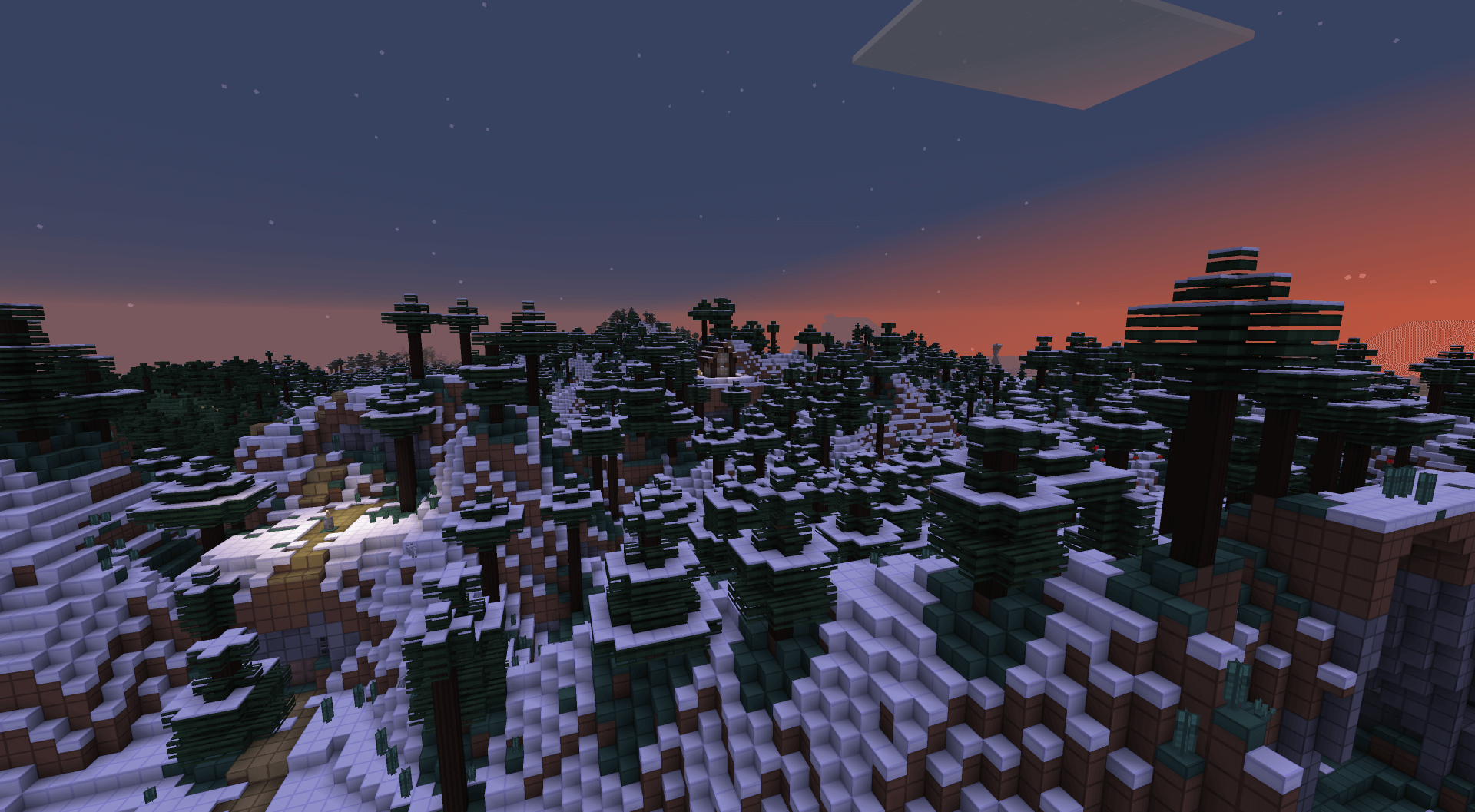
You’re about to embark on an amazing journey, which this time will be a real treat for lovers of the perfect combination of colours and lines. All you have to do is try out all the new possibilities for yourself and enjoy the results. We wish you good cheer and good luck.

How to install the texture pack:
Step one: Download the texture pack using the link below.
Step two: Unzip the downloaded archive and copy the folder oCd Pack Vanilla to c:\Users\Пользователь\AppData\Roaming\.minecraft\resourcepacks\ (if this folder does not exist, create it yourself)(For Windows)
Step three: In the game, go to Settings, then to Resource Packs. There, click on the icon for the new texture pack that appears in the left-hand list.
Comments (0)