



PixaGraph for Minecraft 1.9
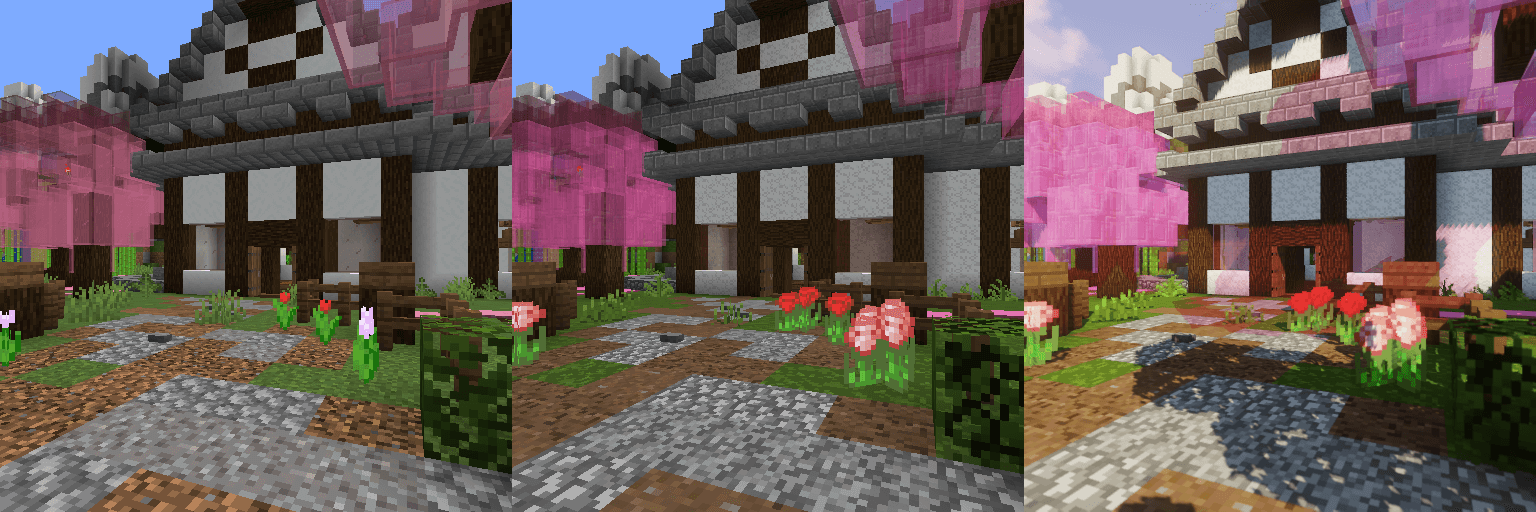
 PixaGraph for Minecraft is an interesting option for enhancing all visual textures. You’ll need to make the most of all the available features and try to succeed in your new adventures. This time, the texture pack offers a comprehensive update to all available textures, making them both detailed and cartoon-like.
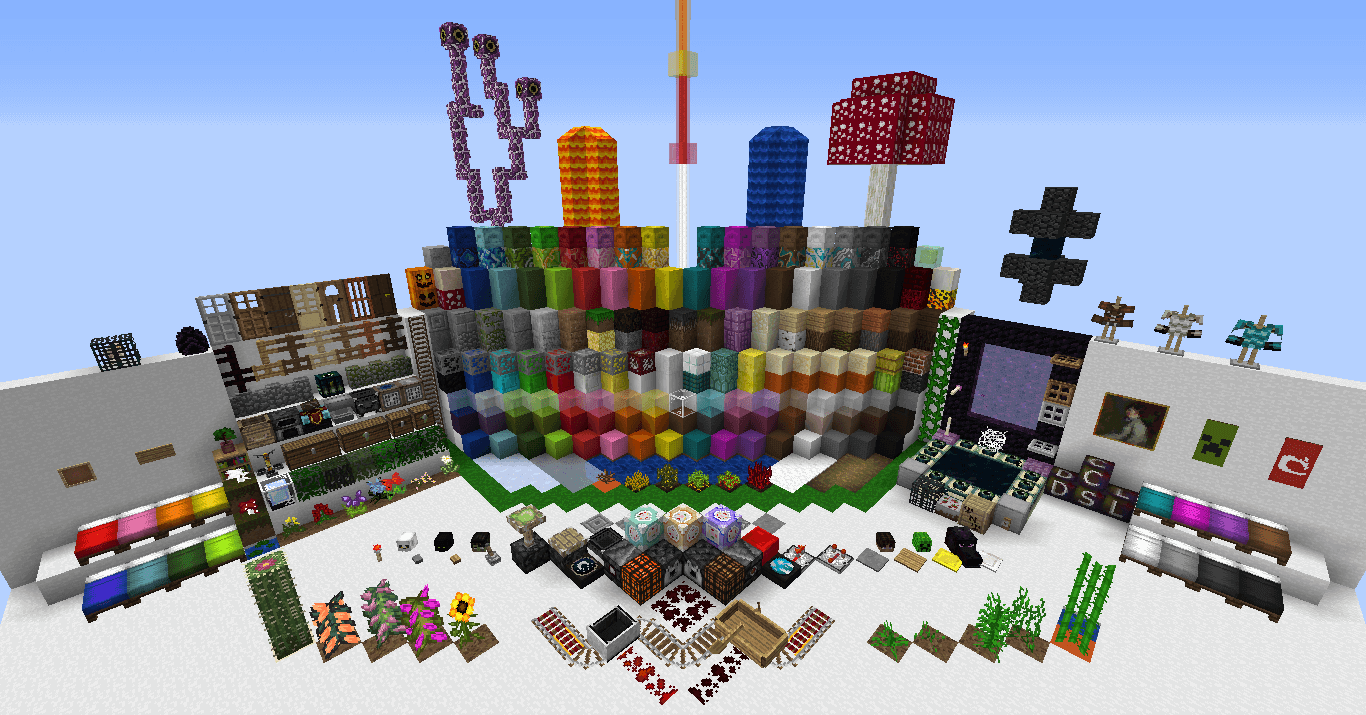
All of this will help you achieve a positive outcome and enjoy re-exploring the world to the fullest. Many of the game’s locations will now look far more beautiful, offering you a whole new set of experiences. Enjoy the game!
How to install the texture pack:
Step one: Download the texture pack using the link below.
Step two: Extract the downloaded archive and copy the PixaGraph folder to c:\Users\Пользователь\AppData\Roaming\.minecraft\resourcepacks\ (if this folder does not exist, create it yourself)(For Windows)
Step three: In the game, go to Settings, then to Resource Packs. There, click on the newly added texture pack’s icon in the left-hand list.
Comments (0)