



Quadral for Minecraft 1.9
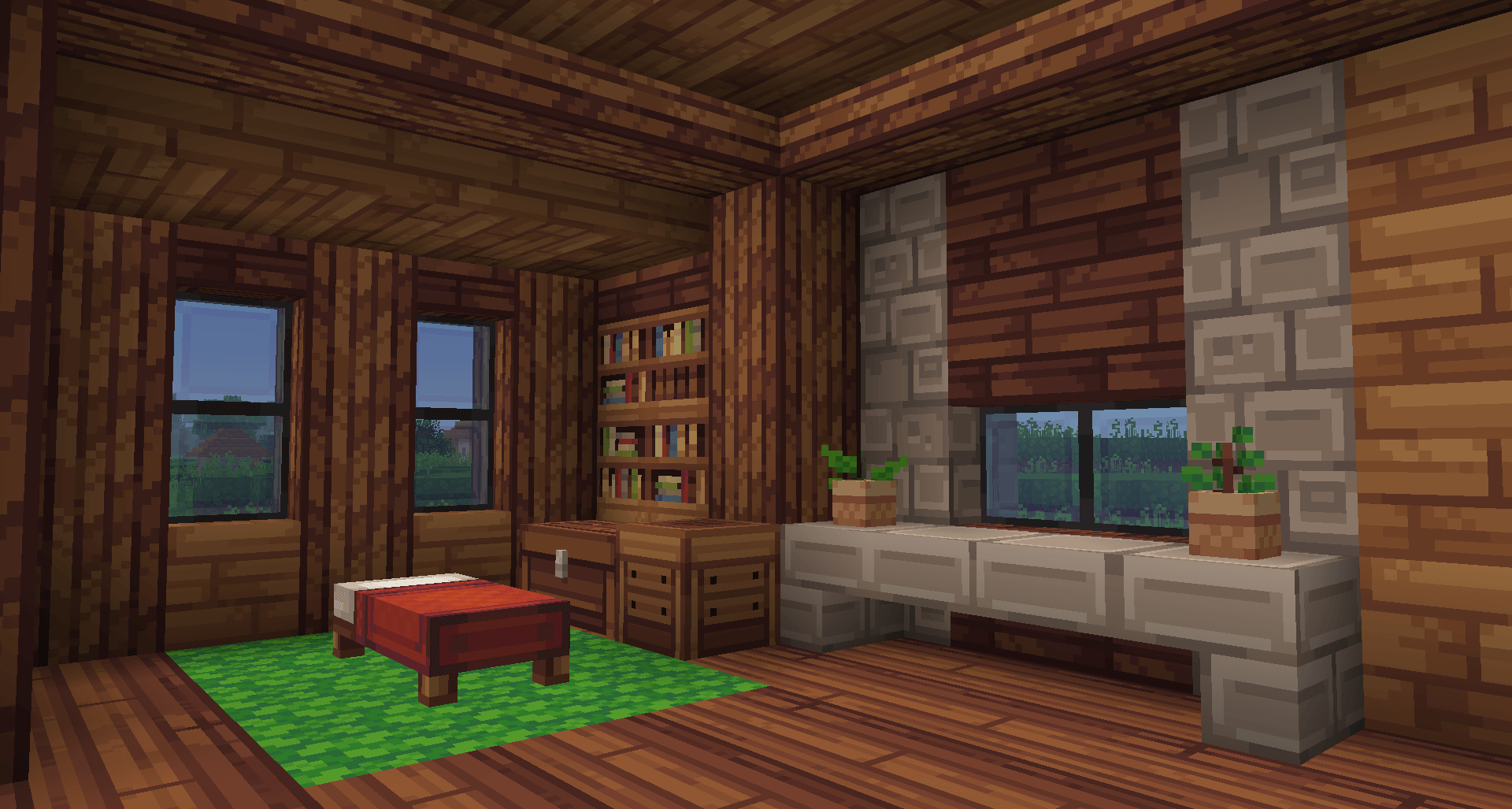
 Quadral for Minecraft is a great opportunity to use an updated set of textures that will form the basis for new adventures. You can now look forward to standard textures designed for careful exploration of your surroundings. This texture pack not only features an intriguing colour scheme but also offers additional changes to the colour palette.
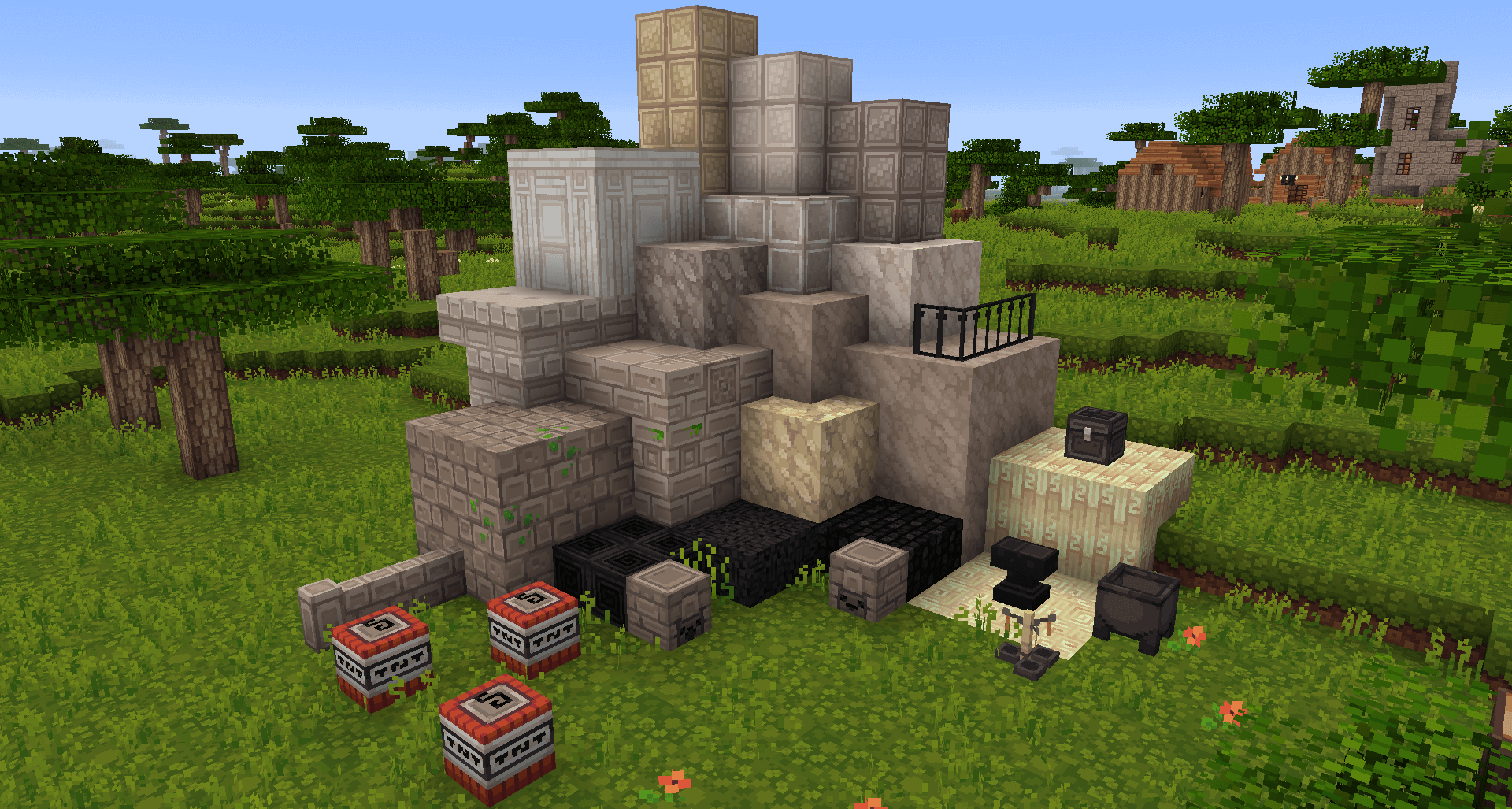
All in all, you’ll now be able to achieve a favourable outcome in your new adventures and enjoy the visuals to the fullest. We hope you enjoy the game and stay in good spirits.
How to install the texture pack:
Step one: Download the texture pack using the link below.
Step two: Extract the downloaded archive and copy the Quadral folder to c:\Users\Пользователь\AppData\Roaming\.minecraft\resourcepacks\ (if this folder does not exist, create it yourself)(For Windows)
Step three: In the game, go to Settings, then Resource Packs. There, click on the icon for the new texture pack that has appeared in the left-hand list.
Comments (1)