



Rodrigo's Pack for Minecraft 1.9
 Rodrigo's for Minecraft – an excellent pack designed primarily for PvP, allowing you to optimise all your graphics settings with ease. Your performance will increase severalfold, while the environment and graphics settings remain unchanged.
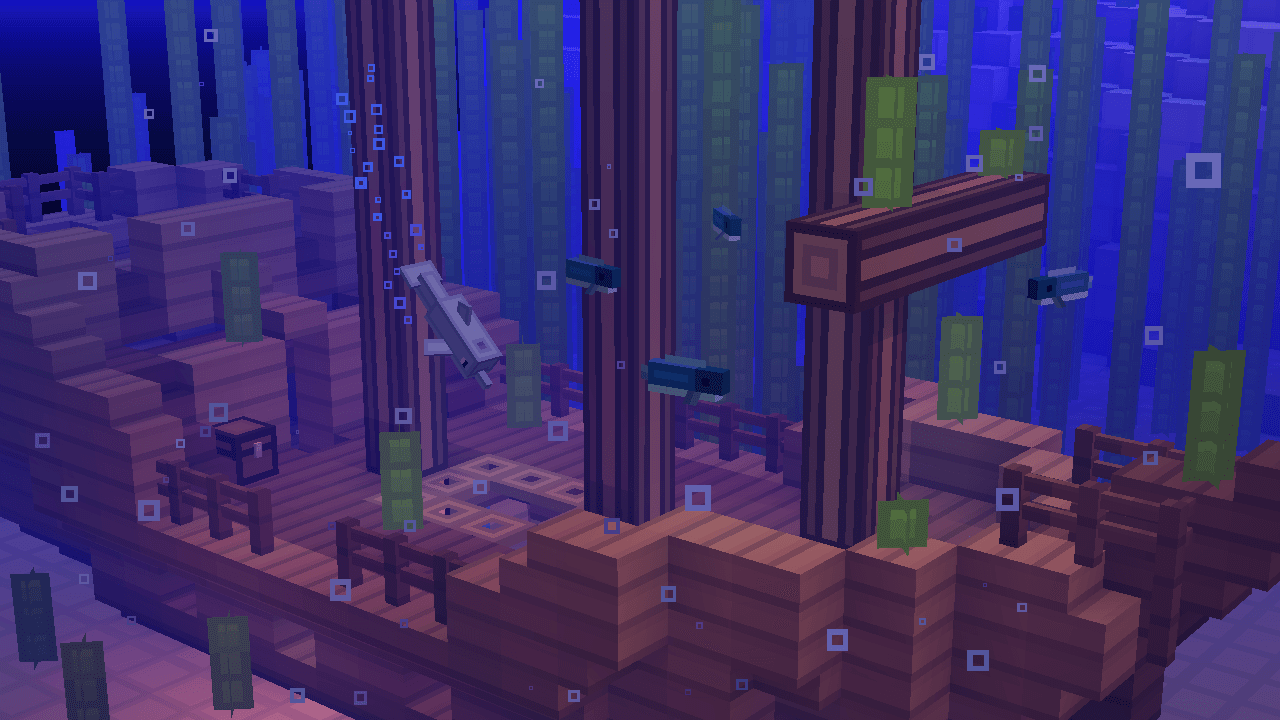
All you need to do is assess your options and get started, using all your new features to achieve good results. Battling other players will now be much more comfortable. We hope you enjoy the game and have a great time.
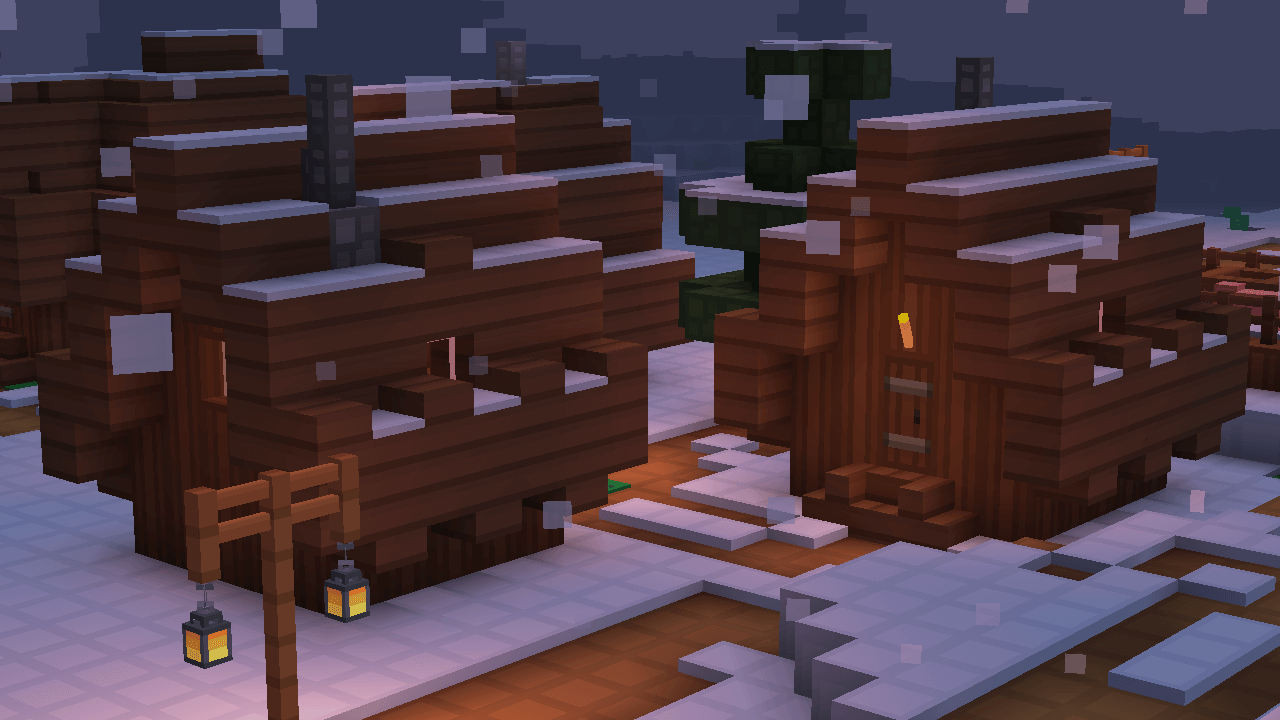
How to install the texture pack:
Step one: Download the texture pack using the link below.
Step two: Extract the downloaded archive and copy the folder Rodrigo's Pack to c:\Users\Пользователь\AppData\Roaming\.minecraft\resourcepacks\ (if this folder does not exist, create it yourself)(For Windows)
Step three: In the game, go to Settings, then Resource Packs. There, click the icon for the newly added texture pack in the left-hand list.
Comments (0)