



Dark Mod for Minecraft Pocket Edition 1.12
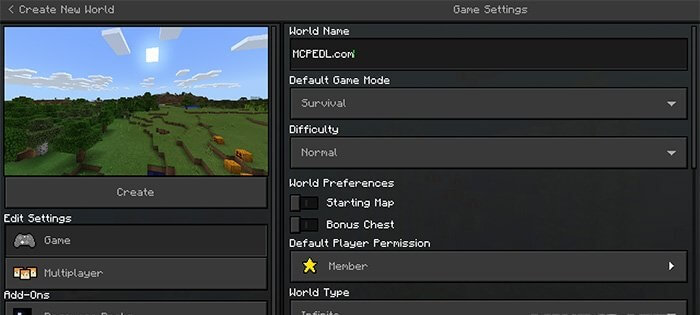 If you’re currently actively using the mobile version of our wonderful blocky Minecraft (version 1.12) and are looking for some suitable dark-toned textures, be sure to check out Dark Mode.
You can be confident in the quality of this project; the developers have put a great deal of effort into bringing it to completion. Furthermore, it’s worth noting that these textures are based on the Faithful 32x pack, meaning they incorporate some of its features.

How to install:
Step 1: Run the downloaded file to import the add-on/texture pack into Minecraft.
Step 2: Open Minecraft Pocket Edition and go to the world settings.
Step 3: Apply the imported resource packs to the world. In each section, select the imported resource packs / add-on.
Step 4: Restart Minecraft Pocket Edition, enter the Minecraft world you previously set up, and enjoy the texture pack!
Comments (0)