



Chiseled Plastic Blocks for Minecraft Pocket Edition 1.16
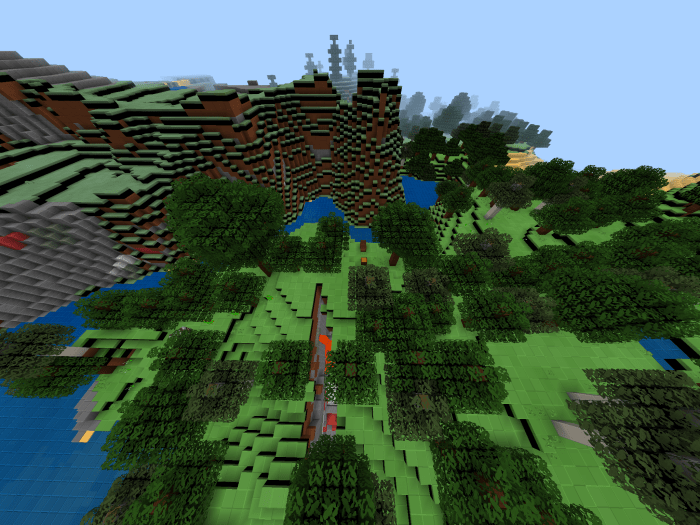 Chiseled Plastic Blocks for Minecraft is a special add-on that will allow you to achieve the desired result with ease and fully enjoy the visual appearance. As you may have guessed, this time you’ll be enhancing blocks that will look several times better than you could ever imagine.
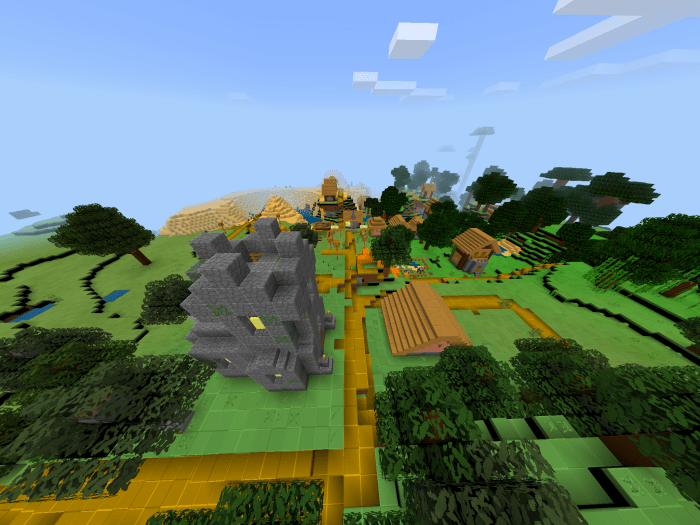
Don’t be too quick to underestimate this; just look at how detailed and interesting these blocks have become. The author has put in a great deal of effort and done everything possible to achieve a first-class result. All that remains for us is to wish you good luck and good spirits.
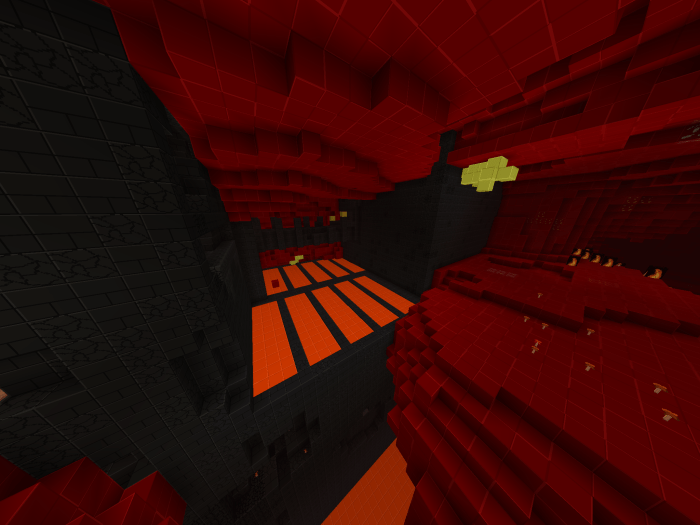
How to install a texture pack:
Step 1: Download the texture pack using the link below.
Step 2: Extract the downloaded archive and copy the Chiseled Plastic Blocks folder to games\com.mojang\resource_packs (if this folder does not exist, create it yourself)
Step 3: In the game, go to Settings; next to ‘Texture Packs’ you’ll see a ‘Manage’ button. Click on it. The copied texture pack will appear in the list on the left; click on it so that it moves to the top of the list on the right.
Comments (0)