



CraftVoxels for Minecraft Pocket Edition 1.16
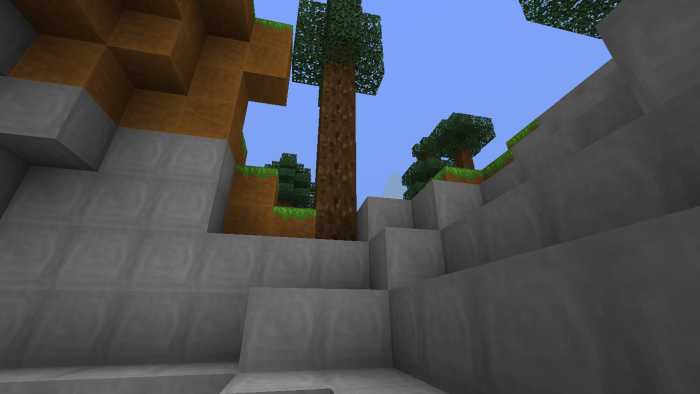 If you enjoy gradually enhancing your interactive adventure, then the CraftVoxels add-on for Minecraft is for you. It’s not a particularly extensive add-on, as it offers improved resolution for a large number of textures.
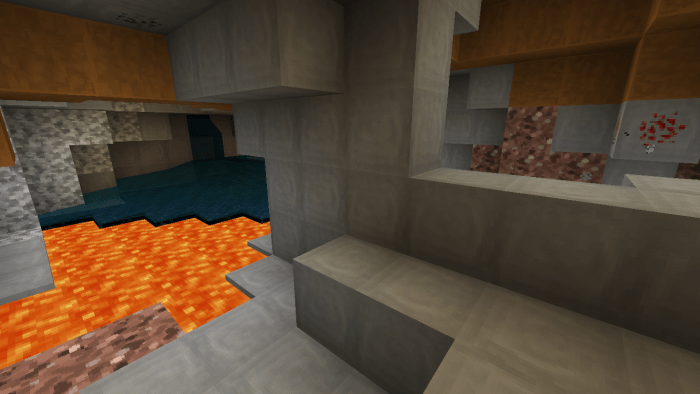
You’ll now find it much more enjoyable to explore your surroundings and try to mark the most interesting and unique places for yourself by any means you can. There won’t be any major changes, but even the change in resolution will be worthwhile and interesting. We therefore recommend that you don’t waste any time and simply set off on this unique adventure.
How to install a texture pack:
Step 1: Download the texture pack using the link below.
Step 2: Extract the downloaded archive and copy the CraftVoxels folder to games\com.mojang\resource_packs (if this folder does not exist, create it yourself)
Step 3: In the game, go to Settings; next to ‘Texture Packs’ there will be a ‘Manage’ button – click on it. The copied texture pack will appear in the list on the left; click on it so that it moves to the top of the list on the right.
Comments (0)