



Defense Animation for Minecraft Pocket Edition 1.16
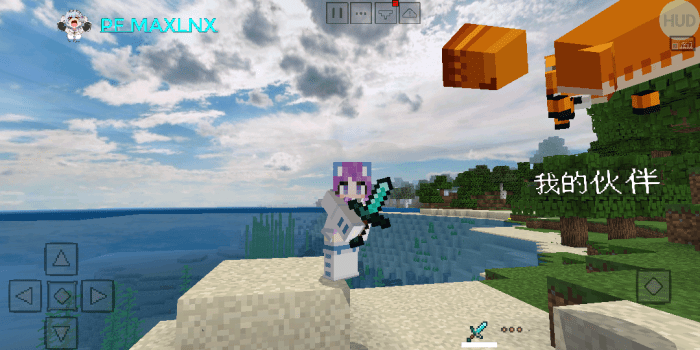
 If you enjoy enhancing your adventure, we invite you to try the Defense Animation add-on for Minecraft. What makes this add-on unique is that it gives you access to a completely new defence animation.
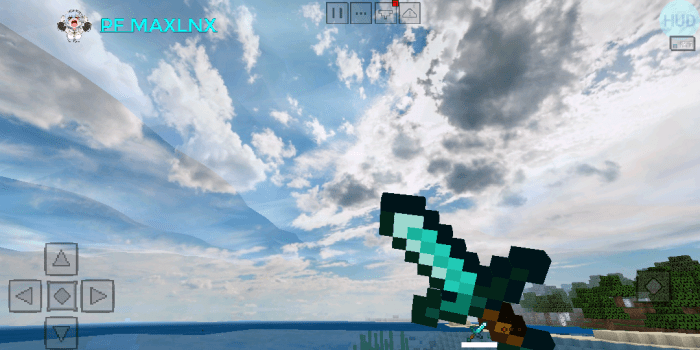
The developer has managed to improve virtually all existing weapon types, giving you defensive abilities that offer a chance to avoid attacks and launch a counter-attack. All you need to do is use your new abilities correctly, and you’re guaranteed to achieve a good result. We wish you good luck and all the best on your adventure!
How to install the texture pack:
Step 1: Download the texture pack using the link below.
Step 2: Extract the downloaded archive and copy the ‘Defense Animation’ folder to games\com.mojang\resource_packs (if this folder does not exist, create it yourself)
Step 3: In the game, go to Settings; next to ‘Texture Packs’, you’ll see a ‘Manage’ button. Click on it. The copied texture pack will appear in the list on the left; click on it so that it becomes the first item in the list on the right.
Comments (0)