



Dexten for Minecraft Pocket Edition 1.16
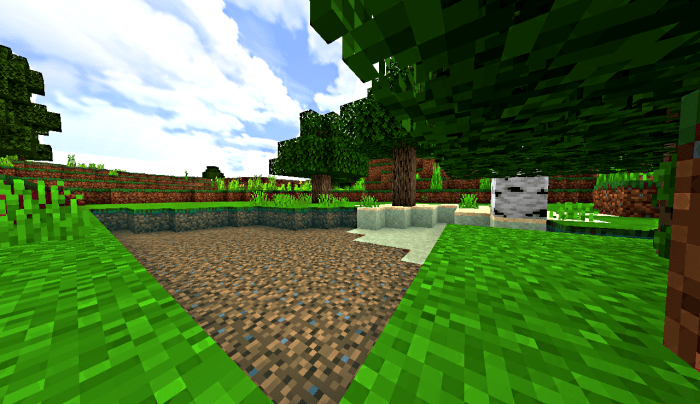 To keep the game looking good, you need to regularly use a variety of enhancements, so you should take a look at the Dexten add-on for Minecraft. This time, we suggest you waste no time and simply get started to achieve good results and enjoy the beautiful visuals.
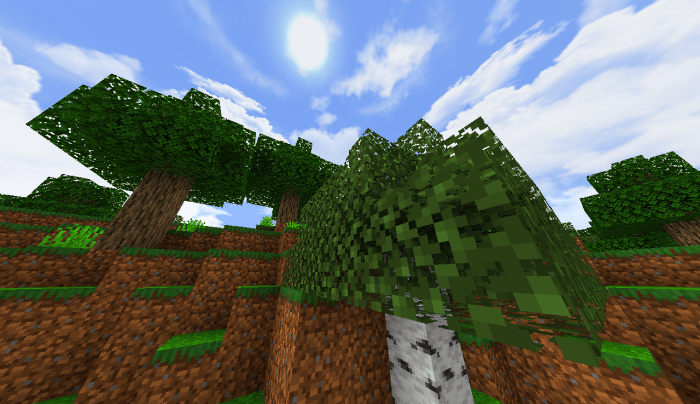
With this enhancement, you’ll get richer colors across all textures and a shader with transparent water. All this will help you get the most enjoyment out of the game and have a pleasant time. You’ll love it all—we guarantee it!
How to install the texture pack:
Step 1: Download the texture pack using the link below.
Step 2: Extract the downloaded archive and copy the Dexten folder to games\com.mojang\resource_packs (if this folder does not exist, create it yourself)
Step 3: In the game, go to Settings. Next to ‘Texture Packs’, you’ll see a ‘Manage’ button—tap it. The copied texture pack will appear in the list on the left; tap it so that it moves to the top of the list on the right.
Comments (0)