



Fade PvP for Minecraft Pocket Edition 1.16
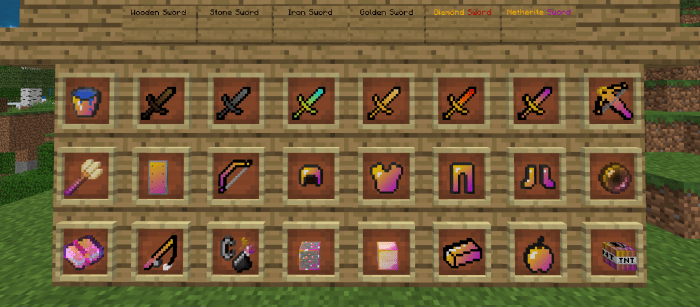 If you enjoy enhancing the game’s content, we suggest you take a look at the Sad-ist Tools add-on for Minecraft. Your new capabilities will be focused entirely on PvP content. All you have to do is take action and try to succeed by any means possible.
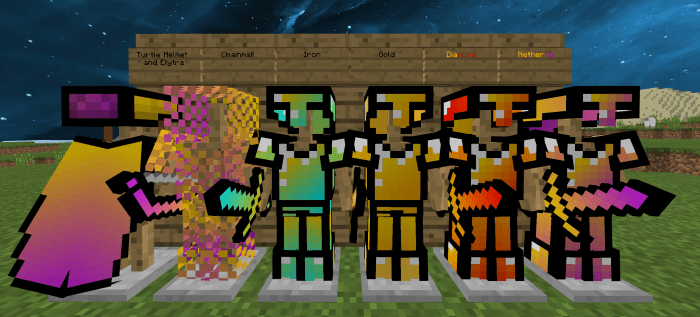
After all, alongside a beautiful game, a completely new adventure awaits you, one that will delight you not only with its varied details but also with other intriguing aspects. We’d like to wish you good luck and all the very best; playing the game will now be much more interesting. After all, very few people work on PvP content, especially its visuals. Enjoy your adventure!
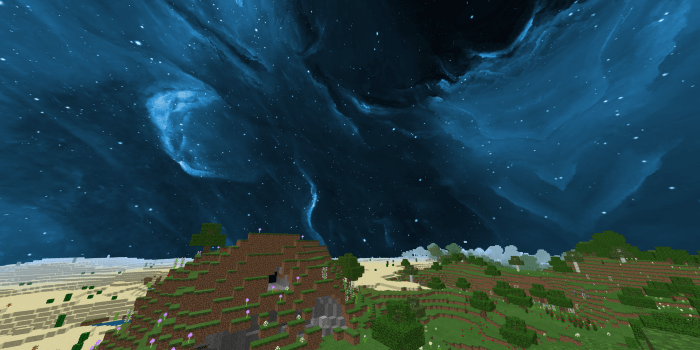
How to install the texture pack:
Step 1: Download the texture pack using the link below.
Step 2: Extract the downloaded archive and copy the Fade PvP folder to games\com.mojang\resource_packs (if this folder does not exist, create it yourself)
Step 3: In the game, go to Settings; next to ‘Texture Packs’ there will be a ‘Manage’ button — click on it. The copied texture pack will appear in the list on the left; click on it so that it moves to the top of the list on the right.
Comments (0)