



Fedia’s RTX Water for Minecraft Pocket Edition 1.16
 Fedia’s RTX Water for Minecraft is a special add-on that will transform the game’s world with completely new visual elements. You’ll now have the chance to embark on an exciting adventure yourself and appreciate the variety of visual elements available.
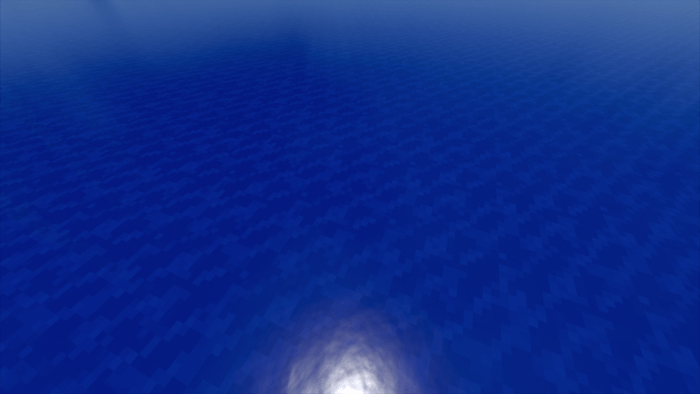
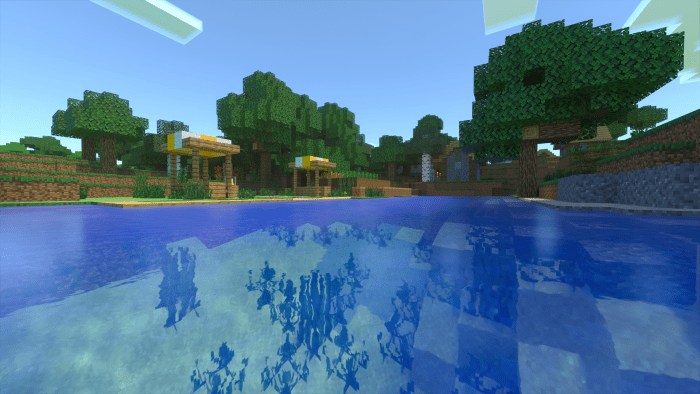
For example, you’ll now be able to see the reworked water and appreciate the new lighting and shadows. All of this is achieved not by changing the shaders, but simply by reworking a large number of textures. We wish you good luck and an enjoyable adventure!
How to install the texture pack:
Step one: Download the texture pack using the link below.
Step two: Unzip the downloaded archive and copy the Fedia’s RTX Water folder to games\com.mojang\resource_packs (if this folder does not exist, create it yourself)
Step three: In the game, go to Settings and click the Manage button next to Texture Packs. The copied texture pack will appear in the list on the left; click it so that it moves to the top of the list on the right.
Comments (0)