



IVG for Minecraft Pocket Edition 1.16
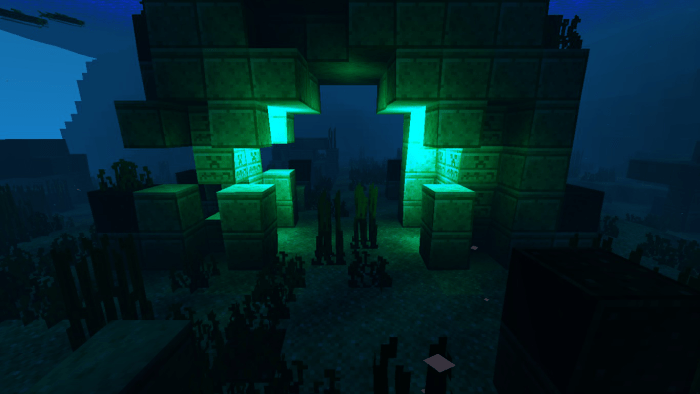 Shader customisation plays an important role in your gaming adventures, so don’t forget to make the most of all the available options. For example, why not try the IVG add-on for Minecraft?
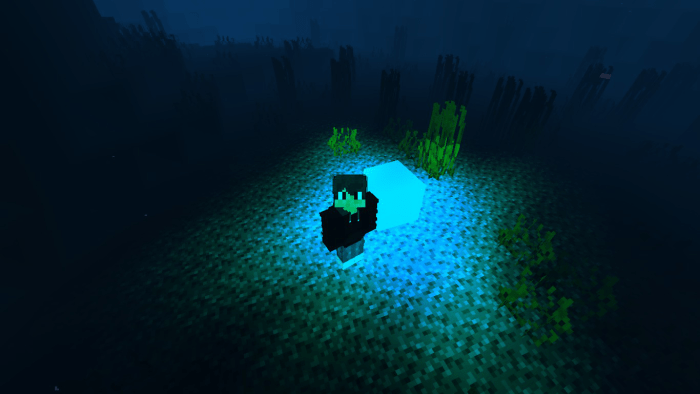
Thanks to this enhancement, you can look forward to a rather interesting adventure with completely revamped shaders. You’ll have far more options for customising the game world, which will undergo a dramatic transformation and delight you with its graphical details. With shaders, you can expect far better visual effects than those of the standard interactive world. So we simply wish you good luck and all the very best!
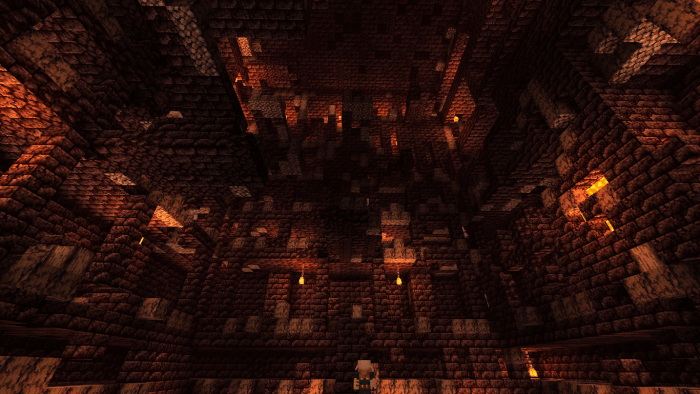
How to install the texture pack:
Step 1: Download the texture pack using the link below.
Step 2: Extract the downloaded archive and copy the IVG folder to games\com.mojang\resource_packs (if this folder does not exist, create it yourself)
Step 3: In the game, go to Settings and click the ‘Manage’ button next to ‘Texture Packs’. The copied texture pack will appear in the list on the left; click on it so that it becomes the first item in the list on the right.
Comments (0)