



Legacy Water Color for Minecraft Pocket Edition 1.16
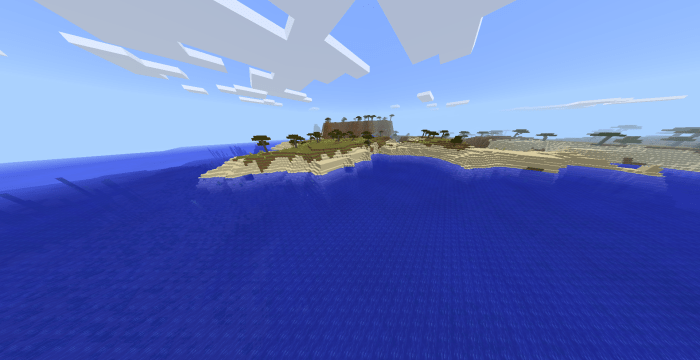
 Legacy Water Color for Minecraft is a brilliant opportunity to embark on a completely new adventure that will lay the foundations for new achievements. We invite you to install the add-on and set out to explore the revamped world, which now places greater emphasis on water.
Thanks to this new add-on, the colour of the water will change, with each biome featuring a corresponding type of water. This will transform your adventure and allow you to simply enjoy the beautiful surroundings, which you’re sure to love and which will lay the foundations for a successful outcome. Don’t rush into any decisions; we’re confident you’ll love the water and that it will allow you to fully experience the game’s revamped atmosphere.
How to install the texture pack:
Step 1: Download the texture pack using the link below.
Step 2: Extract the downloaded archive and copy the ‘Legacy Water Color’ folder to games\com.mojang\resource_packs (if this folder does not exist, create it yourself)
Step 3: In the game, go to Settings; next to ‘Texture Packs’ you’ll see a ‘Manage’ button – click on it. The copied texture pack will appear in the list on the left; click on it so that it moves to the top of the list on the right.
Comments (0)