



Aporcyha Weapon for Minecraft Pocket Edition 1.19
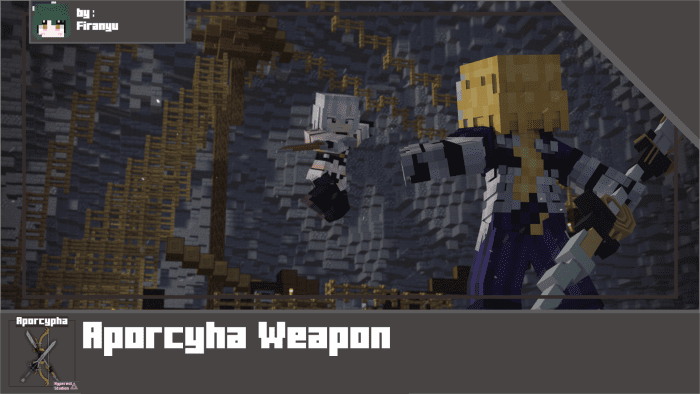 You’re sure to enjoy having fun and experiencing all sorts of adventures. That’s why today we’d like to recommend the Aporcyha Weapon add-on for Minecraft.
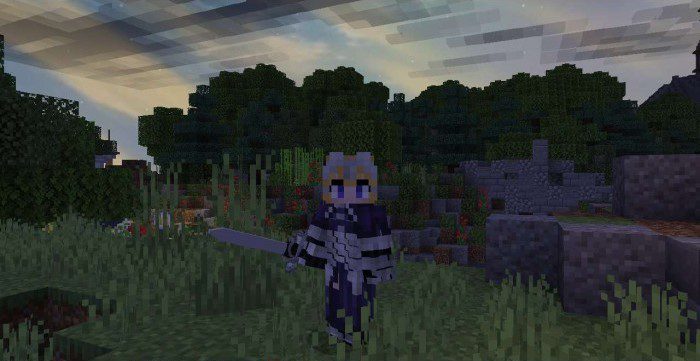
The main feature of this add-on is the ability to bring your weapons to life and take them with you into battle. You can even use this add-on in PvP mode, which is sure to delight you and give you the chance to bring lots of interesting ideas to life. Don’t rush into any decisions; it’s better to set off on your adventure with confidence and enjoy every moment of it!
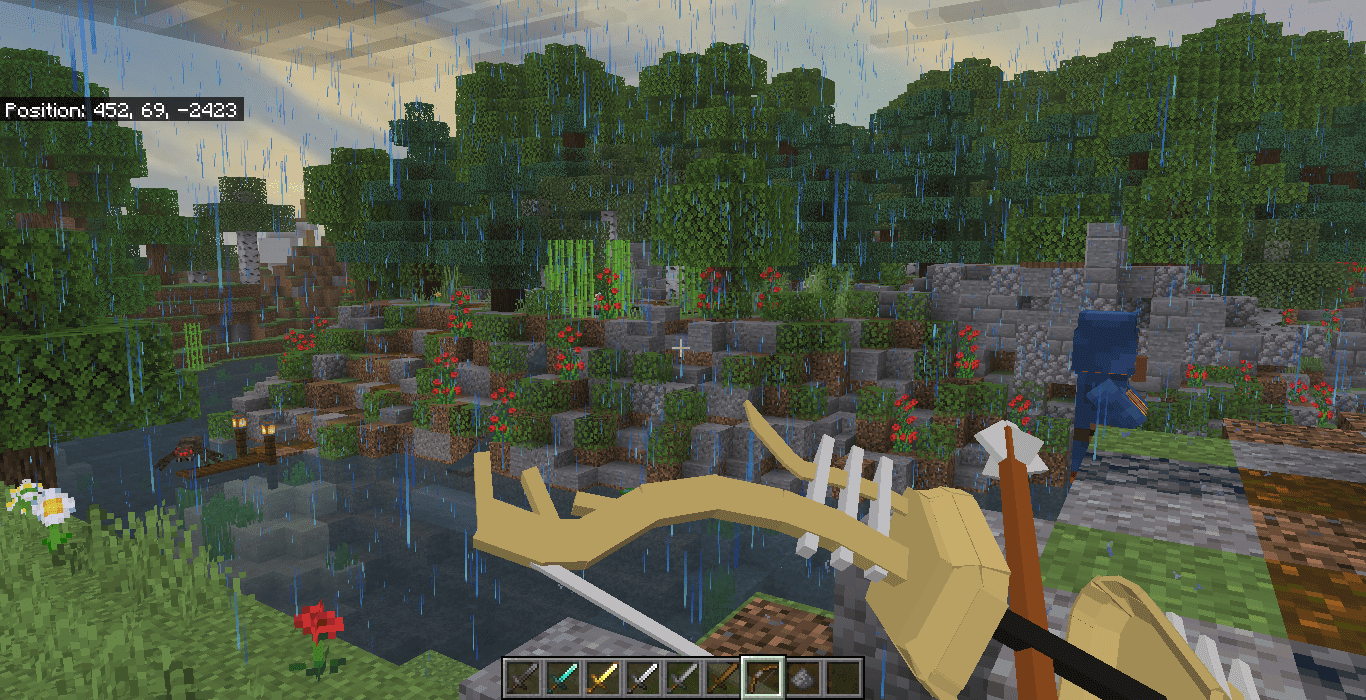
How to install the texture pack:
Step one: Download the texture pack using the link below.
Step two: Unzip the downloaded archive and copy the Aporcyha Weapon folder to games\com.mojang\resource_packs (if this folder does not exist, create it yourself)
Step three: In the game, go to Settings and click the Manage button next to Texture Packs. The copied texture pack will appear in the left-hand list; click on it so that it moves to the top of the right-hand list.
Comments (0)