



BasePvP for Minecraft Pocket Edition 1.19
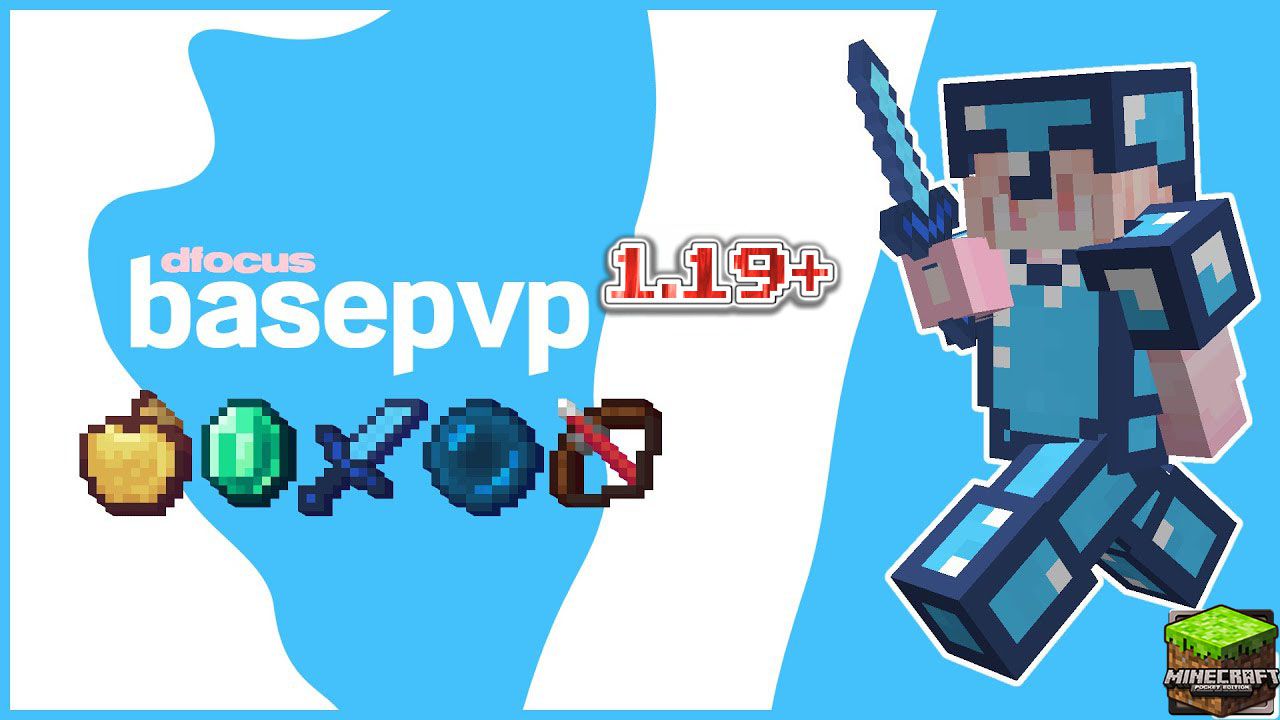 When taking part in PvP battles, you often get the feeling that everything around you needs improving, particularly in terms of visuals. That’s why we’d like to recommend the BasePvP add-on for Minecraft.
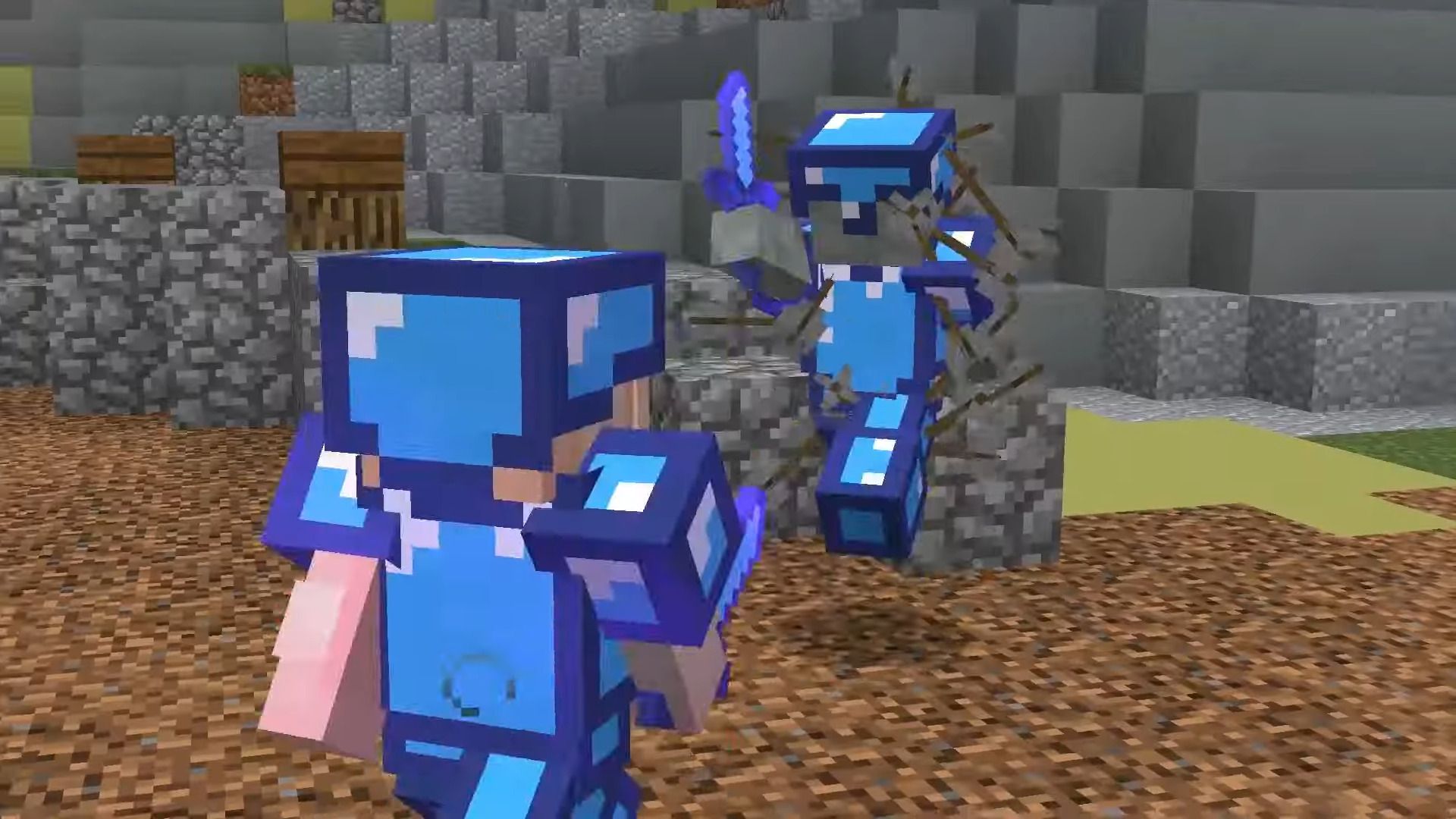
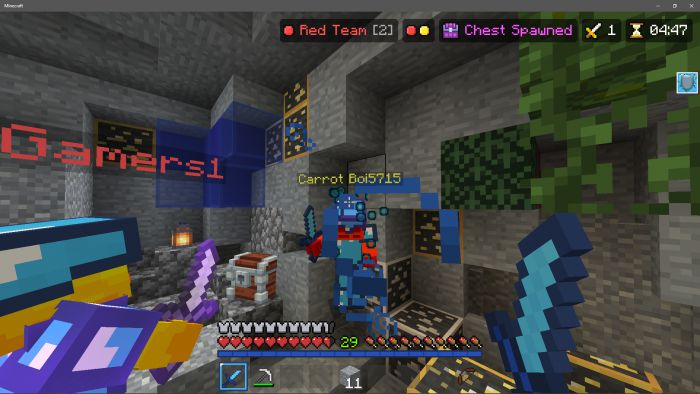
With these improvements, you’ll be able to significantly transform your PvP surroundings and update the design of your swords. This will allow you to experience a new atmosphere of adventure and choose the style that best suits your journey. Take the time to explore all the available features and simply enjoy the gameplay. All of this is sure to delight you and open up new possibilities for discovery. We wish you a fantastic adventure!
How to install the texture pack:
Step 1: Download the texture pack using the link below.
Step 2: Extract the downloaded archive and copy the BasePvP folder to games\com.mojang\resource_packs (if this folder does not exist, create it yourself)
Step 3: In the game, go to Settings; next to ‘Texture Packs’ you’ll see a ‘Manage’ button – click on it. The copied texture pack will appear in the list on the left; click on it so that it moves to the top of the list on the right.
Comments (0)