



Better UI for Minecraft Pocket Edition 1.19
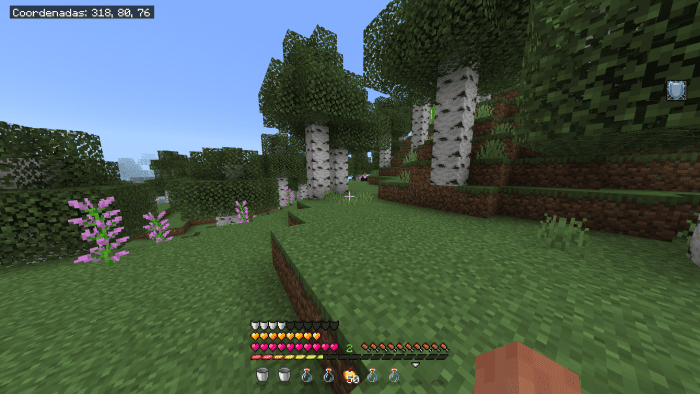
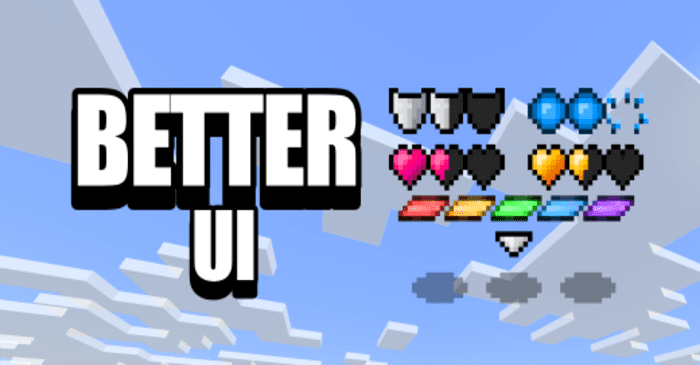 Better UI for Minecraft is a great opportunity to embark on an exciting adventure and significantly revamp the game’s interface elements. With the wide range of options available, you can customise the appearance of the experience bar, tweak minor interface details and even spruce up the health hearts.
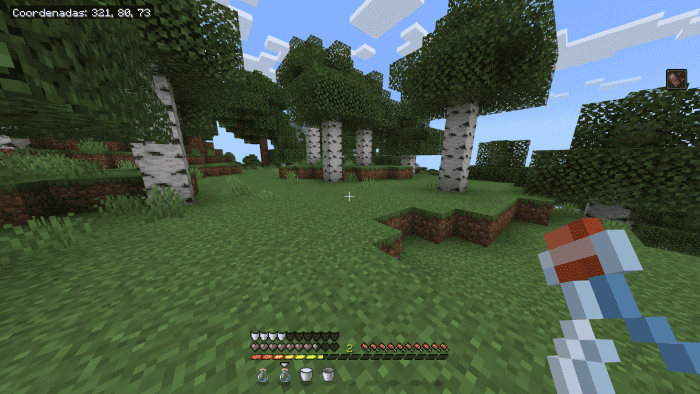
You can also choose one of the available options to make your adventures brighter. Don’t miss the chance to succeed and add a range of interesting enhancements to your journey. All that remains is to wish you a great time and good luck on your adventure!
How to install a texture pack:
Step 1: Download the texture pack using the link below.
Step 2: Extract the downloaded archive and copy the Better UI folder to games\com.mojang\resource_packs (if this folder does not exist, create it yourself)
Step 3: In the game, go to Settings; next to ‘Texture Packs’, you’ll see a ‘Manage’ button – tap it. The copied texture pack will appear in the list on the left; tap it so that it moves to the top of the list on the right.
Comments (0)