



Clean Background for Minecraft Pocket Edition 1.19
 To make your gaming adventure more enjoyable and immersive, simply use the Clean Background add-on for Minecraft. This time, you’ll make active use of features that remove the background from the menu and chat.
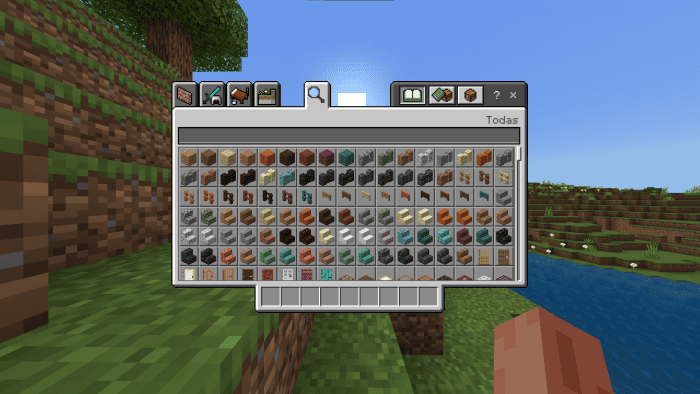
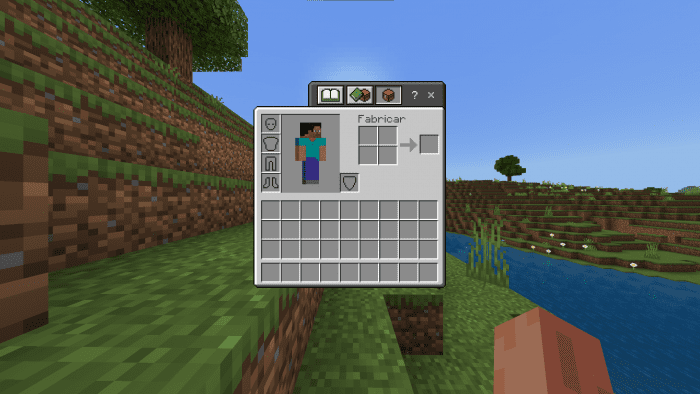
This approach is sure to provide a wide variety of experiences and enhance your enjoyment of the gameplay. After all, when you open these windows, you’ll now be able to see what’s happening in the game. The feature makes minimal changes but proves extremely useful in certain gameplay situations. So go ahead and get started, and simply enjoy the gameplay. We wish you the best of luck!
How to install a texture pack:
Step 1: Download the texture pack using the link below.
Step 2: Extract the downloaded archive and copy the ‘Clean Background’ folder to games\com.mojang\resource_packs (if this folder does not exist, create it yourself)
Step 3: In the game, go to Settings; next to ‘Texture Packs’, you’ll see a ‘Manage’ button – tap it. The copied texture pack will appear in the list on the left; tap it so that it becomes the first item in the list on the right.
Comments (0)