



Decorative Factory Blocks for Minecraft Pocket Edition 1.19
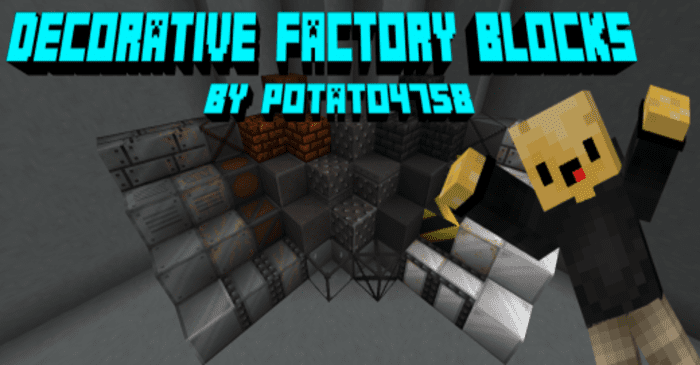 No doubt you often find yourself needing to create something unique to enhance the overall prestige and appeal of your industrial buildings. We’d like to recommend the Decorative Factory Blocks add-on for Minecraft, designed specifically for this purpose.
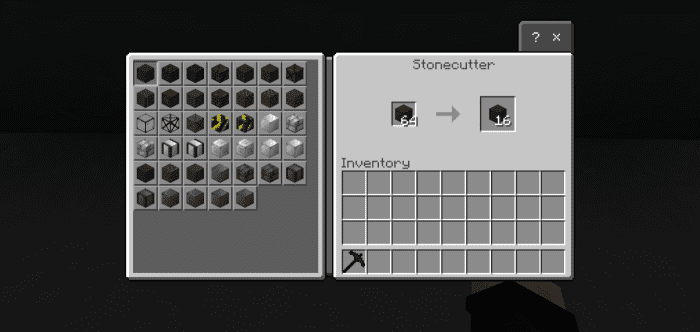
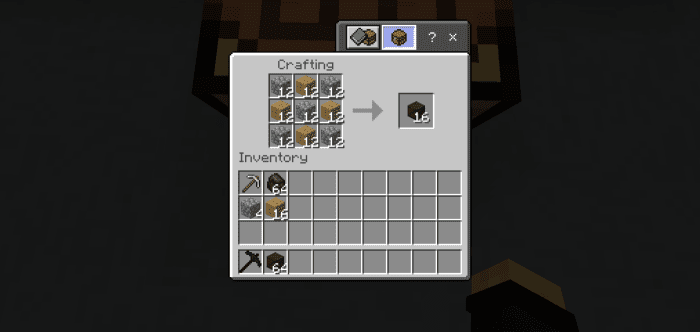
The main feature of this add-on is the ability to use over 30 new decorative blocks, which are sure to give you a memorable experience and the chance to bring your interesting ideas to life. With these new decorative blocks, you’ll be able to significantly enhance the appeal of your structures and give them a stronger thematic focus. So feel free to experiment and enjoy these new possibilities.
How to install a texture pack:
Step 1: Download the texture pack using the link below.
Step 2: Extract the downloaded archive and copy the Decorative Factory Blocks folder to games\com.mojang\resource_packs (if this folder does not exist, create it yourself)
Step 3: In the game, go to Settings; next to ‘Texture Packs’ there will be a ‘Manage’ button. Click on it. The copied texture pack will appear in the list on the left; click on it so that it becomes the first item in the list on the right.
Comments (0)