



Oasis for Minecraft Pocket Edition 1.19
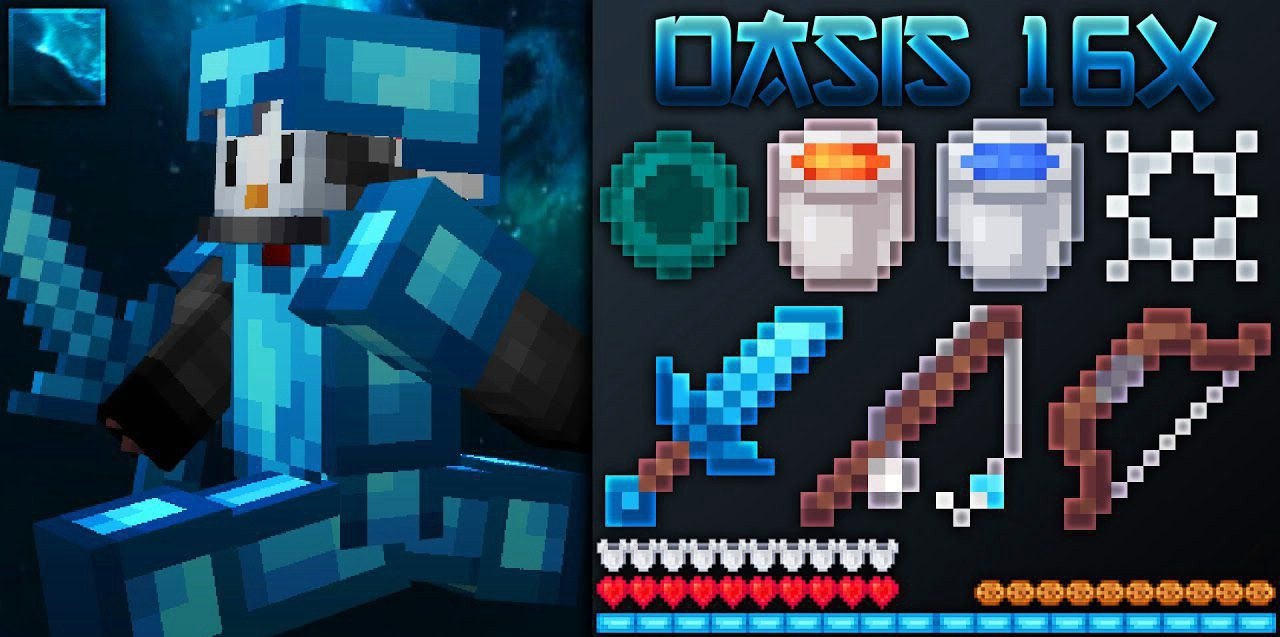 To radically change your surroundings, all you need to do is apply sweeping changes. For example, today we’d like to suggest trying the Oasis add-on for Minecraft, which offers a wide variety of changes.
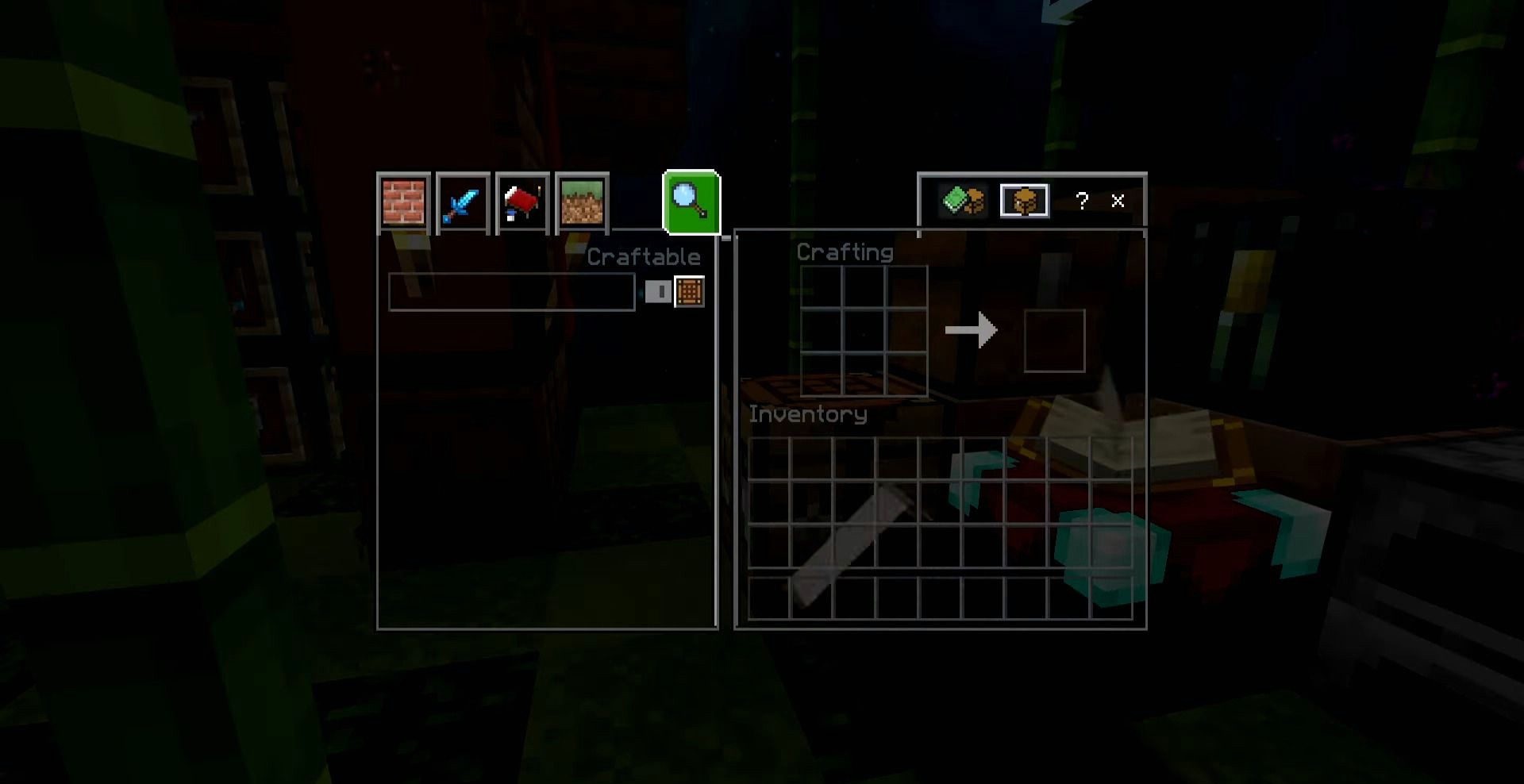
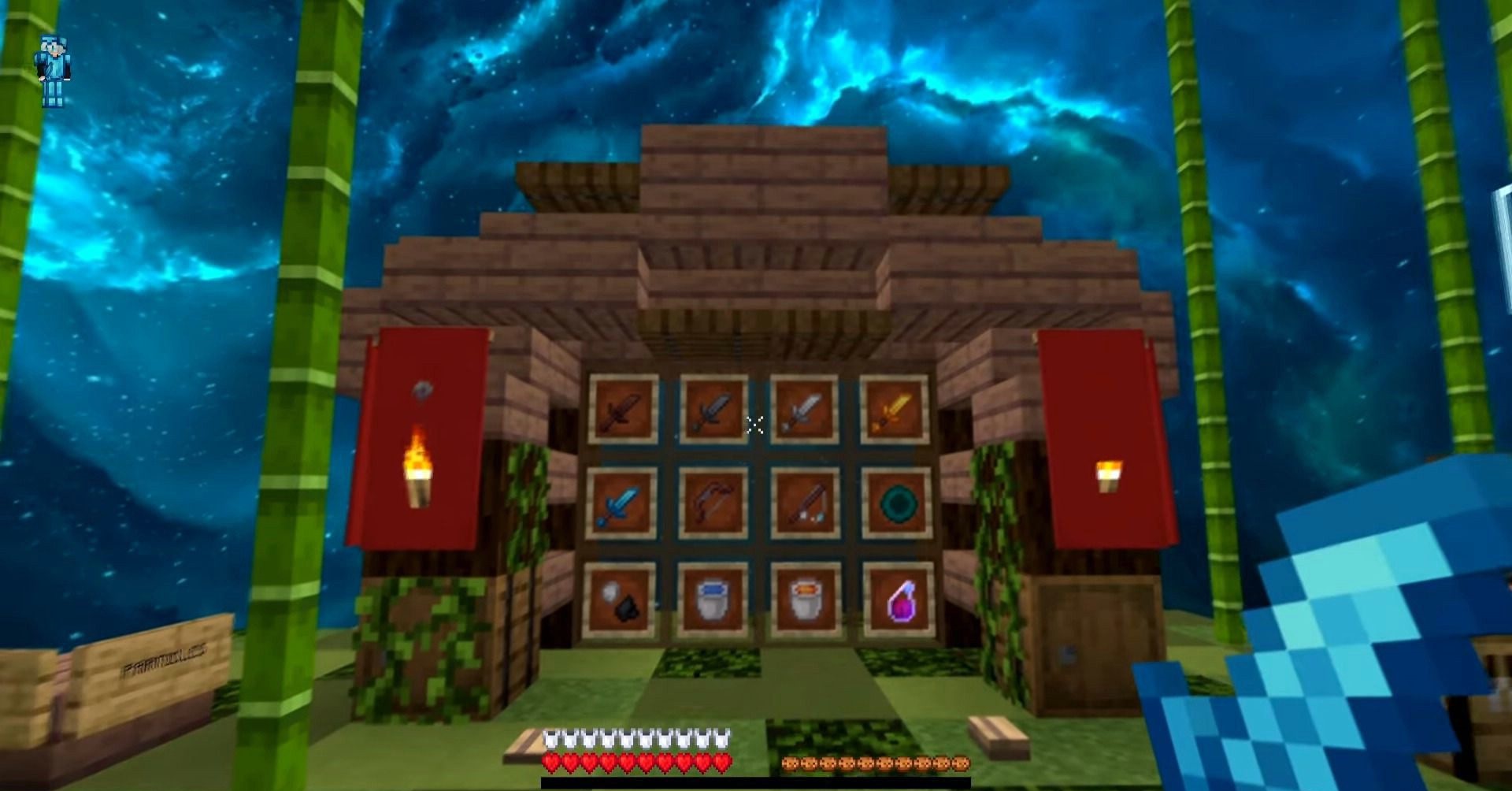
For example, the author has worked to change the environment, making it more appealing, and has improved the appearance of the sky. In addition, several changes have been made to the interface, ore and the classic crosshair. This approach is sure to delight you and allow you to explore the environment in detail, which you’re bound to enjoy. We wish you a great time and new experiences in the game!
How to install a texture pack:
Step 1: Download the texture pack using the link below.
Step 2: Extract the downloaded archive and copy the Oasis folder to games\com.mojang\resource_packs (if this folder does not exist, create it yourself)
Step 3: In the game, go to Settings; next to ‘Texture Packs’, you’ll see a ‘Manage’ button – click on it. The copied texture pack will appear in the list on the left; click on it so that it becomes the first item in the list on the right.
Comments (0)