



Patrix for Minecraft Pocket Edition 1.19
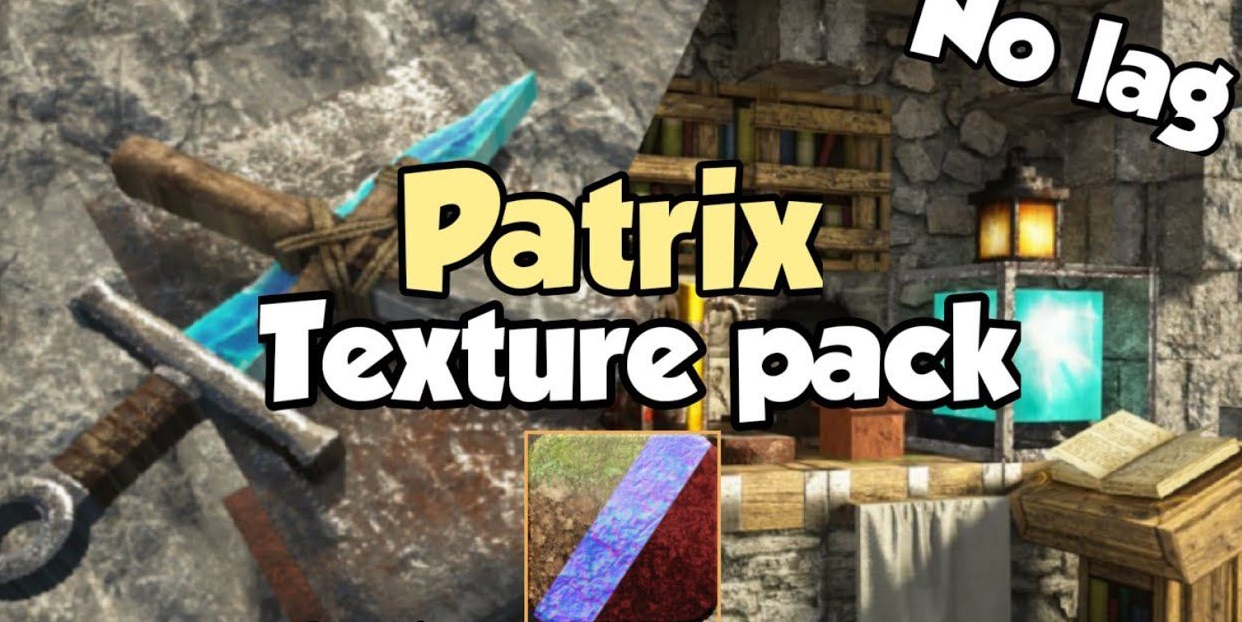 To have an enjoyable time and appreciate your surroundings, we recommend using the Patrix add-on for Minecraft. With these new changes, you’ll not only enjoy extremely high-quality, detailed blocks but also significantly enhance the overall atmosphere of your surroundings.
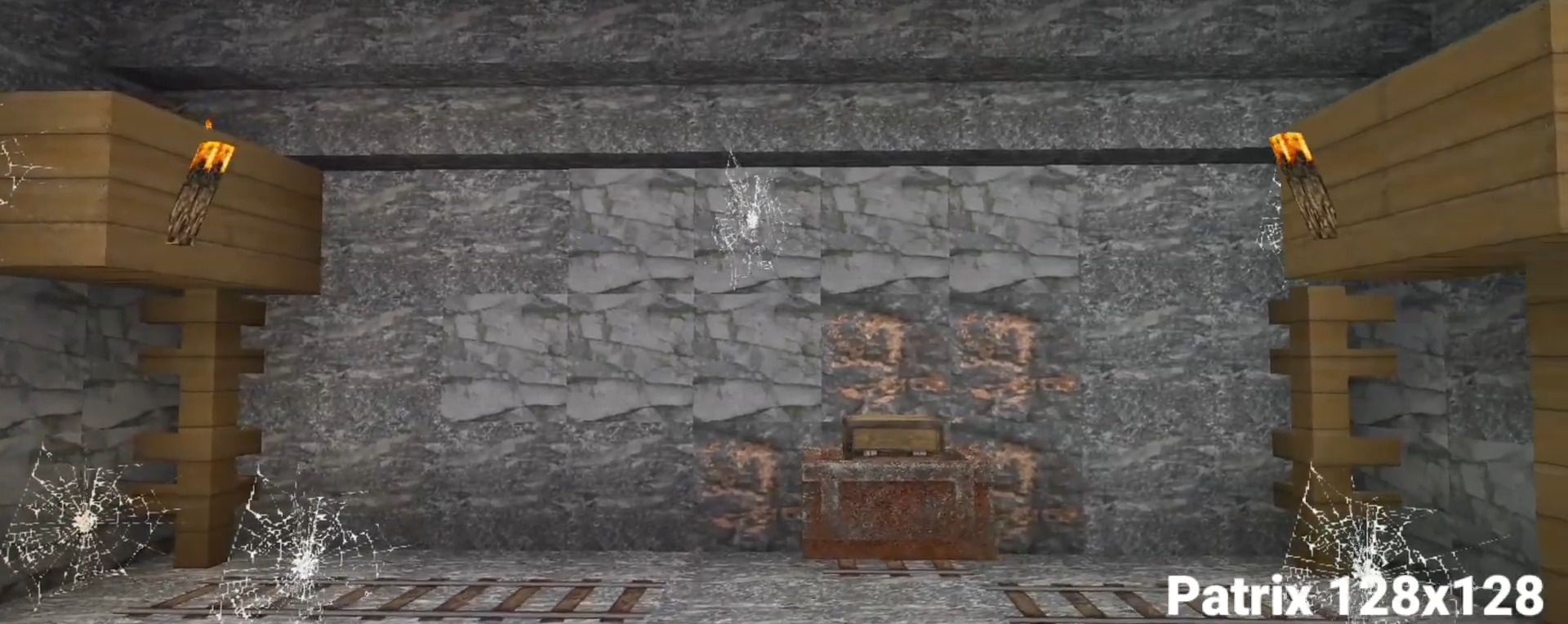
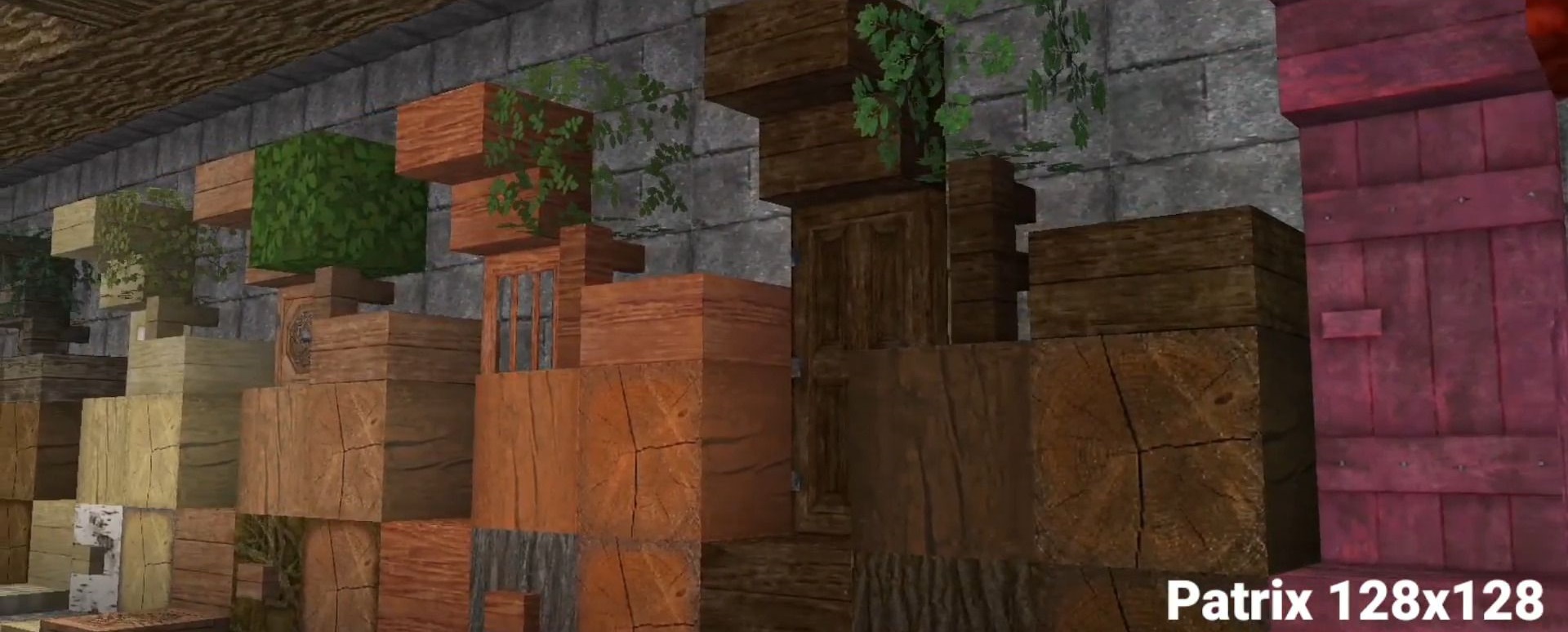
We recommend paying particular attention to the wood and stones, which will now be incredibly realistic without requiring much processing power. How the creator managed to achieve this remains a mystery. All that’s left for you to do is try out these new features for yourself and simply enjoy the game.
How to install a texture pack:
Step 1: Download the texture pack using the link below.
Step 2: Extract the downloaded archive and copy the Patrix folder to games\com.mojang\resource_packs (if this folder does not exist, create it yourself)
Step 3: In the game, go to Settings. Next to ‘Texture Packs’, there will be a ‘Manage’ button; click it. The copied texture pack will appear in the list on the left; click on it so that it moves to the top of the list on the right.
Comments (0)