



Stay True for Minecraft Pocket Edition 1.19
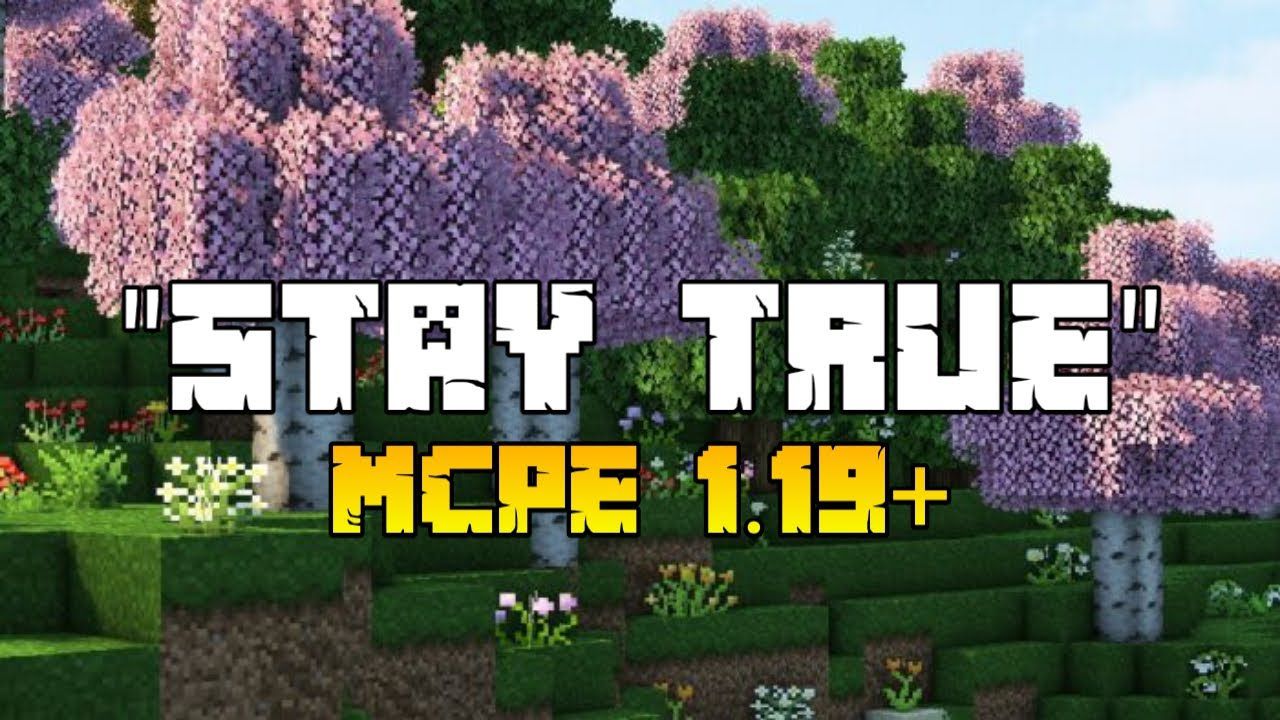 Stay True for Minecraft is an excellent enhancement that will let you immerse yourself in completely new adventures and enjoy a wealth of positive emotions. This time, you’ll have access to a set of textures that essentially serve as a remaster of all the standard textures.
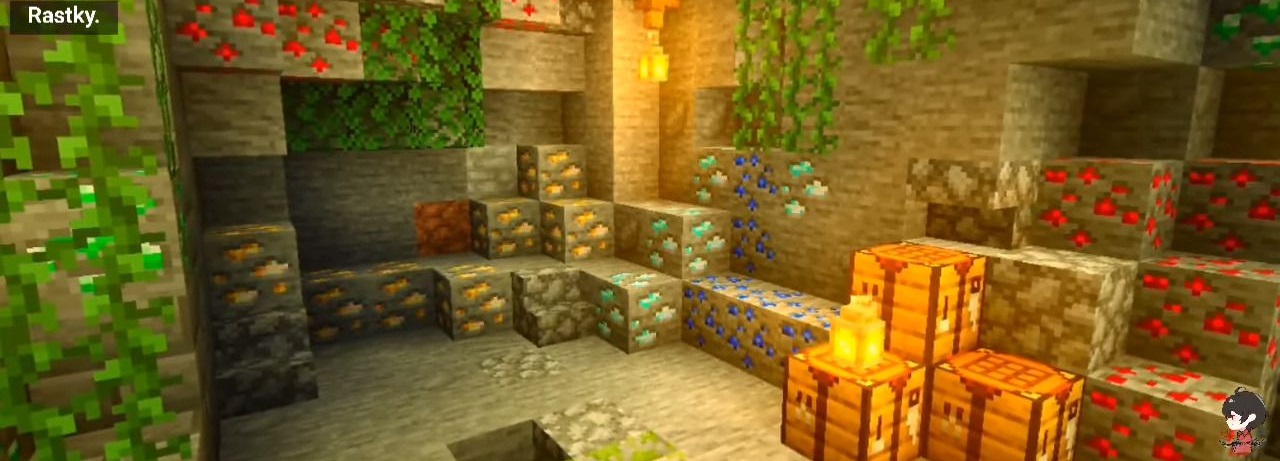
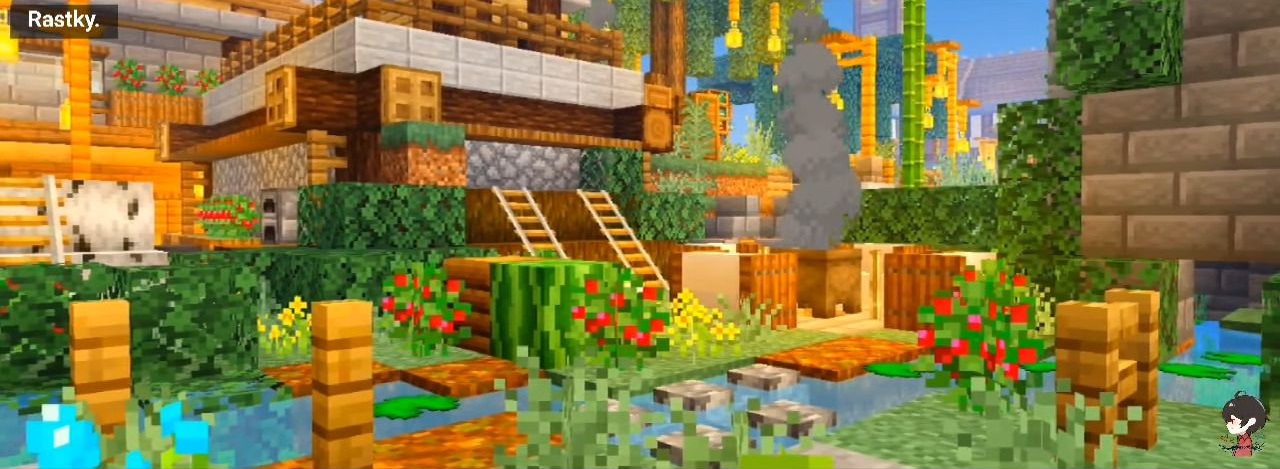
The author has tried to revamp and improve all existing textures. The colour palette and colour saturation deserve particular attention. Otherwise, the author has tried to preserve the original look while making minor adjustments to the details. The vanilla atmosphere will remain intact, but will feature interesting discoveries and nuances. We hope you have a great time, and wish you good luck on your adventure!
How to install the texture pack:
Step 1: Download the texture pack using the link below.
Step 2: Extract the downloaded archive and copy the Stay True folder to games\com.mojang\resource_packs (if this folder does not exist, create it yourself)
Step 3: In the game, go to Settings. Next to ‘Texture Packs’, you’ll see a ‘Manage’ button – click on it. The copied texture pack will appear in the left-hand list; click on it so that it becomes the first item in the right-hand list.
Comments (0)