



Cyber’s Hotbar Collection for Minecraft Pocket Edition 26.x
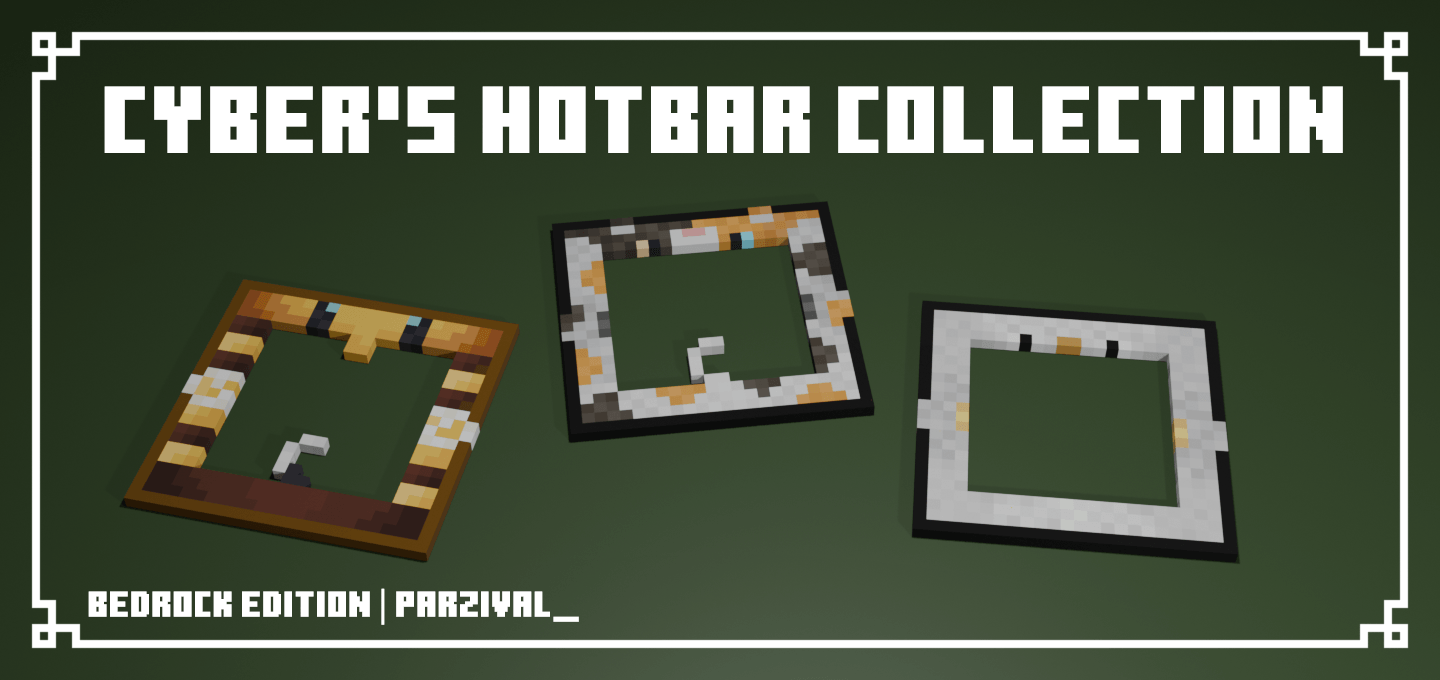
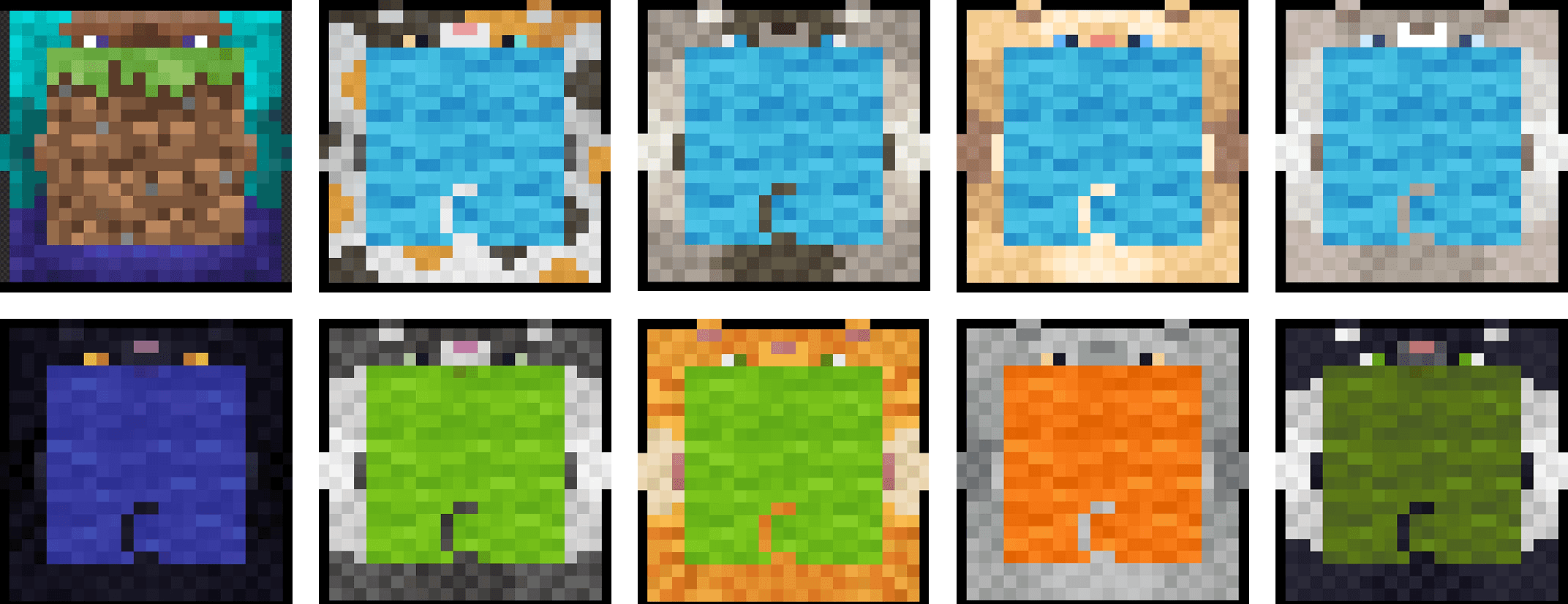
The hotbar is often overlooked, even though it’s always right in front of you. Cyber’s Hotbar Collection transforms this part of the interface by adding a range of different hotbar designs. The designs are inspired by monsters, so the bottom bar takes on a more distinctive character and no longer looks standard.
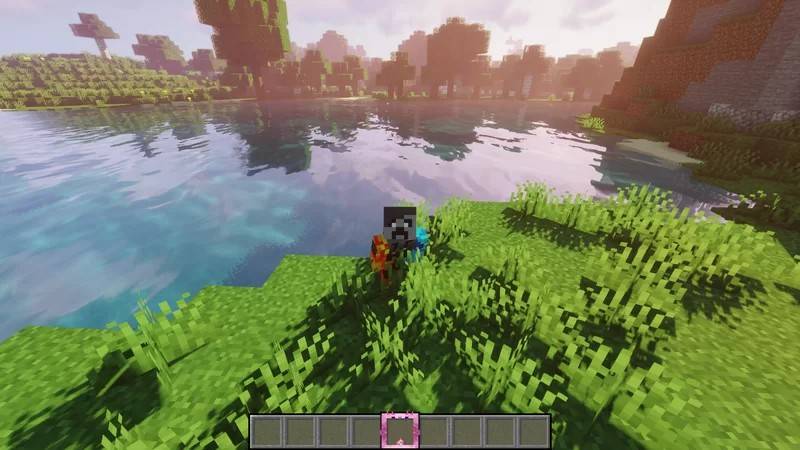
The changes are purely visual: the mechanics, controls, damage, speed and inventory all work as before. This approach is convenient because it allows you to update the screen’s appearance without altering the world, blocks or mobs. The pack makes the interface more prominent, gives it a themed style and helps bring the game’s visuals together into a more cohesive whole.
How to install a texture pack:
Step 1: Download the texture pack using the link below.
Step 2: Extract the downloaded archive and copy the Cyber’s Hotbar Collection folder to games\com.mojang\resource_packs (if this folder does not exist, create it yourself)
Step 3: In the game, go to Settings and tap the ‘Manage’ button next to ‘Texture Packs’. The copied texture pack will appear in the list on the left; tap it so that it moves to the top of the list on the right.
Comments (0)