



Dark Theme for Minecraft Pocket Edition 26.x
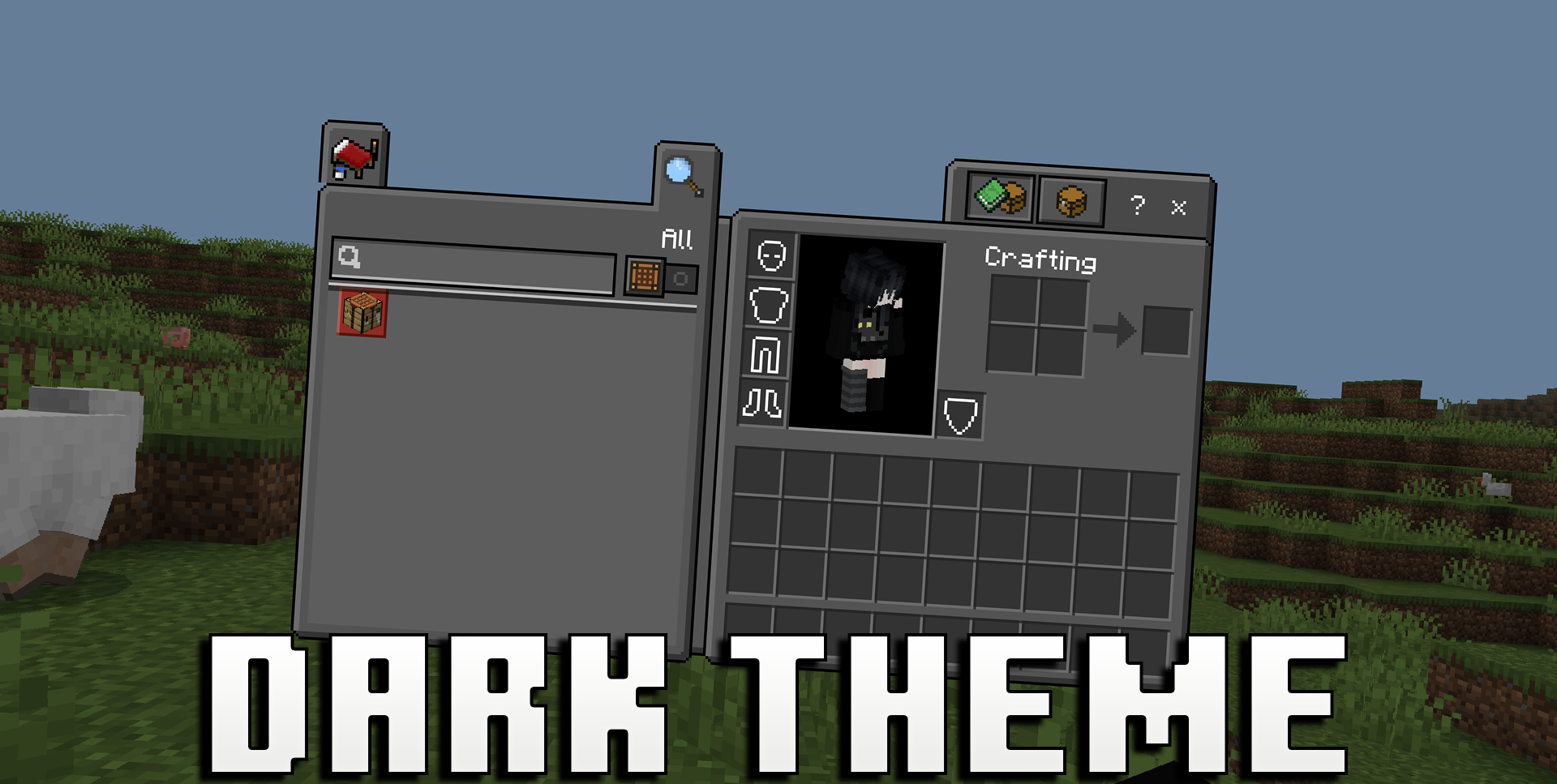
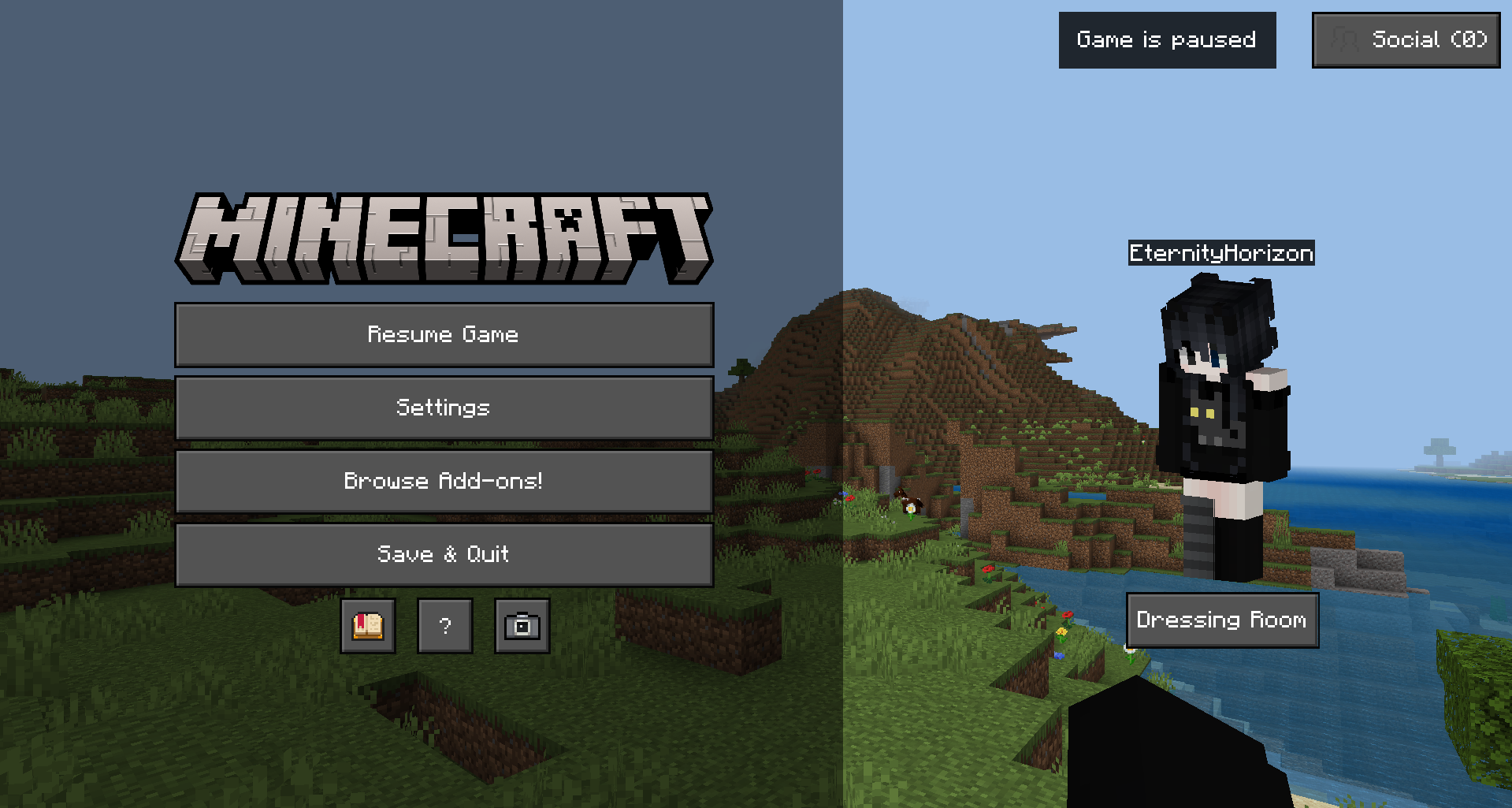
The dark interface theme is convenient for players who often log in to the game in the evening or simply don’t like overly bright menus. Dark Theme makes the screens calmer, higher in contrast, and more pleasing to the eye. The main menu gets a dark background and updated buttons, the settings look neater, and the inventory in Creative mode has a softer visual appearance.
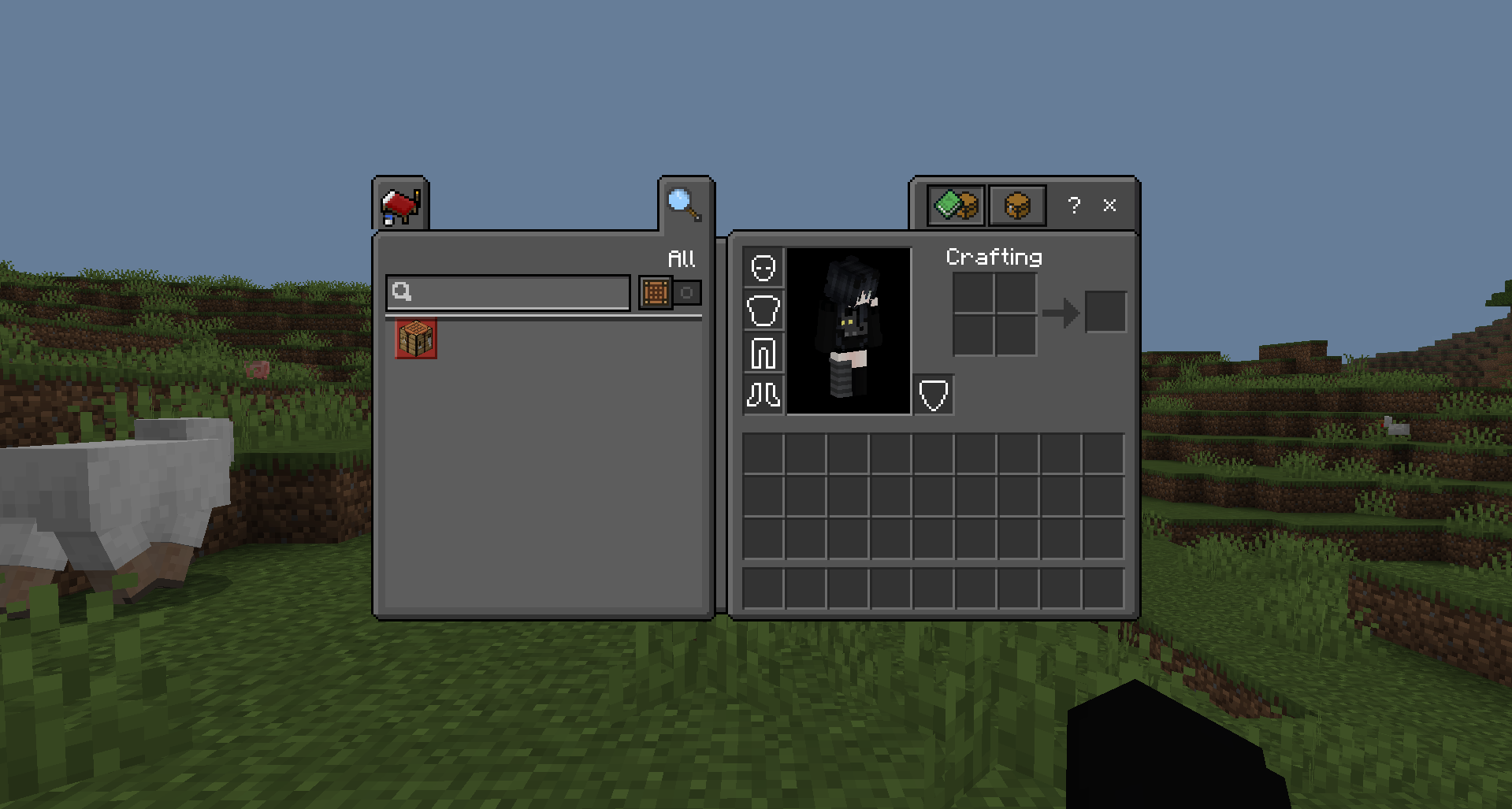
The chest screen with extra helper buttons is particularly worth mentioning: it’s really handy when sorting items. The pack doesn’t alter the game world itself, but it noticeably refreshes day-to-day interaction with the menus.
How to install the texture pack:
Step one: Download the texture pack using the link below.
Step two: Extract the downloaded archive and copy the Dark Theme folder to games\com.mojang\resource_packs (if this folder does not exist, create it yourself)
Step three: In the game, go to Settings; next to ‘Texture Packs’, you’ll see a ‘Manage’ button—click it. The copied texture pack will appear in the list on the left; click it so that it moves to the top of the list on the right.
Comments (0)