



Durability Viewer for Minecraft Pocket Edition 26.x
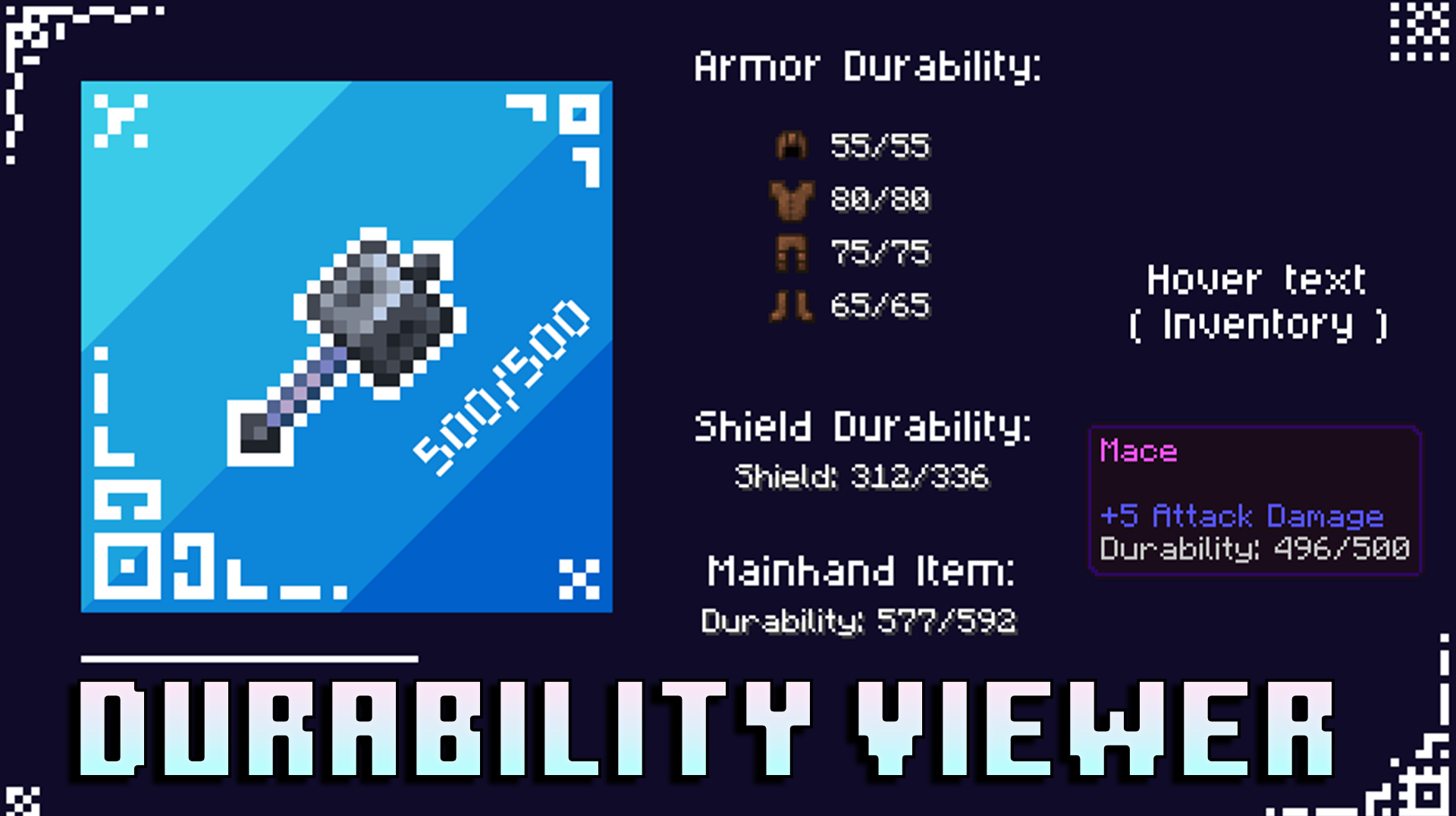
In survival, practicality is often more important than flashy effects, and Durability Viewer effectively solves one of the most common problems. The pack displays the condition of your tools directly on screen, helping you tell in advance when a sword, pickaxe or other item is close to breaking.
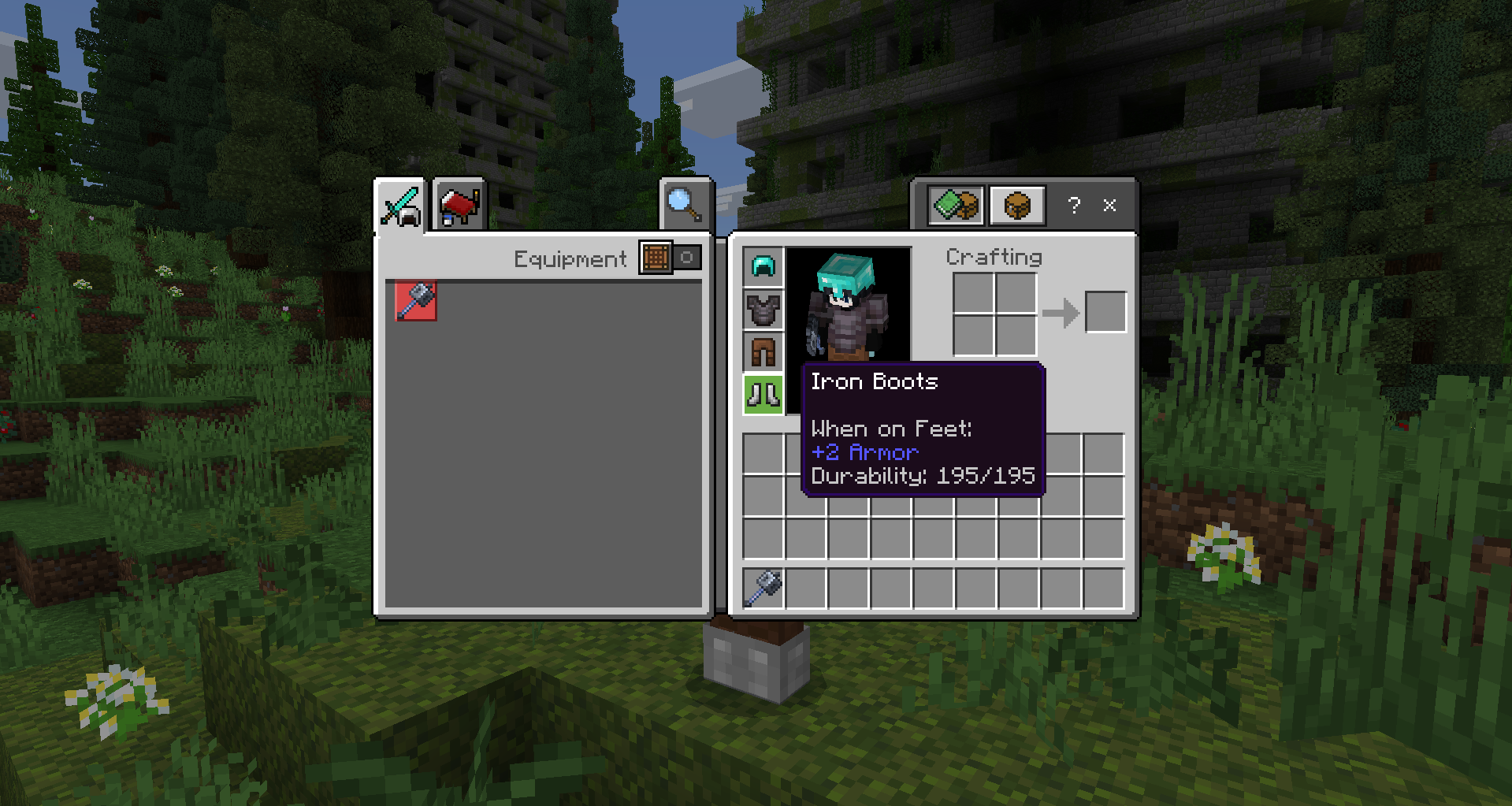
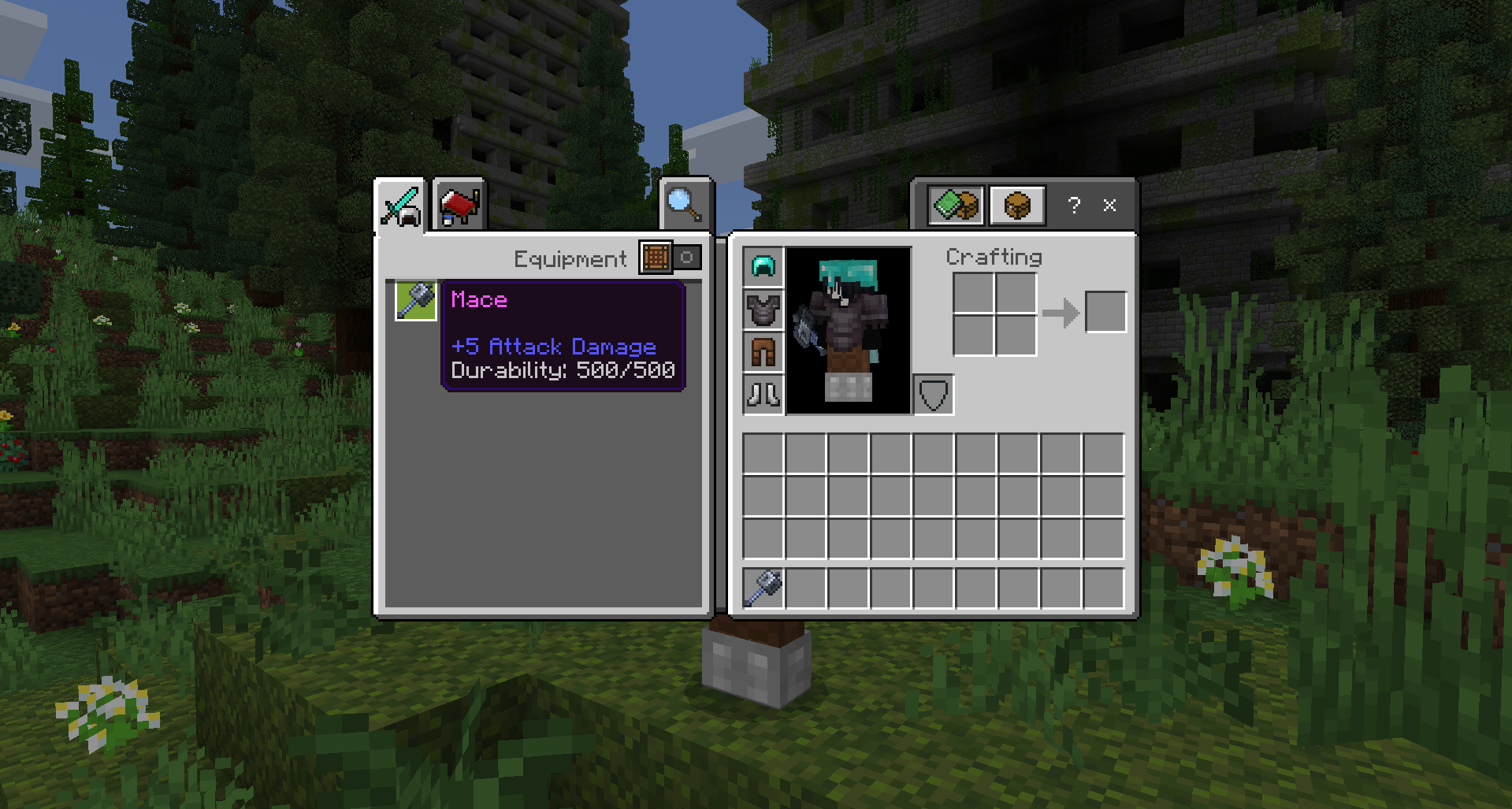
Values are displayed in the hotbar and inventory, and you can see the durability of items in chests by hovering over them. The flashing indicator is useful when durability drops below 20 per cent: it warns you in time that the tool needs to be replaced or repaired. With additional behaviour, you can also monitor armour and shields.
How to install a texture pack:
Step one: Download the texture pack from the link below.
Step two: Unzip the downloaded archive and copy the Durability Viewer folder to games\com.mojang\resource_packs (if this folder does not exist, create it yourself)
Step three: In the game, go to Settings; next to ‘Texture Packs’, you’ll see a ‘Manage’ button – click on it. The copied texture pack will appear in the list on the left; click on it so that it moves to the top of the list on the right.
Comments (0)