



Hyper Realistic Sky for Minecraft Pocket Edition 26.x
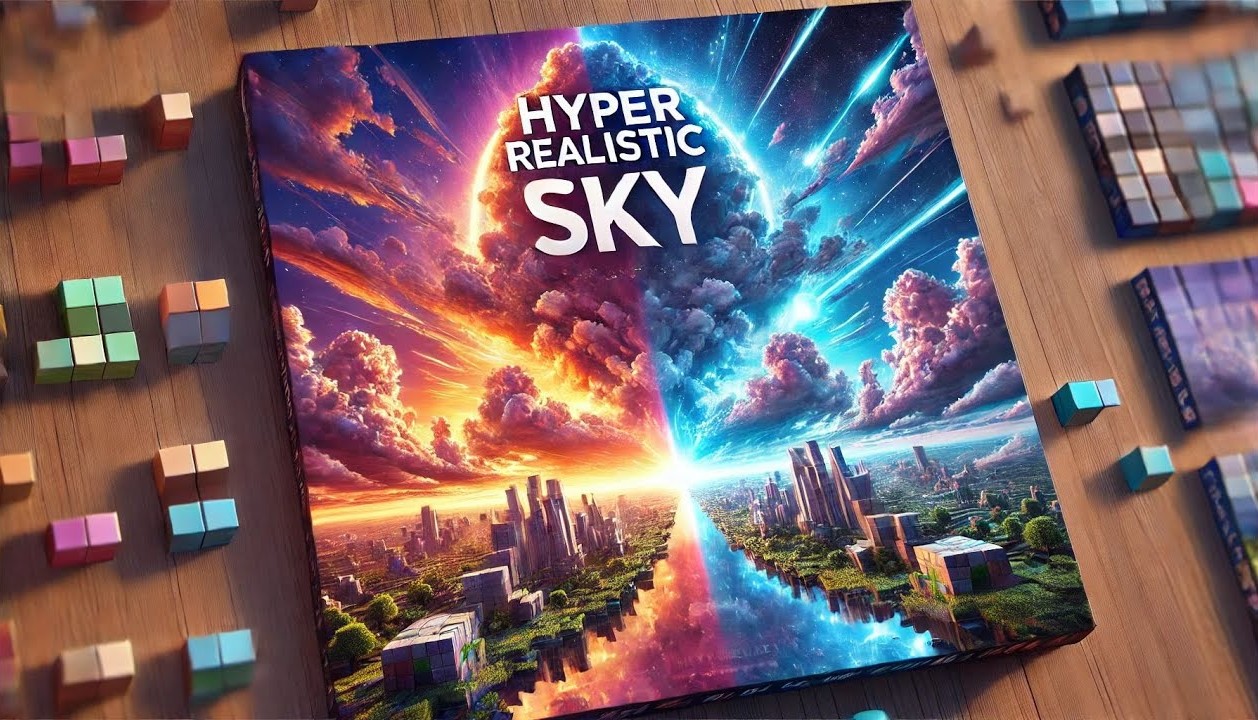
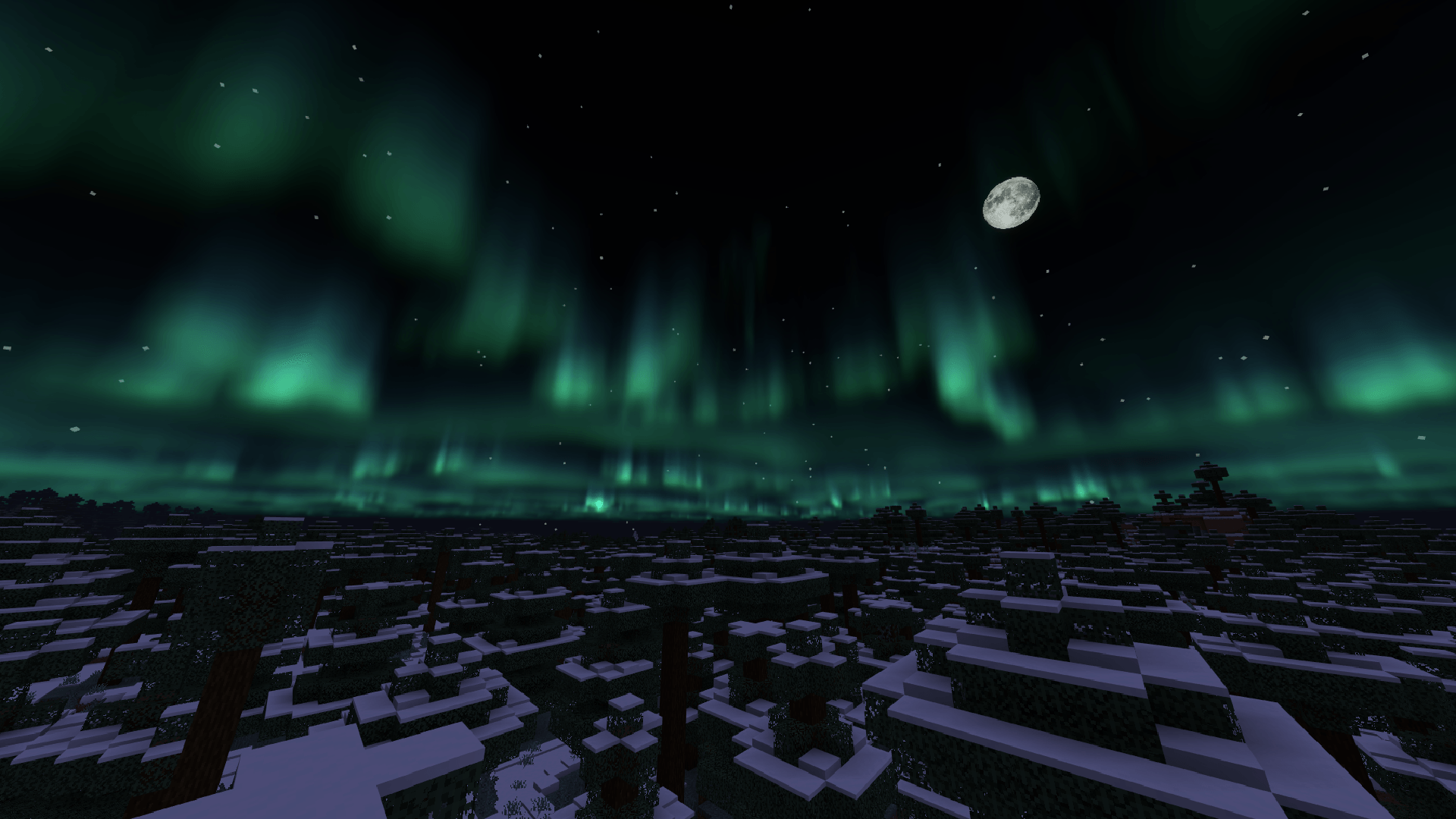
Hyper Realistic Sky replaces the standard sky with a set of detailed skyboxes. The pack includes 17 variants that you can switch between using subpacks: thick clouds, rainy scenes, sandstorms, the northern lights, tornadoes, rare cloud formations and other atmospheric views.
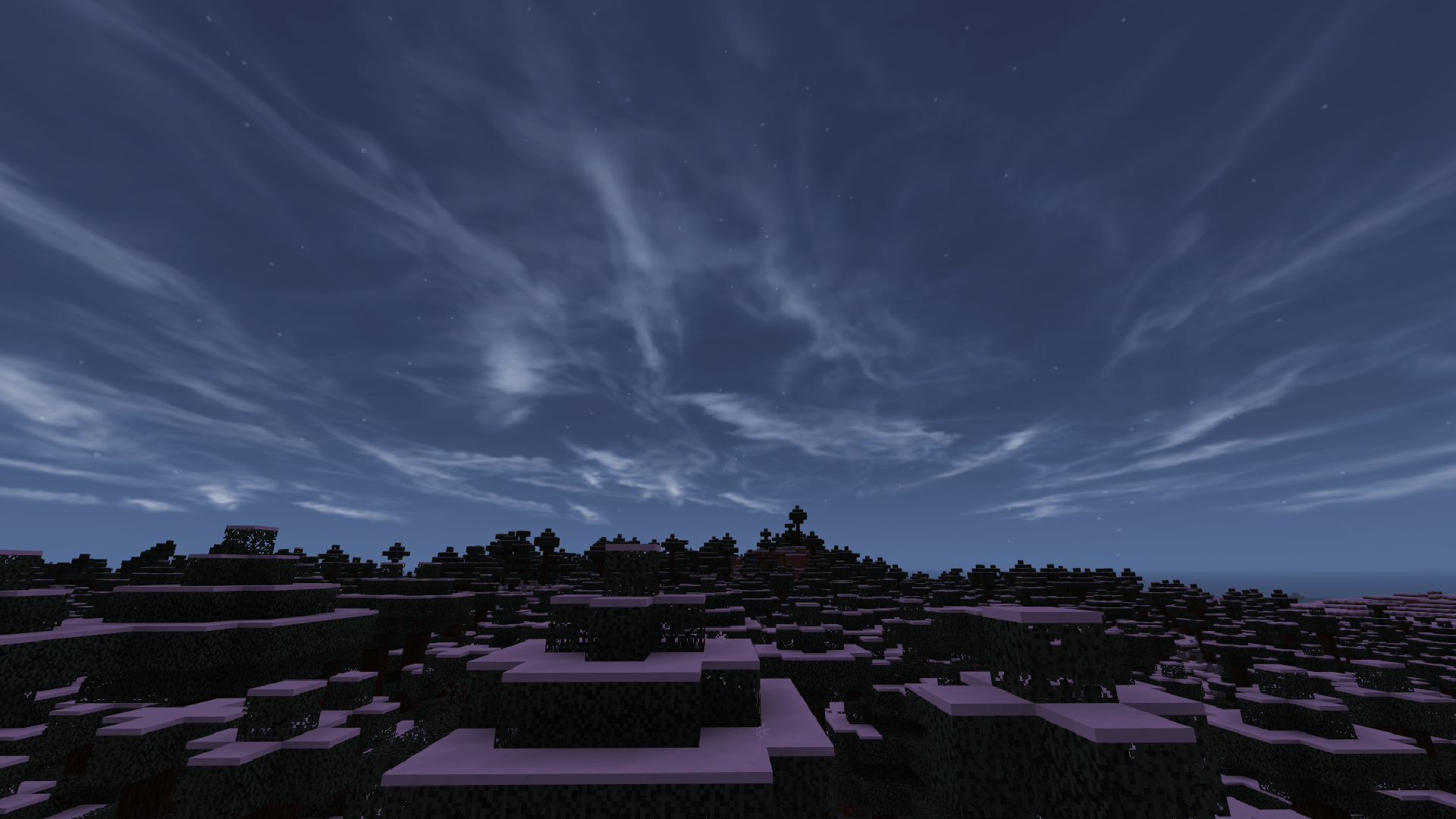
The main change is immediately apparent when you step out into open terrain: the horizon gains depth, and the time of day feels more cinematic. The sky ceases to be merely a backdrop and begins to function as part of the environment. A sandstorm changes the mood of the desert, the northern lights bring the night to life, and massive clouds add a sense of scale to the world. The pack was designed with Bedrock’s limitations in mind, so it uses the skybox format.
How to install the texture pack:
Step one: Download the texture pack using the link below.
Step two: Unzip the downloaded archive and copy the Hyper Realistic Sky folder to games\com.mojang\resource_packs (if this folder does not exist, create it yourself)
Step three: In the game, go to Settings and click the Manage button next to Texture Packs. The copied texture pack will appear in the list on the left; click on it so that it moves to the top of the list on the right.
Comments (0)