



Jeanmajids Better Water for Minecraft Pocket Edition 26.x
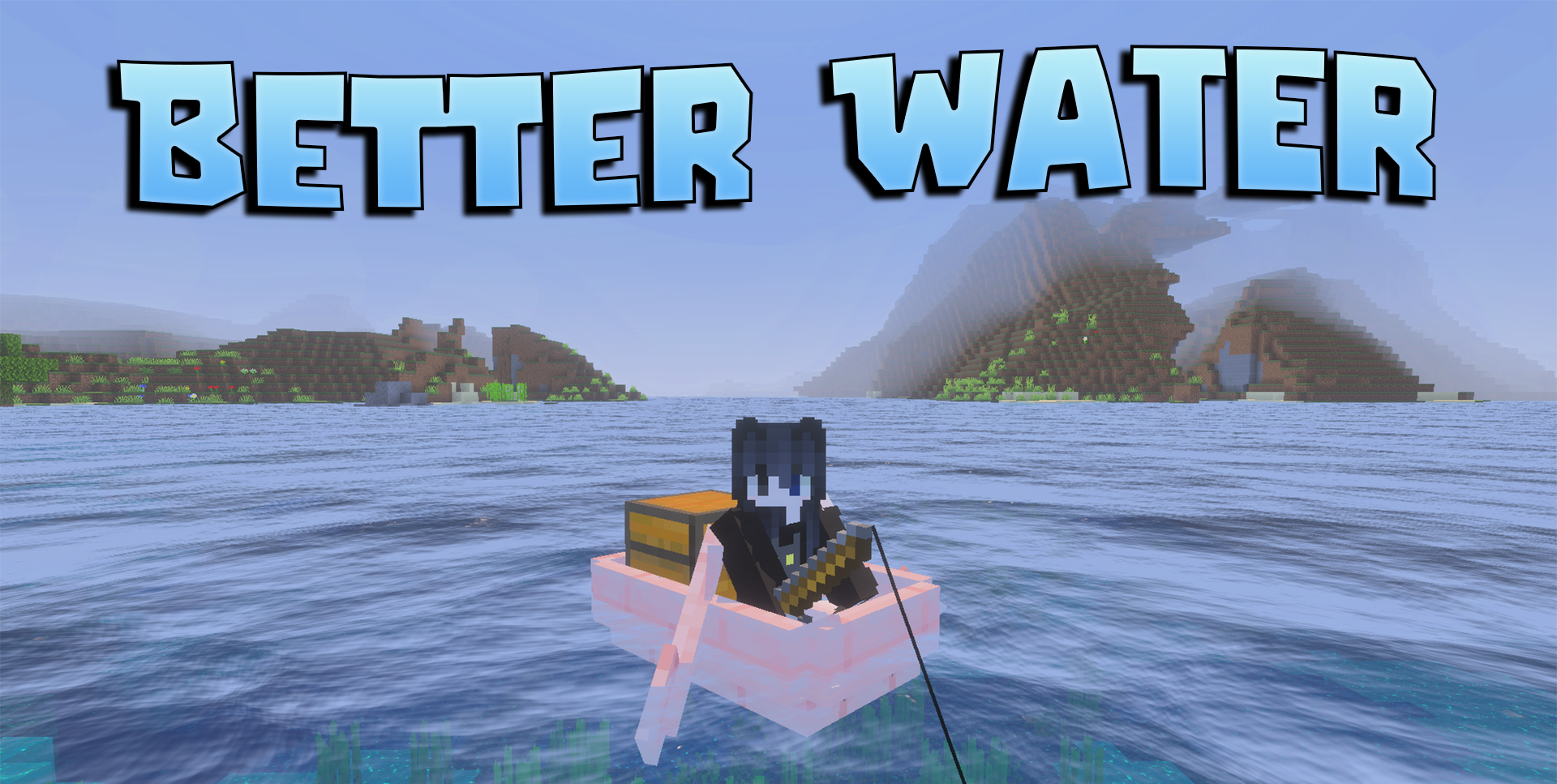
Water can seem rather plain when travelling across oceans, rivers and lakes. Jeanmajids Better Water addresses this and makes these bodies of water feel more alive. After installation, gentle waves appear on the surface, and reflections become brighter and more vivid.
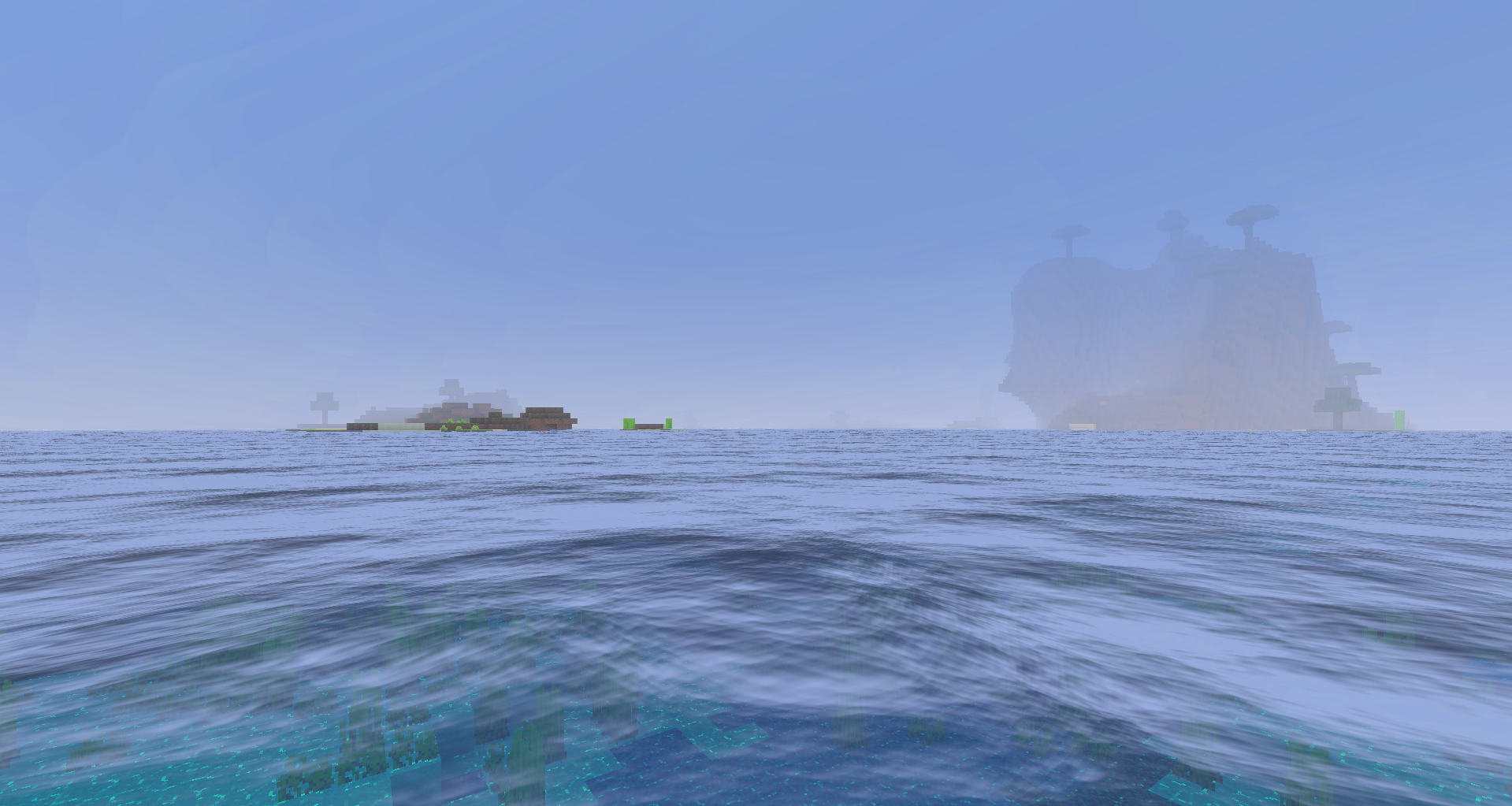
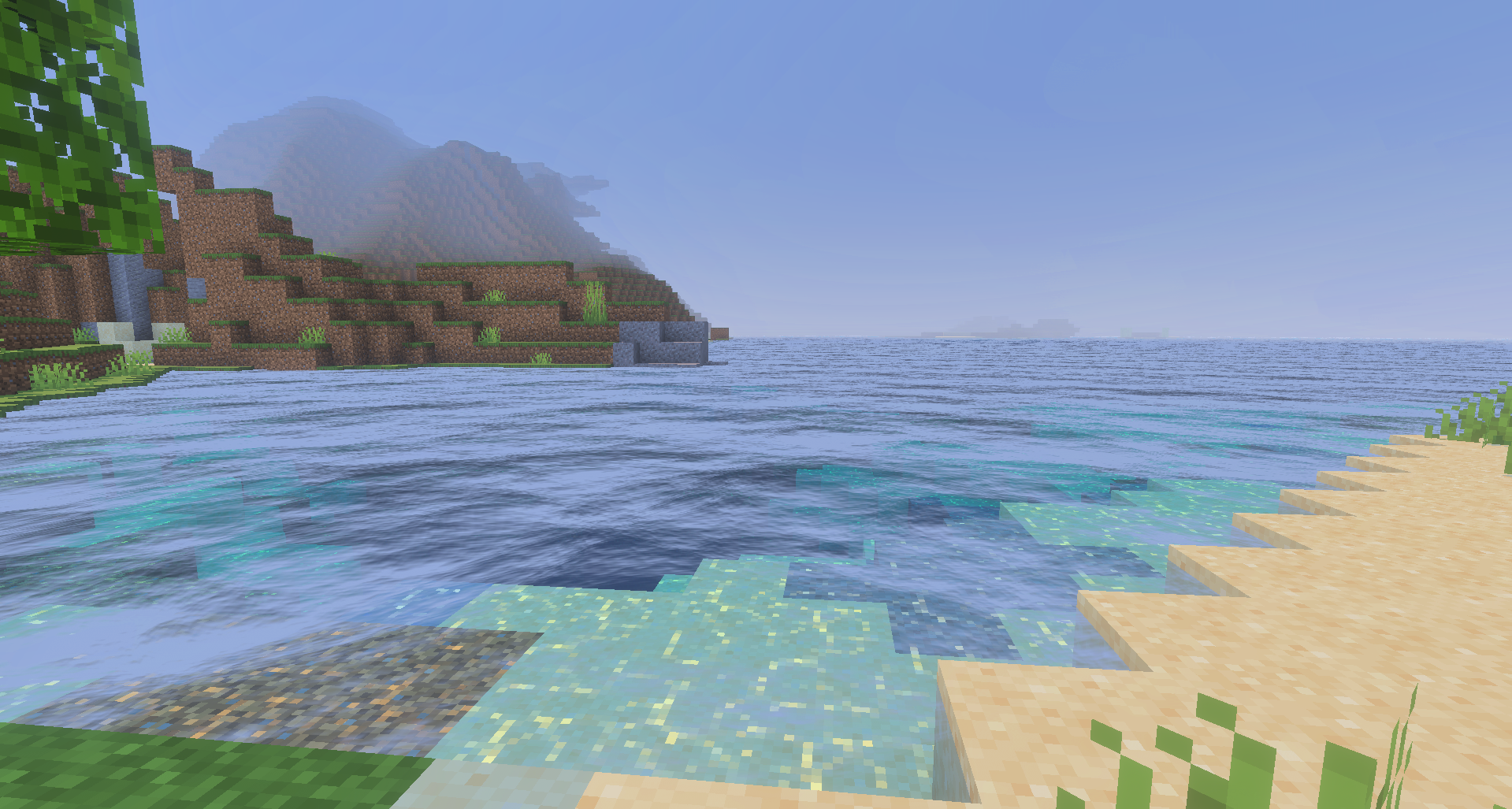
Even an ordinary river near your home starts to look more appealing, not to mention the vast oceans, which gain greater depth and atmosphere. For the pack to work properly, you need to enable Vibrant Visuals, but the result is immediately noticeable: the water no longer looks flat and becomes an integral part of the world’s overall style.
How to install the texture pack:
Step one: Download the texture pack using the link below.
Step two: Unzip the downloaded archive and copy the Jeanmajids Better Water folder to games\com.mojang\resource_packs (if this folder does not exist, create it yourself)
Step three: In the game, go to Settings and click the ‘Manage’ button next to ‘Texture Packs’. The copied texture pack will appear in the list on the left; click on it so that it moves to the top of the list on the right.
Comments (0)