



Jyls Visualizer for Minecraft Pocket Edition 26.x
When the standard colour palette seems dull, you can add Jyls Visualizer to the game. The pack enhances the colours of the world, making the grass, sky, water, blocks and decorative elements more vibrant. It doesn’t rebuild Minecraft from scratch, but works specifically on how the visuals are perceived: scenes become brighter, more contrast-rich and visually richer.
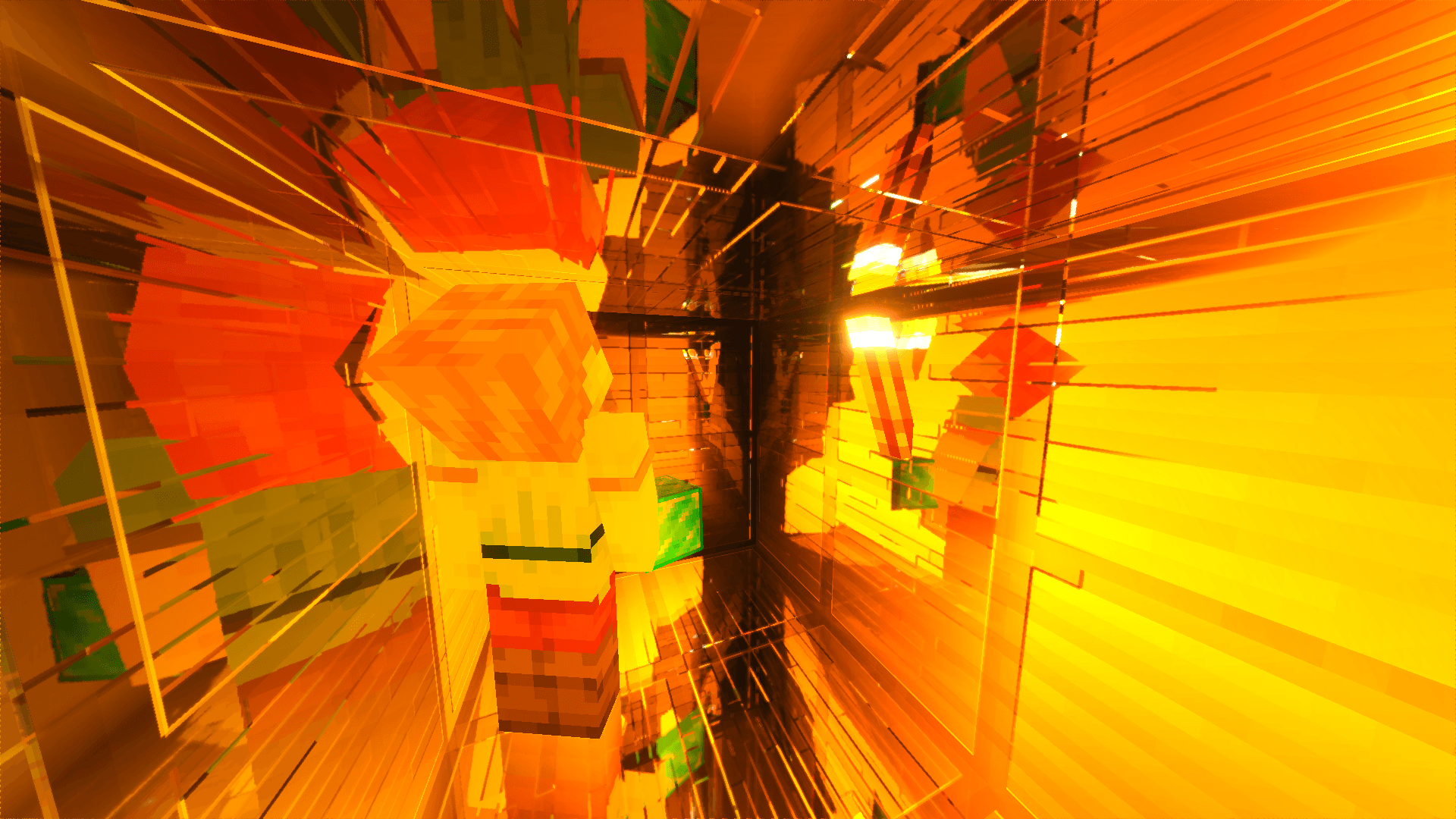
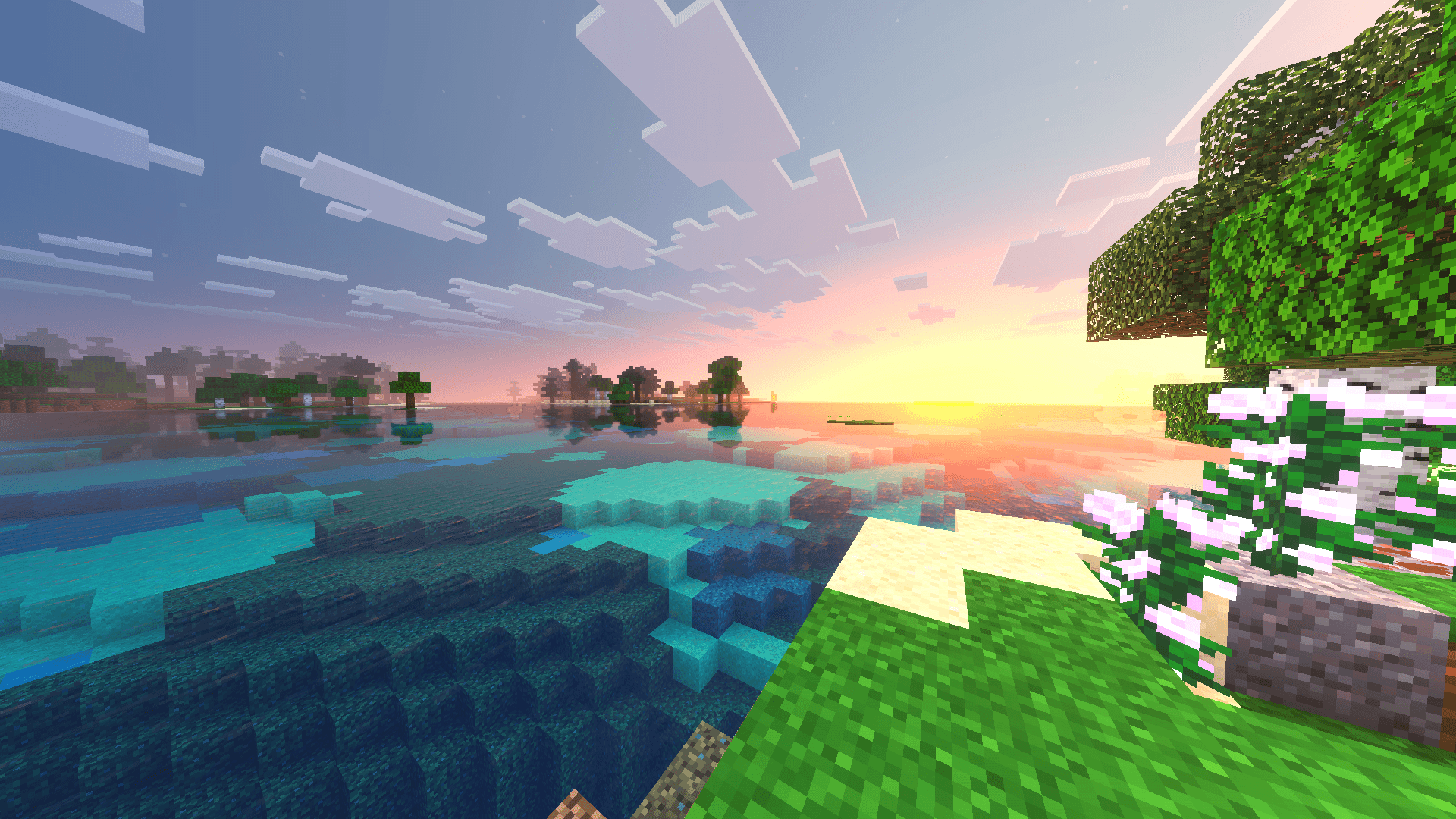
This effect is particularly evident in biomes with an abundance of flowers, greenery, water and light-coloured buildings. The pack can also be combined with other richly coloured textures, enhancing their visual impact. As a result, the familiar world gains more expressive lighting and colour, without completely straying from the cubic style.
How to install a texture pack:
Step one: Download the texture pack using the link below.
Step two: Unzip the downloaded archive and copy the Jyls Visualizer folder to games\com.mojang\resource_packs (if this folder does not exist, create it yourself)
Step three: In the game, go to Settings; next to ‘Texture Packs’ you’ll see a ‘Manage’ button – tap it. The copied texture pack will appear in the list on the left; tap it so that it moves to the top of the list on the right.
Comments (0)