



La Nature for Minecraft Pocket Edition 26.x
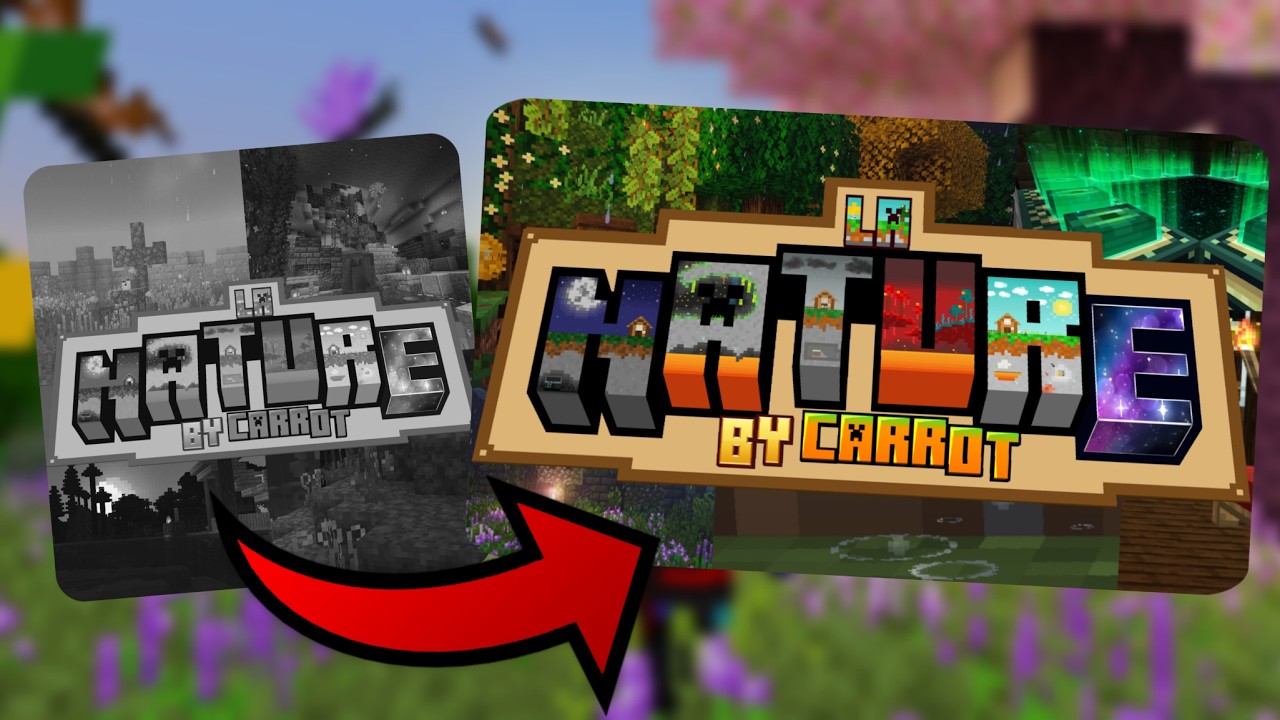
Rain, mist, insect sounds and small natural details noticeably change the mood of the world, and La Nature is built around these elements. Rather than simply changing textures, the pack adds atmosphere through the environment: raindrops create splashes, natural sounds are introduced, and the vegetation becomes more varied.

Flowers, lotus leaves, saplings and 3D lanterns make locations feel more alive. Fog adds depth to the landscapes, while the soundscape helps you feel more immersed in forests, swamps and wet biomes. The visual changes don’t feel jarring because they’re made up of many small details. The world feels richer without feeling cluttered.

How to install a texture pack:
Step one: Download the texture pack using the link below.
Step two: Unzip the downloaded archive and copy the La Nature folder to games\com.mojang\resource_packs (if this folder does not exist, create it yourself)
Step three: In the game, go to Settings and click the Manage button next to Texture Packs. The copied texture pack will appear in the list on the left; click on it so that it moves to the top of the list on the right.
Comments (0)