



Luvid Visual Refined for Minecraft Pocket Edition 26.x
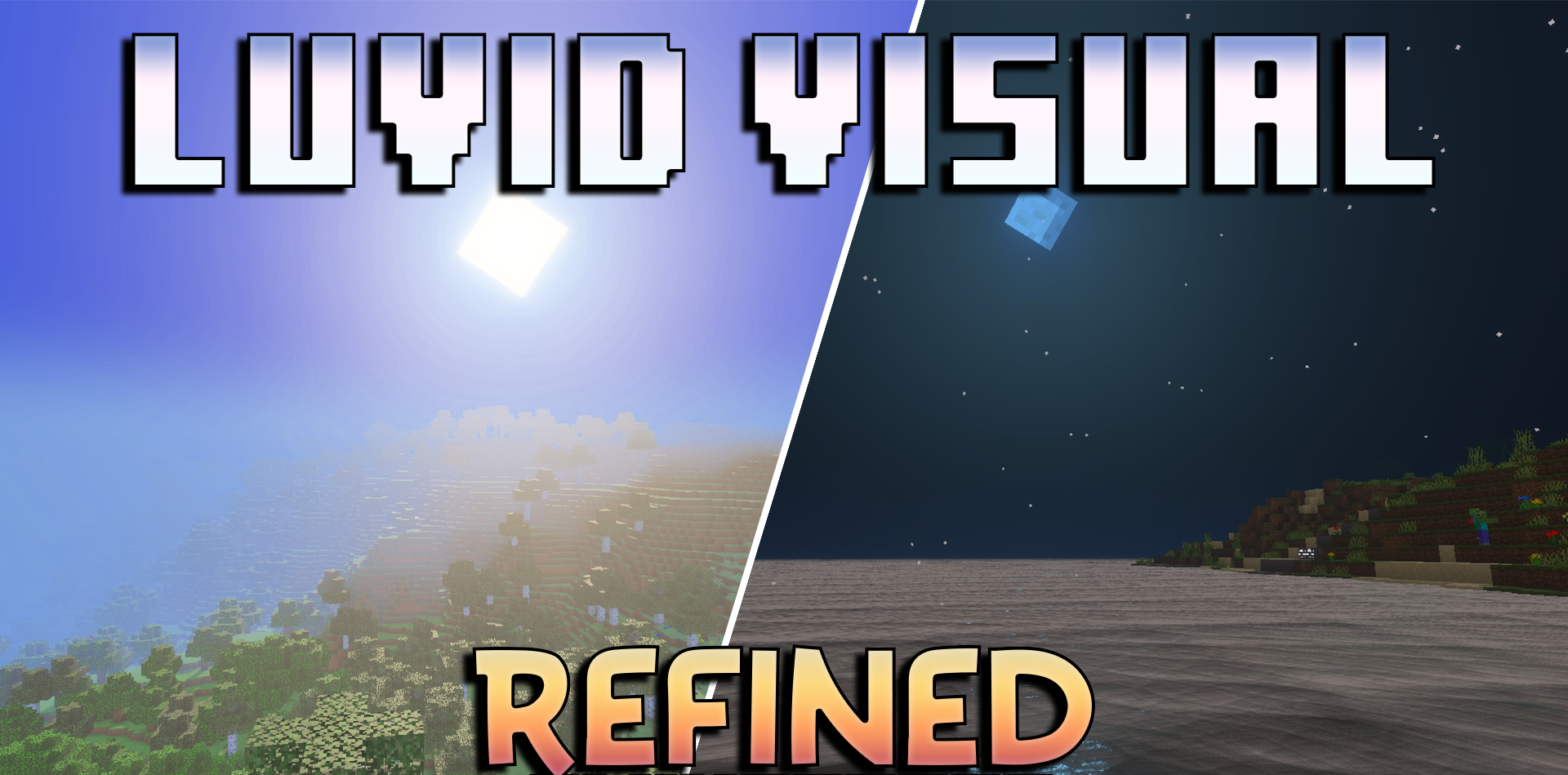
This pack is ideal for those who want to make Minecraft: Bedrock Edition softer, warmer and more pleasing to the eye, without changing the game’s familiar style beyond recognition. Luvid Visual Refined adds rich, golden lighting to the world, making sunrises, sunsets and night-time scenes look more atmospheric.
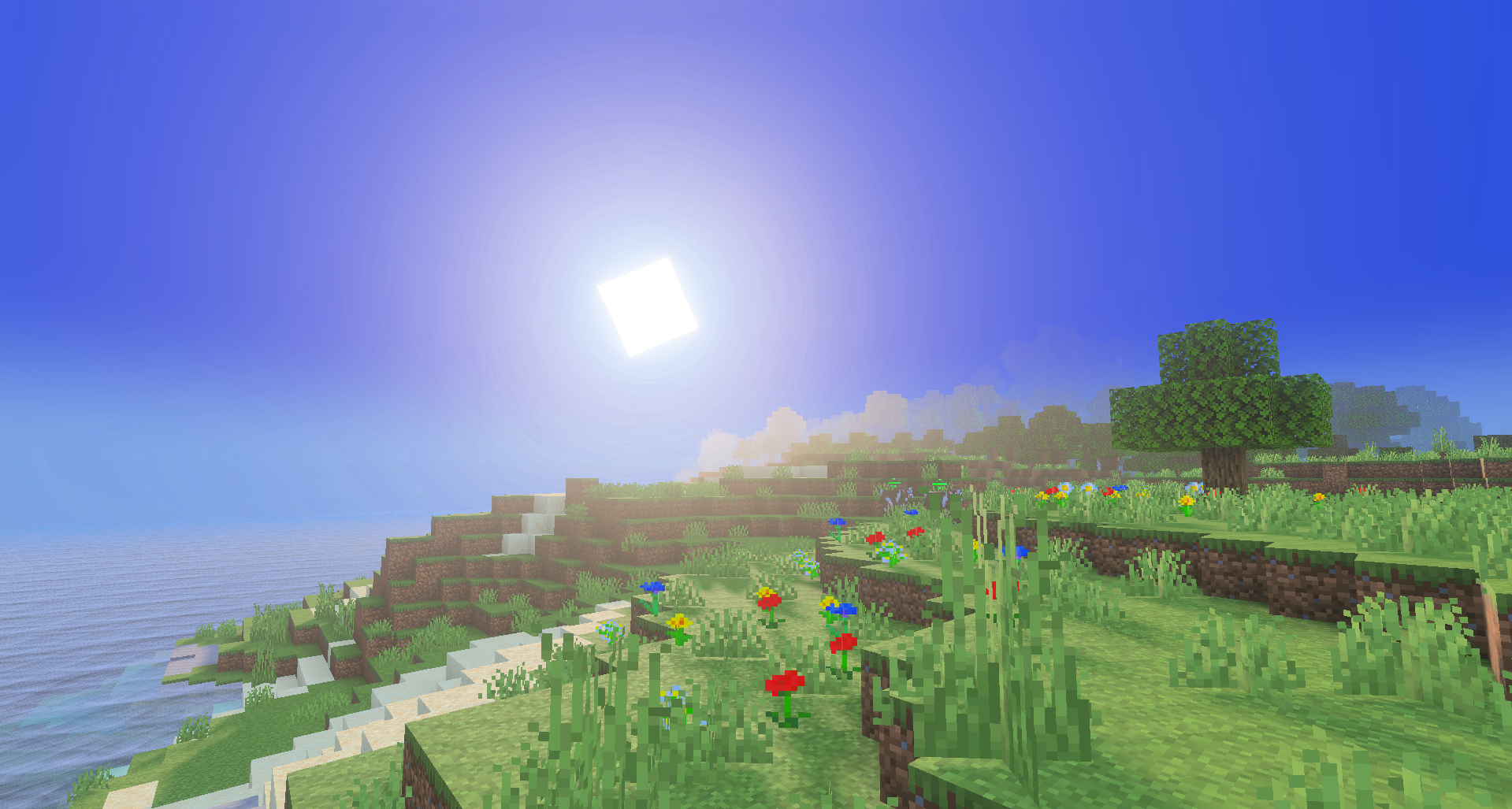
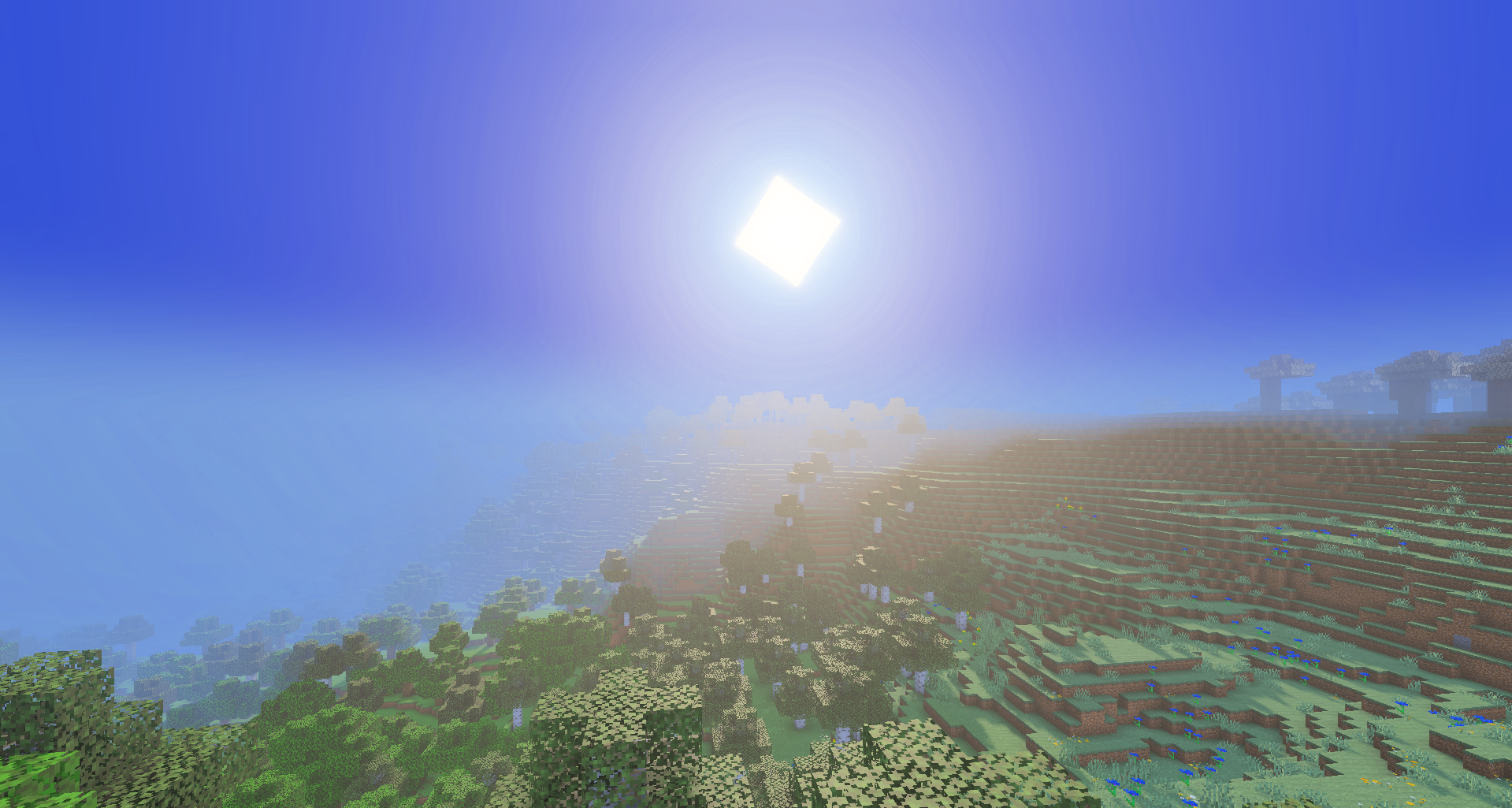
The updated sunbeams, moonlight and fog are particularly noticeable, with the fog adding more depth to the landscapes. The water becomes clearer, the waves look smoother, and the colours of the blocks are more balanced. Buildings, forests, mountains and caves look neater and more lifelike.
How to install a texture pack:
Step 1: Download the texture pack using the link below.
Step 2: Extract the downloaded archive and copy the ‘Luvid Visual Refined’ folder to games\com.mojang\resource_packs (if this folder does not exist, create it yourself)
Step 3: In the game, go to Settings and click the ‘Manage’ button next to ‘Texture Packs’. The copied texture pack will appear in the list on the left; click on it so that it moves to the top of the list on the right.
Comments (0)