



Outlined and Glowing Ores for Minecraft Pocket Edition 26.x
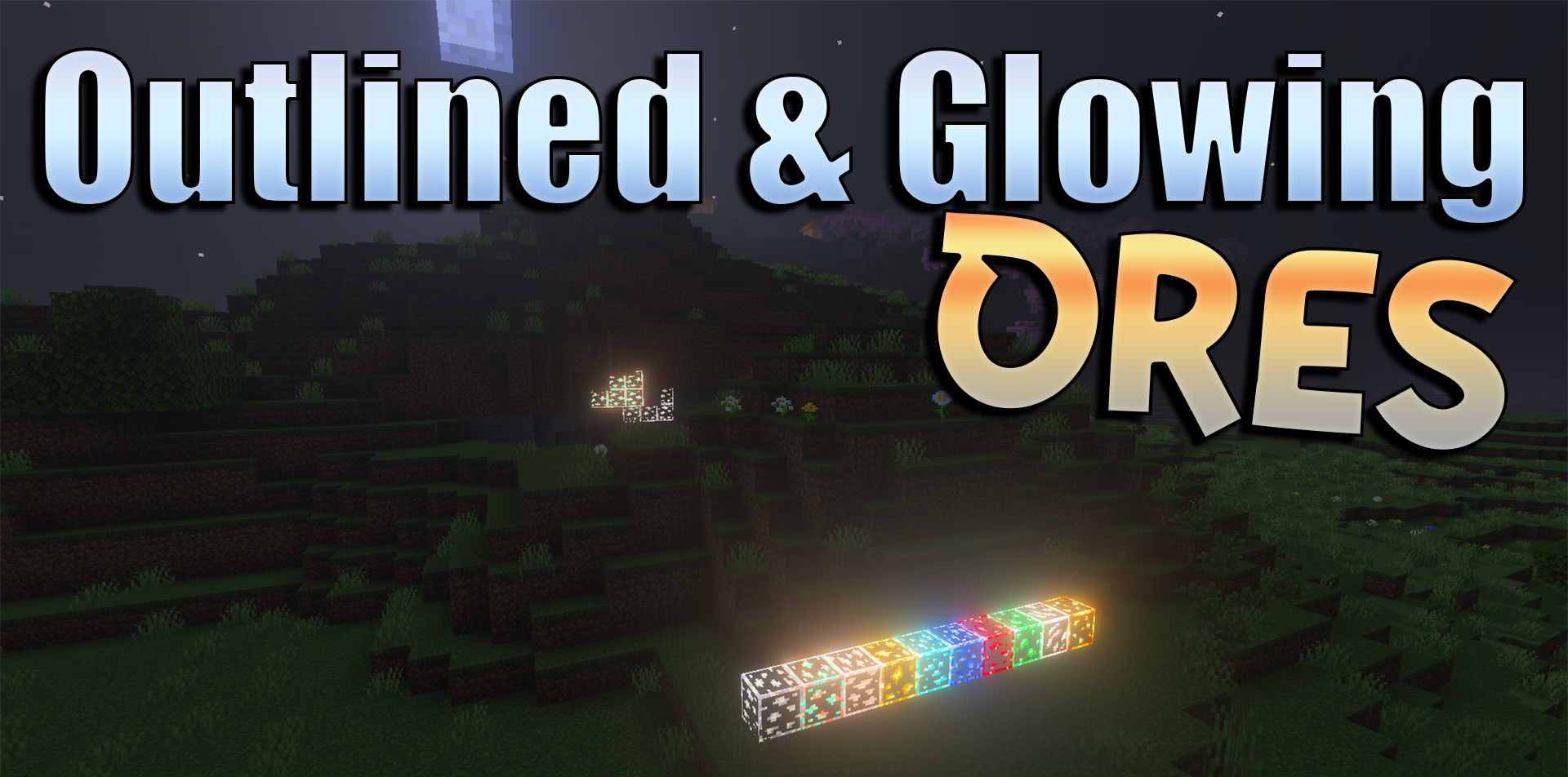
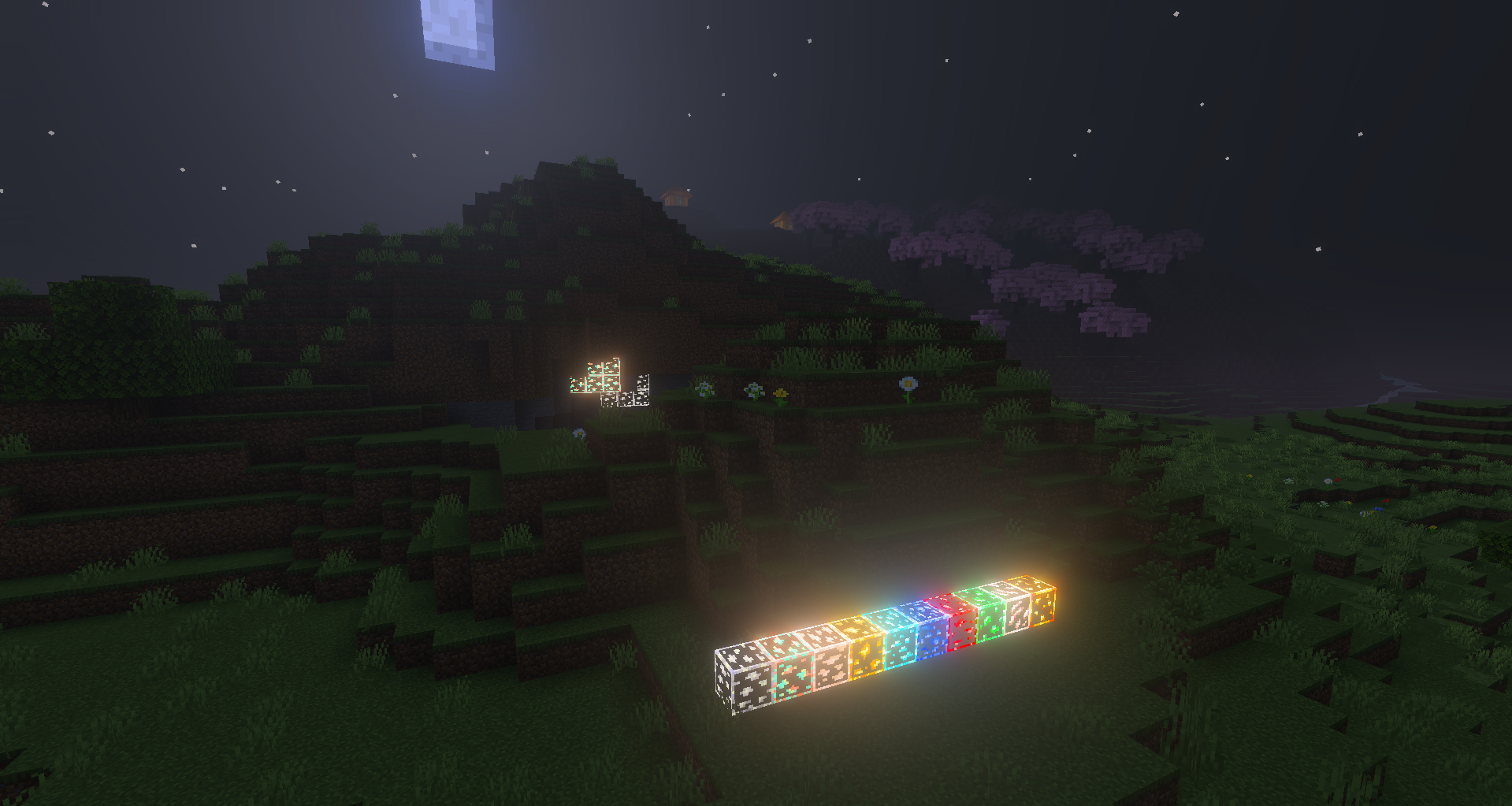
Exploring caves becomes much easier when valuable blocks don’t blend into the darkness. Outlined and Glowing Ores adds bright outlines and a glowing effect to ores, making diamonds, gold, iron and other resources easier to spot, even in dimly lit areas.
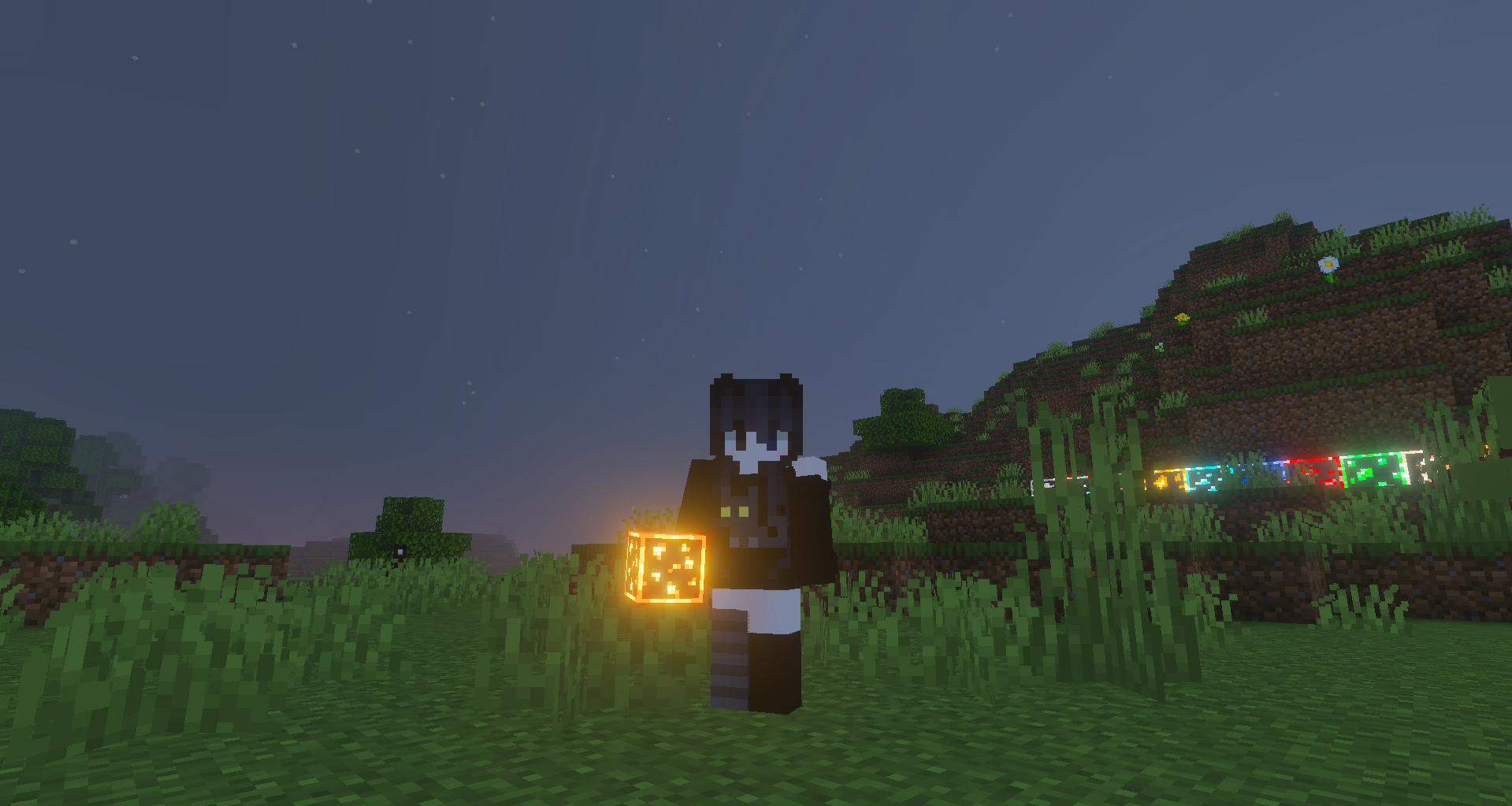
This is useful during long mining expeditions, when you need to quickly scan cave walls and avoid missing important materials. The pack works not only with standard ores but also with Nether resources, so it remains useful at various stages of survival. It does not mine resources for the player, but it speeds up the search and reduces the chance of walking past a block you need.
How to install the texture pack:
Step one: Download the texture pack using the link below.
Step two: Unzip the downloaded archive and copy the Outlined and Glowing Ores folder to games\com.mojang\resource_packs (if this folder does not exist, create it yourself)
Step three: In the game, go to Settings and click the ‘Manage’ button next to ‘Texture Packs’. The copied texture pack will appear in the list on the left; click on it so that it moves to the top of the list on the right.
Comments (0)