



Outlined Grass for Minecraft Pocket Edition 26.x
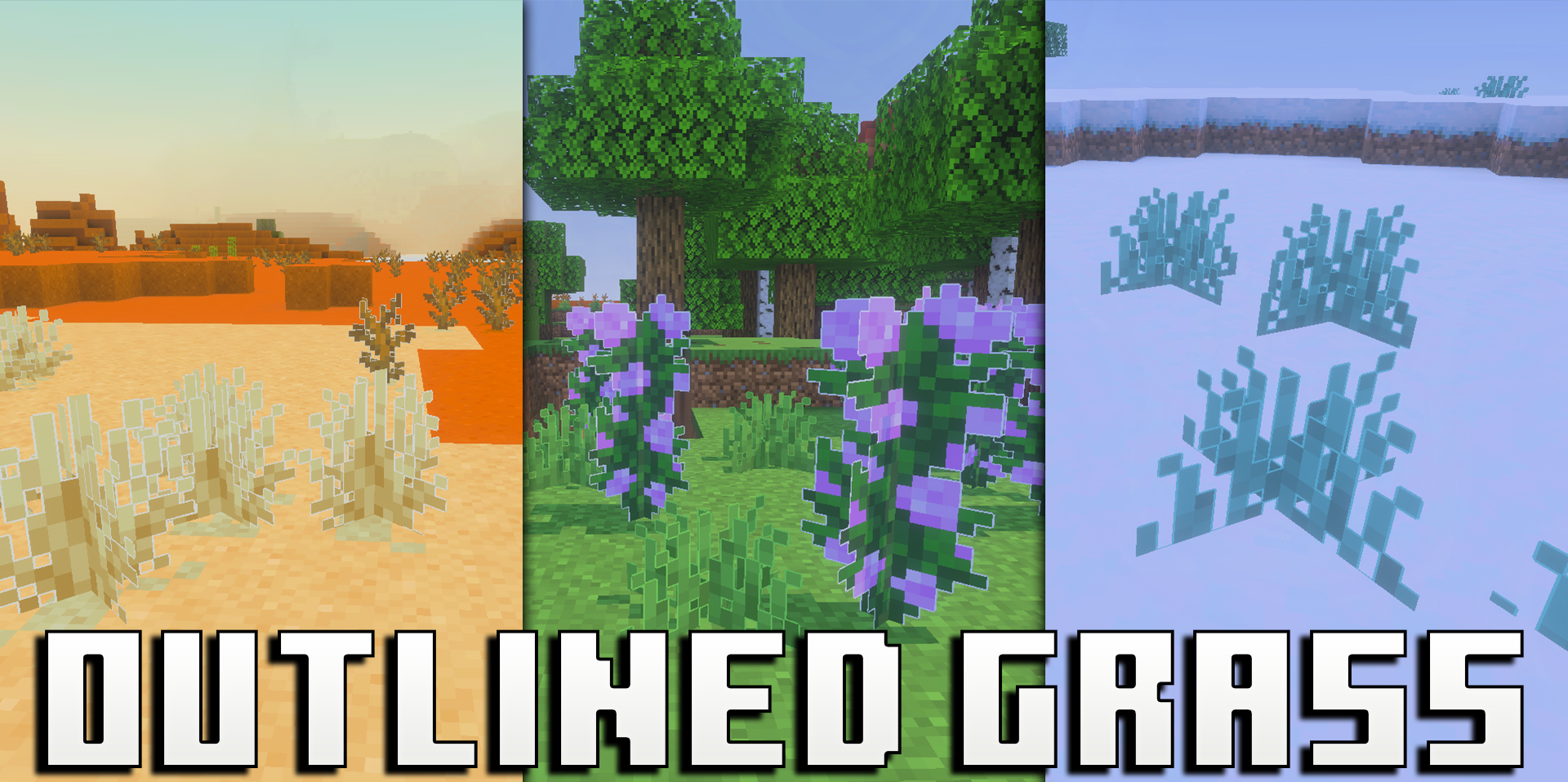
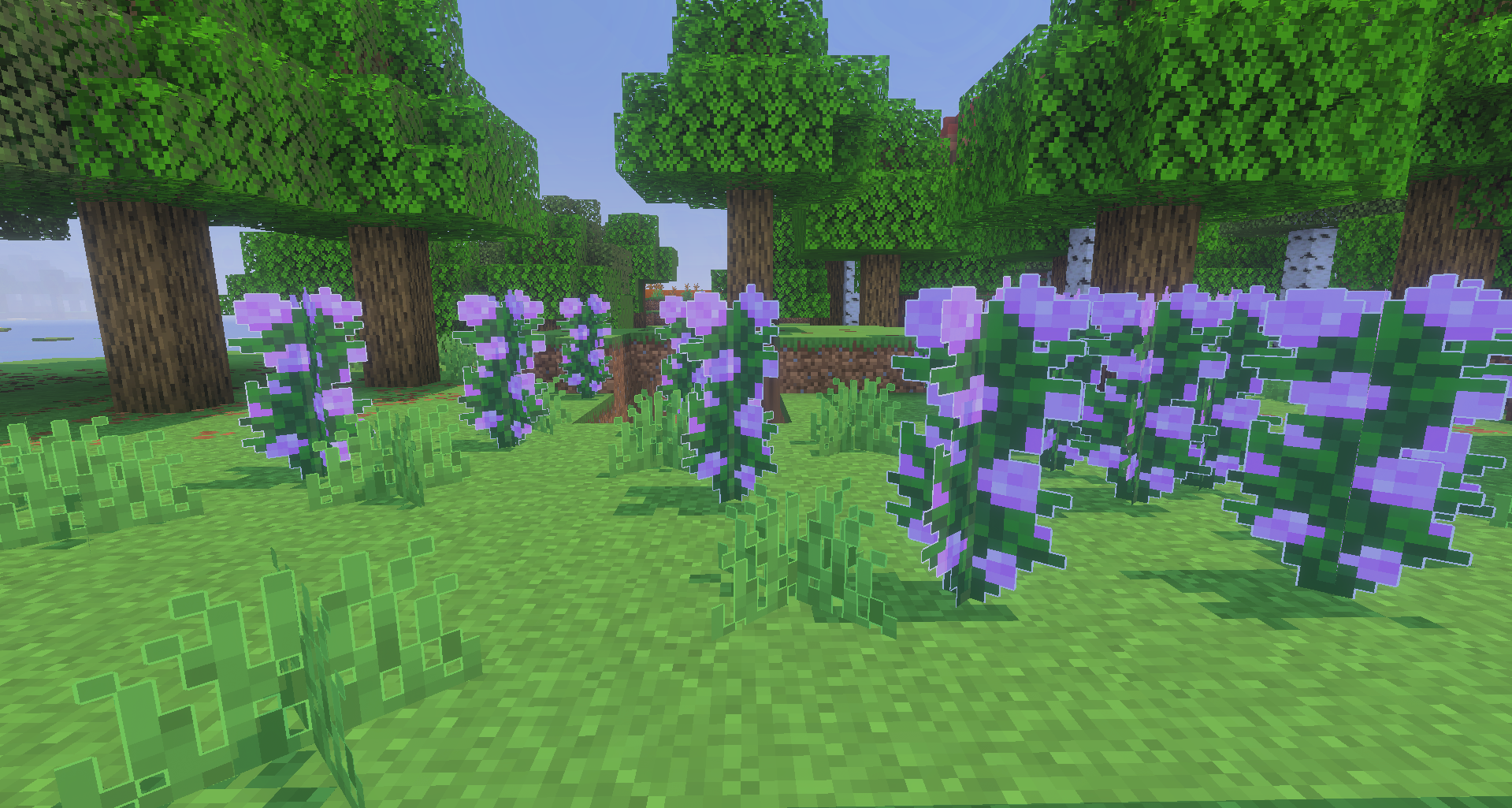
Outlined Grass adds crisp white outlines to grass, crops, flowers and wooden planks without disrupting the familiar appearance of the blocks. Thanks to the outlines, plants become more noticeable, fields look neater, and flowers have more defined edges. This looks good in decorative structures, gardens, farms and biomes with plenty of vegetation.
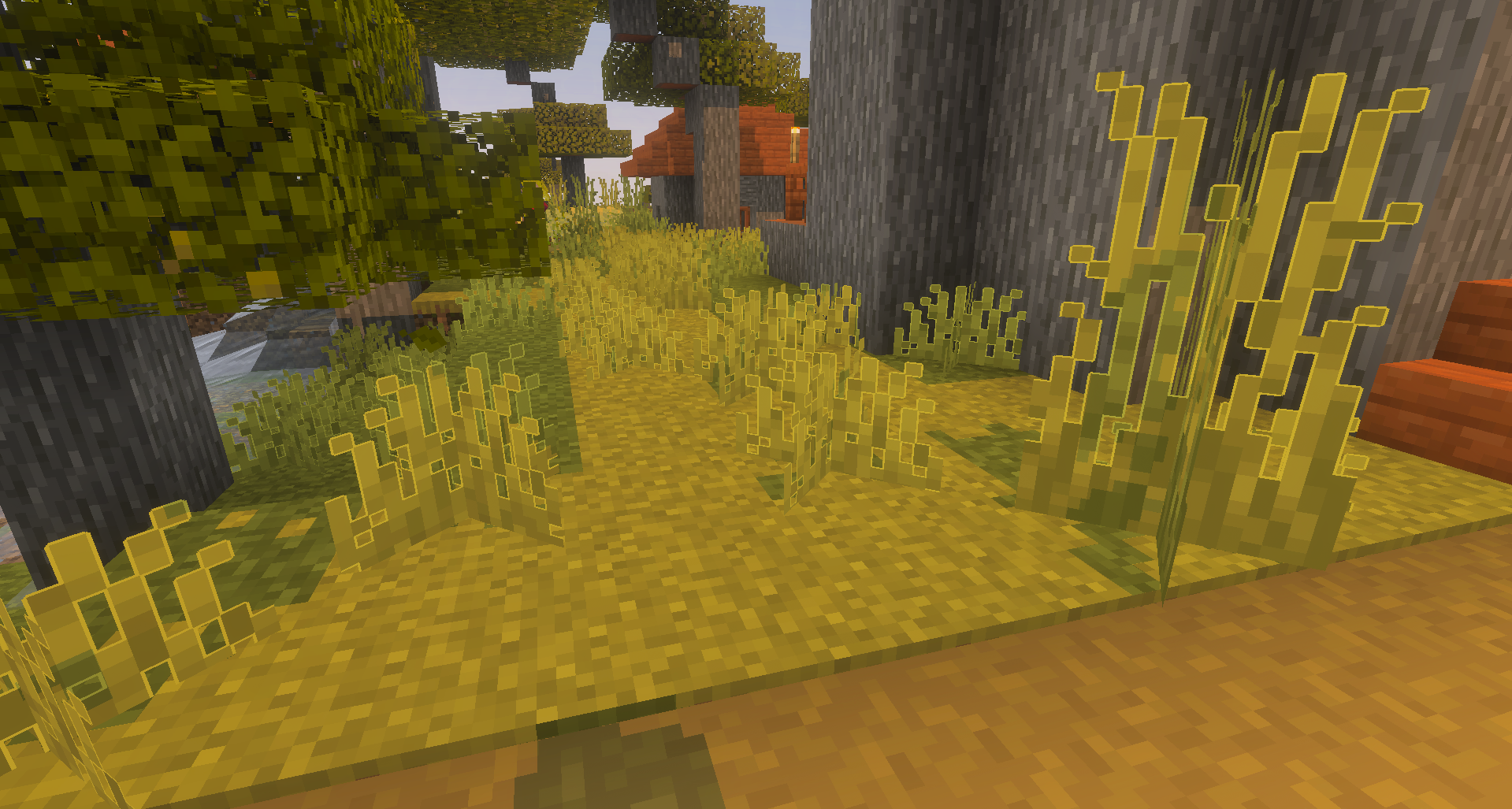
The pack does not attempt to completely replace Minecraft’s style, but simply emphasises certain elements of the environment. When combined with shaders, the effect becomes even more noticeable: the world looks cleaner, brighter and slightly more cartoonish, yet remains recognisable.
How to install the texture pack:
Step one: Download the texture pack using the link below.
Step two: Unzip the downloaded archive and copy the ‘Outlined Grass’ folder to games\com.mojang\resource_packs (if this folder does not exist, create it yourself)
Step three: In the game, go to Settings; next to ‘Texture Packs’, you’ll see a ‘Manage’ button – click on it. The copied texture pack will appear in the list on the left; click on it so that it moves to the top of the list on the right.
Comments (0)