



Overgrown for Minecraft Pocket Edition 26.x
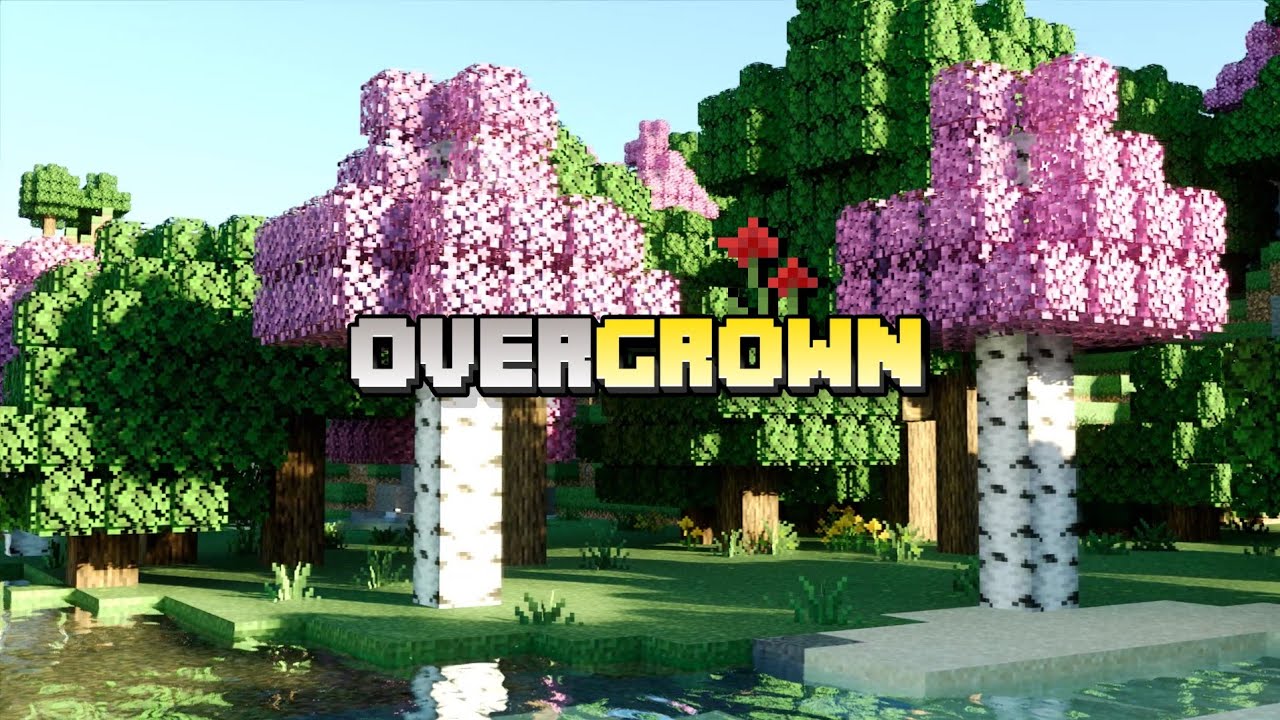
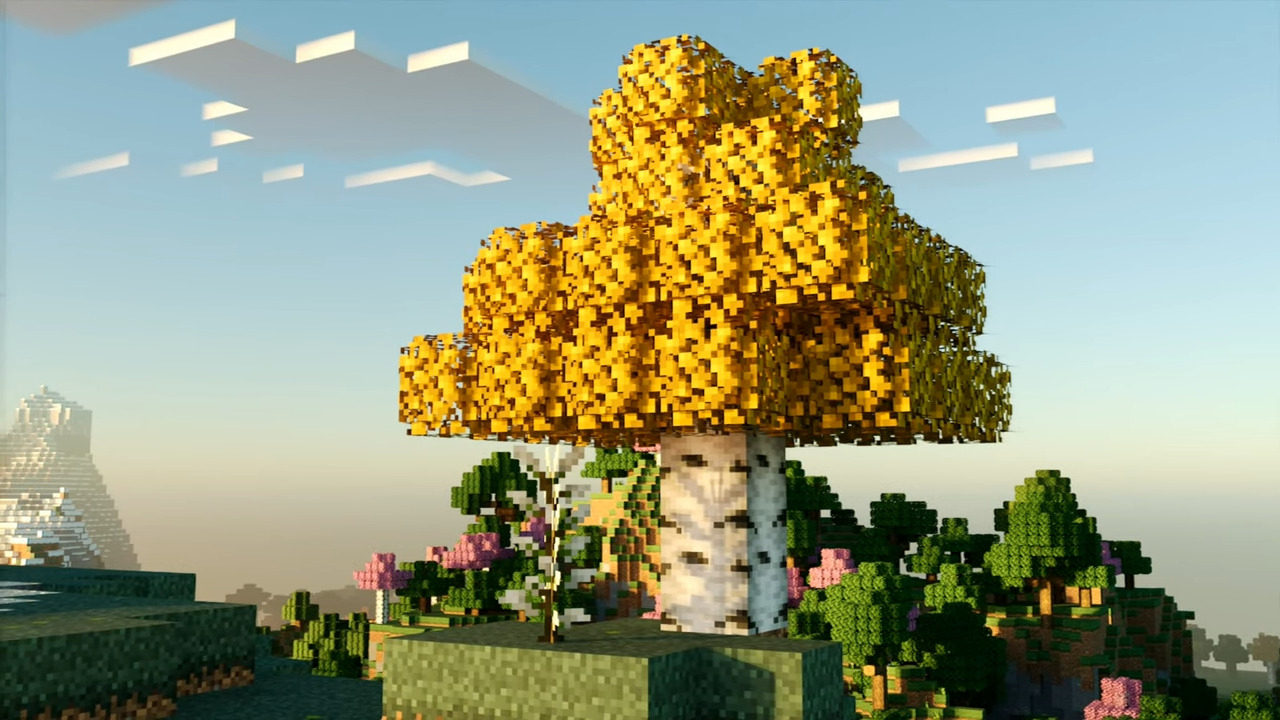
After installing Overgrown, the natural environment looks more overgrown and detailed without taking on an unfamiliar style. The pack reworks plants, blocks, foliage and landscape elements, adding new textures, models and variations. Biomes become more distinct: leaves take on characteristic hues, the flora becomes more diverse, and ordinary natural areas look less empty.
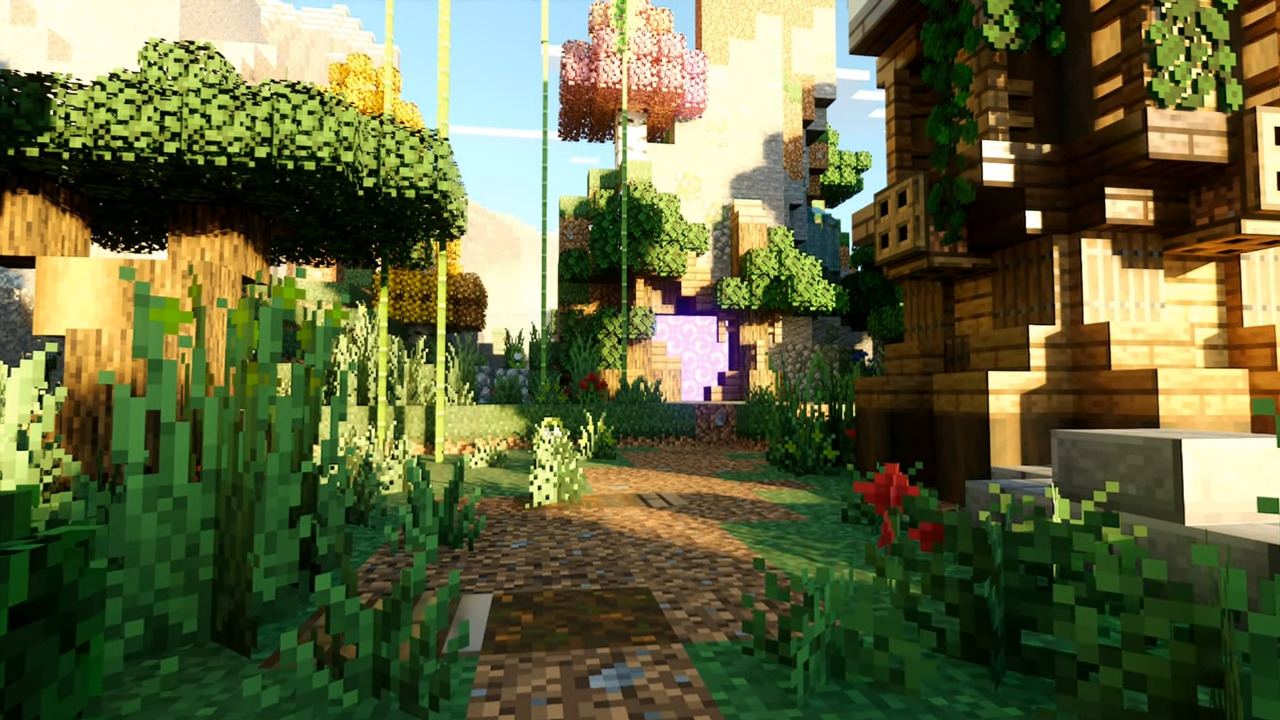
An important detail is the preservation of the classic atmosphere. The cubic style remains intact; the surroundings simply gain more small natural details. Thanks to improved models, plants look less flat, and walks through forests, plains and overgrown areas become visually richer.
How to install the texture pack:
Step one: Download the texture pack using the link below.
Step two: Unzip the downloaded archive and copy the Overgrown folder to games\com.mojang\resource_packs (if this folder does not exist, create it yourself)
Step three: In the game, go to Settings and click the Manage button next to Texture Packs. The copied texture pack will appear in the list on the left; click on it so that it moves to the top of the list on the right.
Comments (0)