



Reefys Better Leaves for Minecraft Pocket Edition 26.x
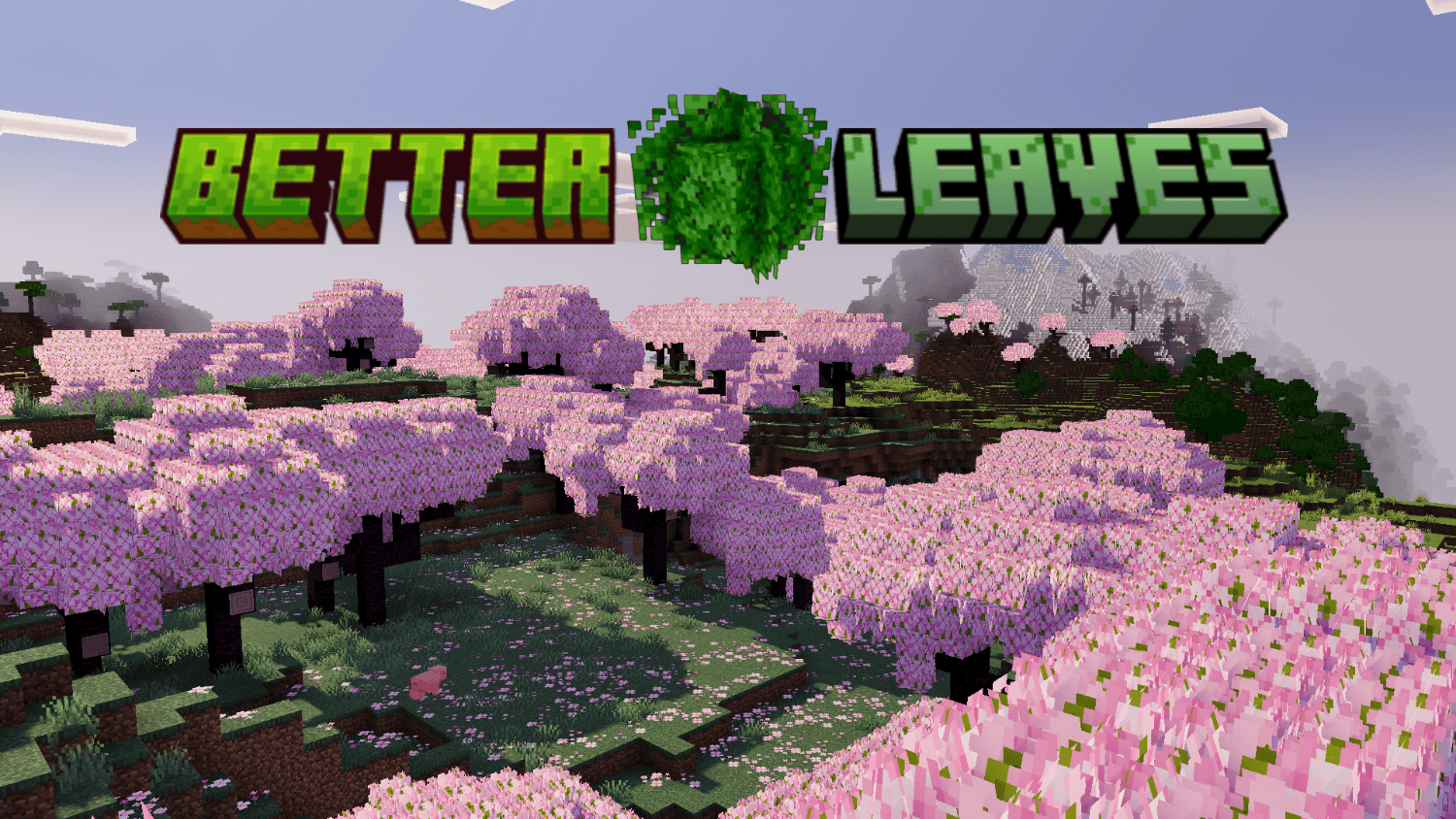
Forests in Minecraft look flat due to the simple foliage blocks, and Reefys Better Leaves solves this problem by adding extra detail. Tree canopies become denser, the leaves appear more lifelike, and forest areas take on a more three-dimensional appearance.
At the same time, the pack doesn’t compromise the original style: the blocks remain recognisable, the colours don’t shift to an unfamiliar palette, and the biomes retain their character. It also fixes the odd foliage tints that can appear in certain places. As a result, the transitions between trees, grass and the surroundings look cleaner. Natural areas gain more depth without losing their vanilla foundation.
How to install the texture pack:
Step one: Download the texture pack from the link below.
Step two: Unzip the downloaded archive and copy the ‘Reefys Better Leaves’ folder to games\com.mojang\resource_packs (if this folder does not exist, create it yourself)
Step three: In the game, go to Settings; next to ‘Texture Packs’, you’ll see a ‘Manage’ button. Click on it. The copied texture pack will appear in the list on the left; click on it so that it moves to the top of the list on the right.
Comments (0)