



Reefys Better PvP for Minecraft Pocket Edition 26.x
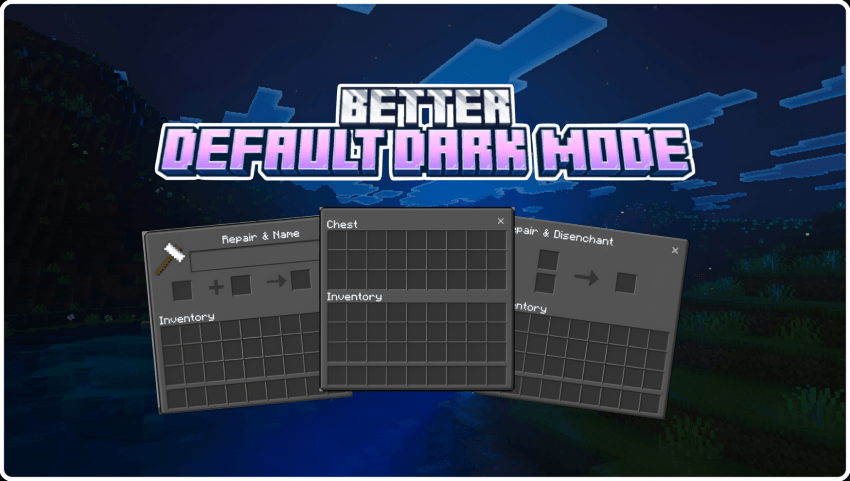
Reefys Better PvP reworks elements that affect visibility and control during combat. Swords and weapons have been redesigned, while animations for normal and fire actions have been shortened so that less of the screen is obscured during attacks.
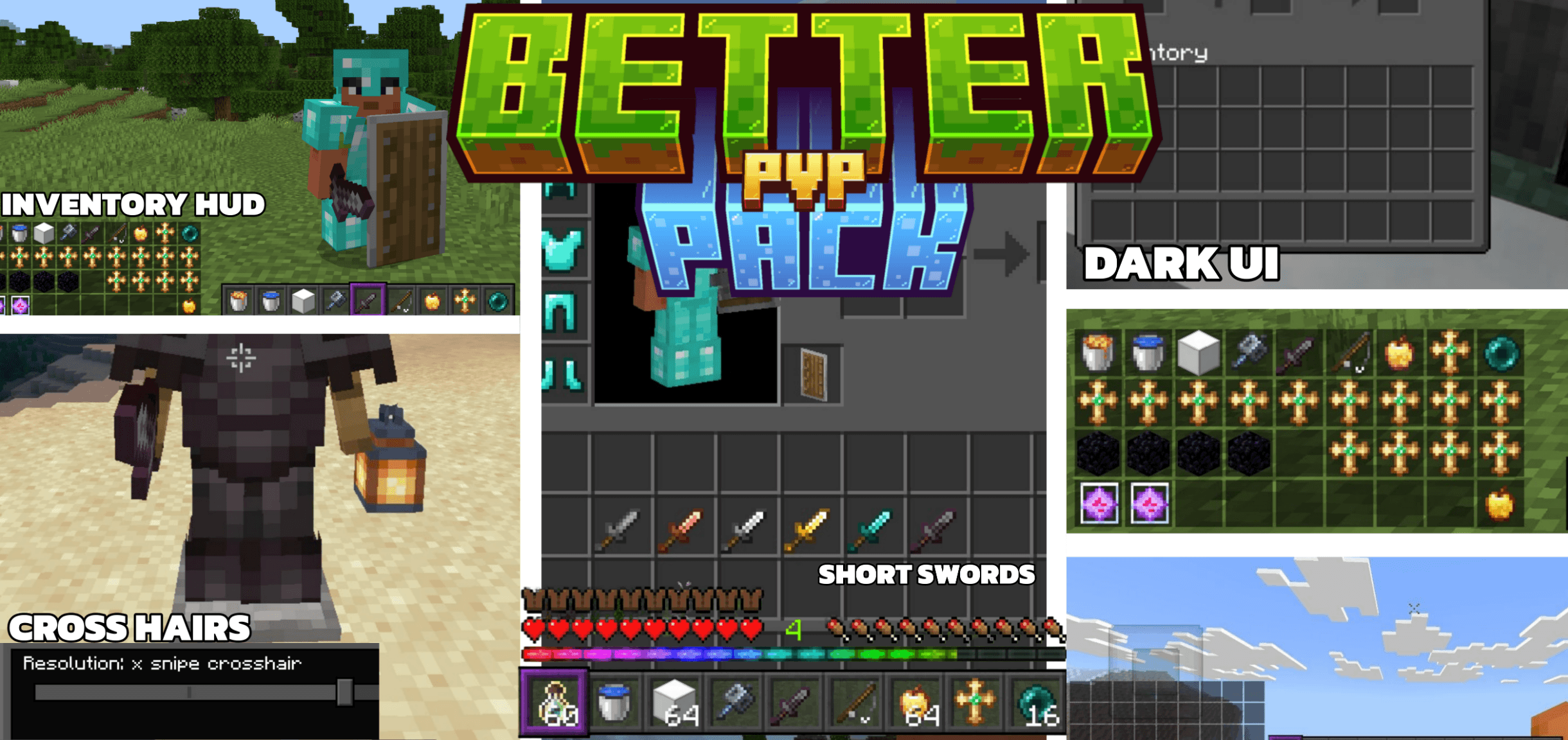
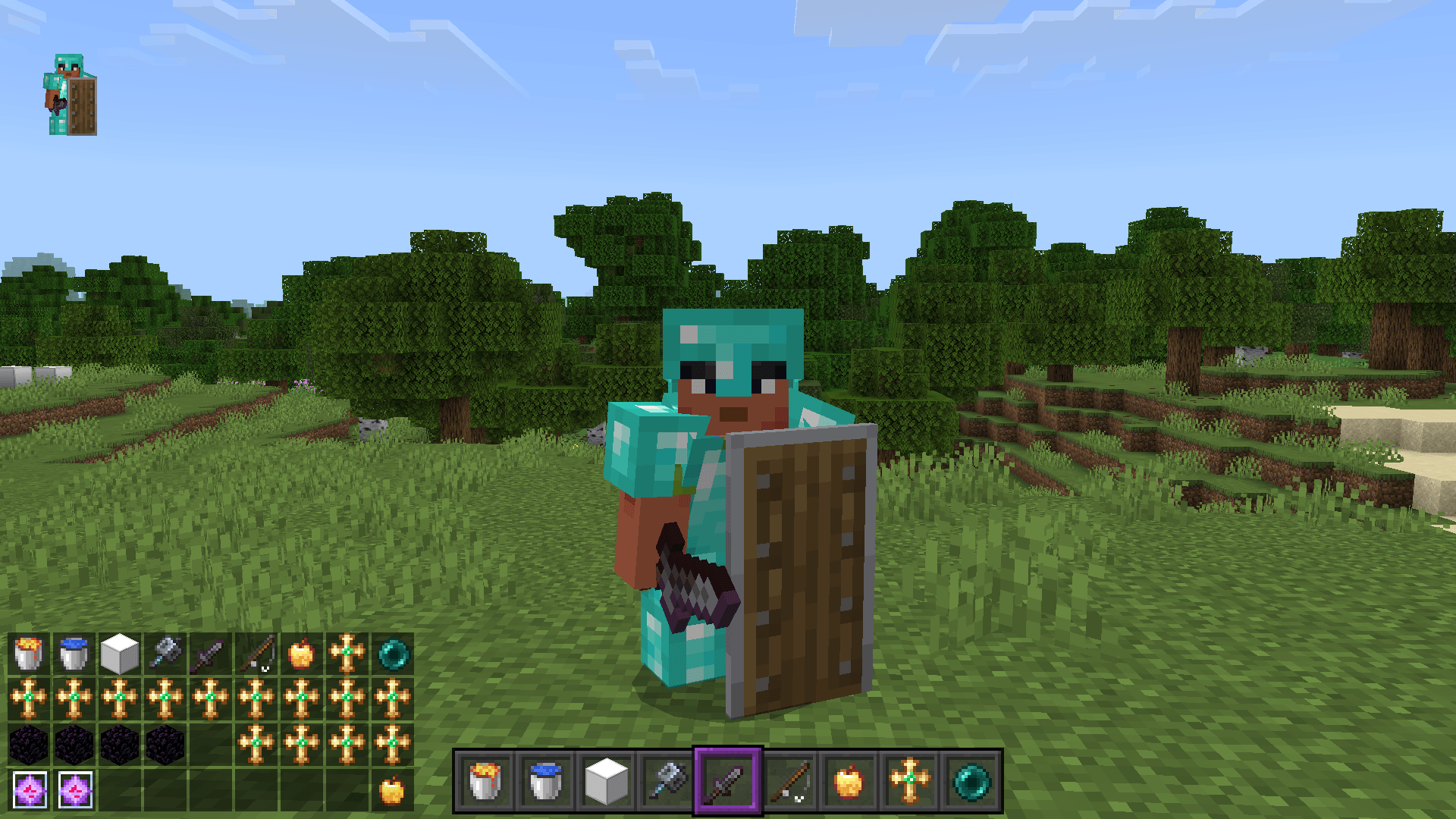
The pack adds a customisable display for equipment and durability, allowing you to see the condition of items without opening your inventory unnecessarily. The shield’s animations have been changed, fog has been removed from biomes, and you can choose from three crosshair options. All these details combine to create a cleaner combat interface: less clutter, more screen space, and a clearer view of the position of your weapons and equipment.
How to install the texture pack:
Step 1: Download the texture pack using the link below.
Step 2: Extract the downloaded archive and copy the ‘Reefys Better Pvp’ folder to games\com.mojang\resource_packs (if this folder does not exist, create it yourself)
Step 3: In the game, go to Settings and click the ‘Manage’ button next to ‘Texture Packs’. The copied texture pack will appear in the list on the left; click on it so that it moves to the top of the list on the right.
Comments (0)