



Smoothcraft FPS Plus for Minecraft Pocket Edition 26.x
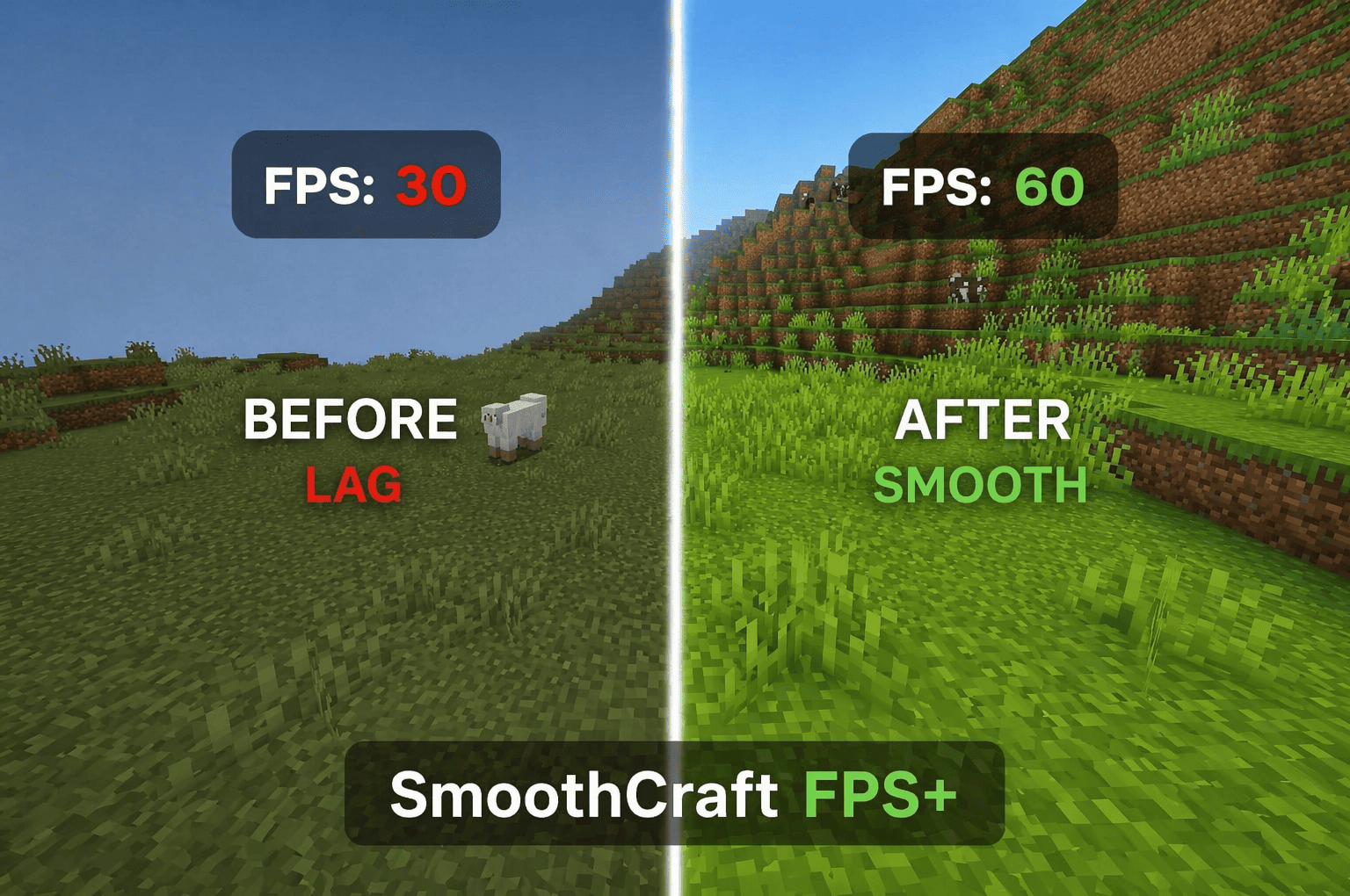
Smoothcraft Fps Plus focuses not on decorating the game world, but on gameplay stability. The pack removes unnecessary particles, reduces resource-intensive animations and replaces some textures with lighter versions, resulting in smoother camera movement and less severe frame rate drops.
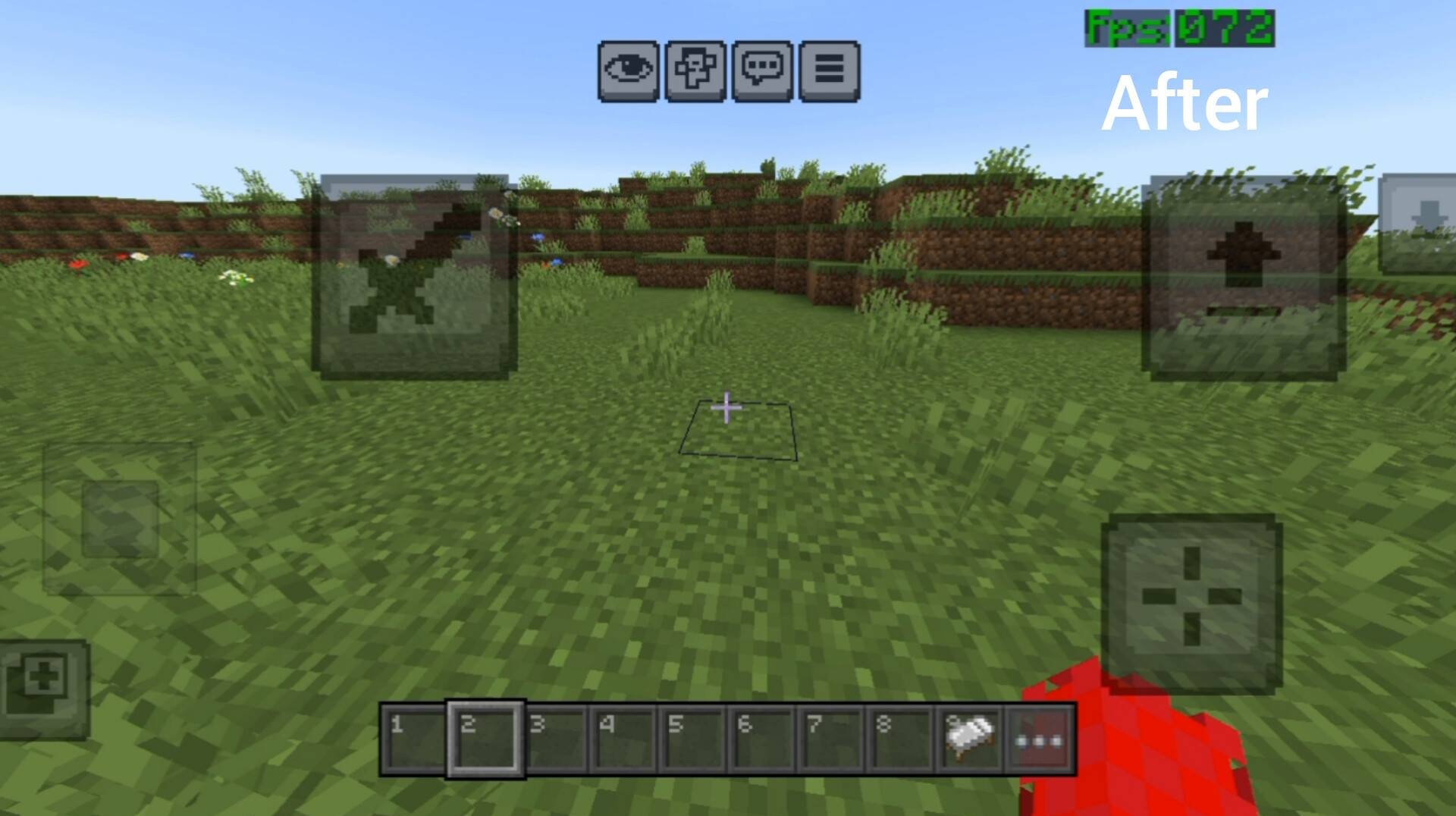
The changes are particularly noticeable in areas where Minecraft places a heavy load on the device: jungles, dense forests, built-up bases, and battles with lots of effects. The interface also becomes simpler and cleaner, free of visual clutter. As a result, the game feels more consistent: less stuttering, less lag, and faster responses when moving, gathering resources and fighting.
How to install the texture pack:
Step 1: Download the texture pack using the link below.
Step 2: Extract the downloaded archive and copy the ‘Smoothcraft Fps Plus’ folder to games\com.mojang\resource_packs (if this folder does not exist, create it yourself)
Step 3: In the game, go to Settings; next to ‘Texture Packs’ there will be a ‘Manage’ button — tap it. The copied texture pack will appear in the list on the left; tap it so that it becomes the first item in the list on the right.
Comments (0)