



Solo Levelling Animated UI for Minecraft Pocket Edition 26.x
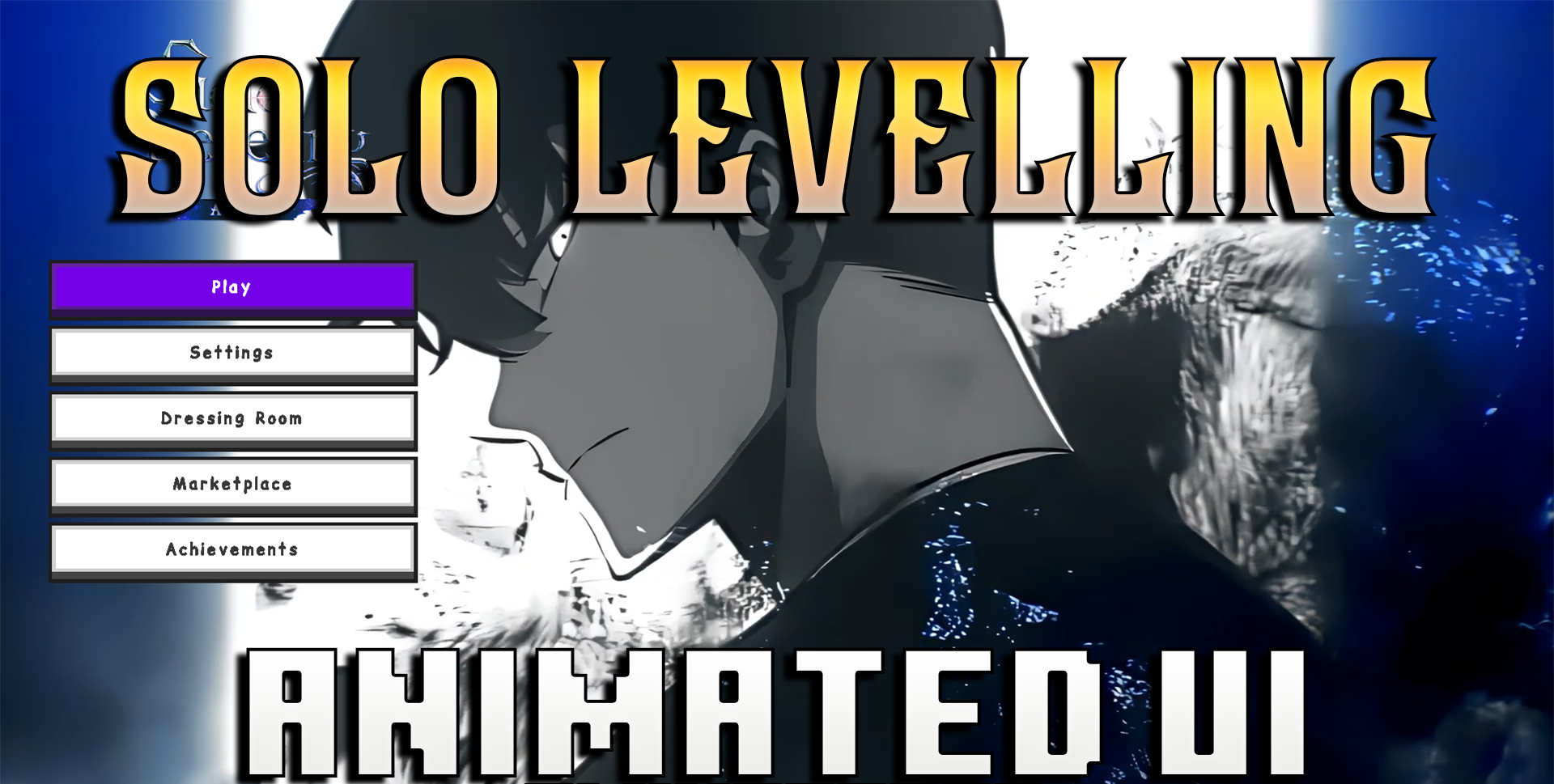
The interface can also have a significant impact on how a game feels, and Solo Levelling Animated UI focuses on atmosphere. The pack adds an animated start screen, changes the menu colours to a purple and blue palette, and updates certain loading elements.
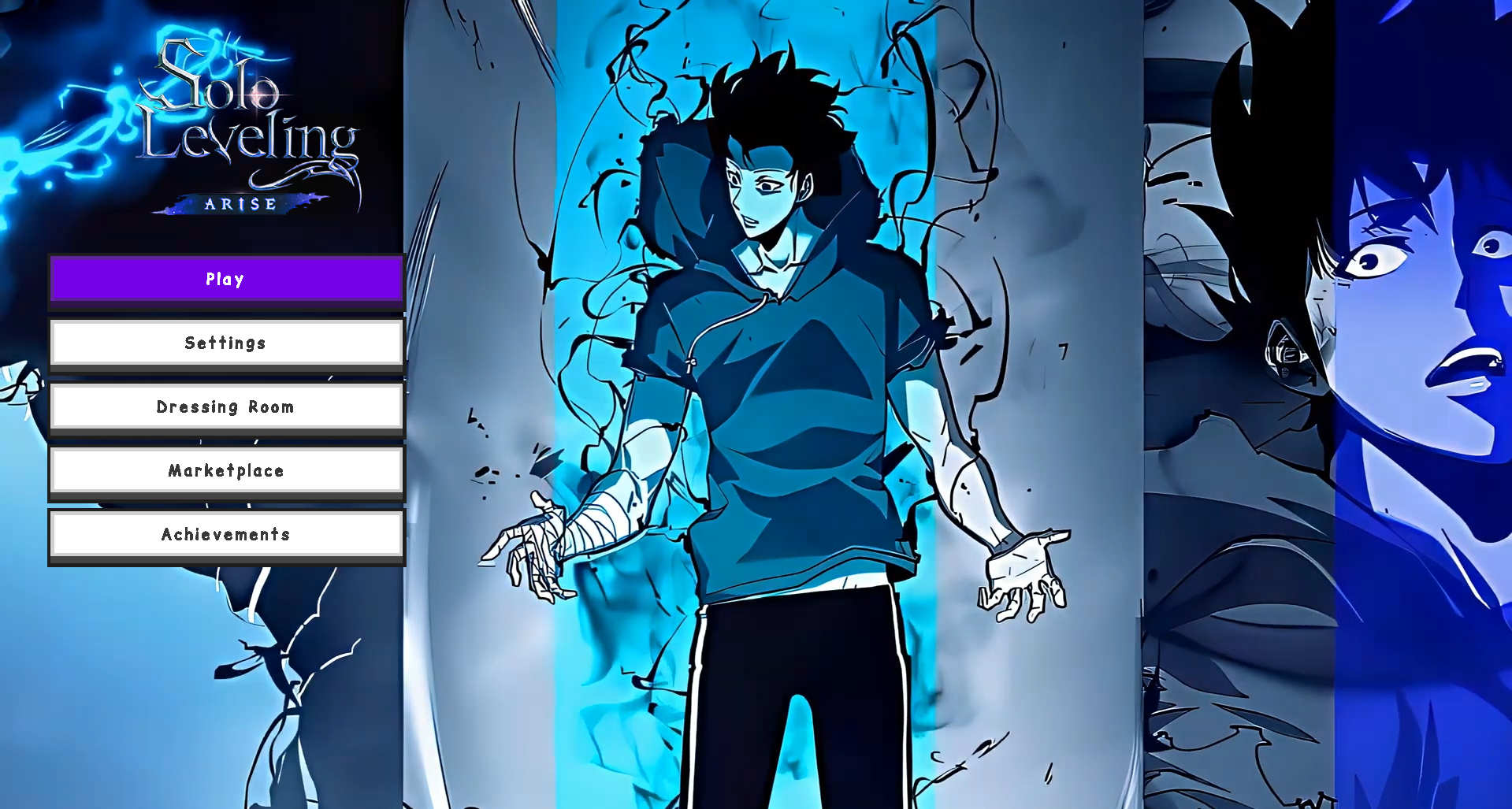
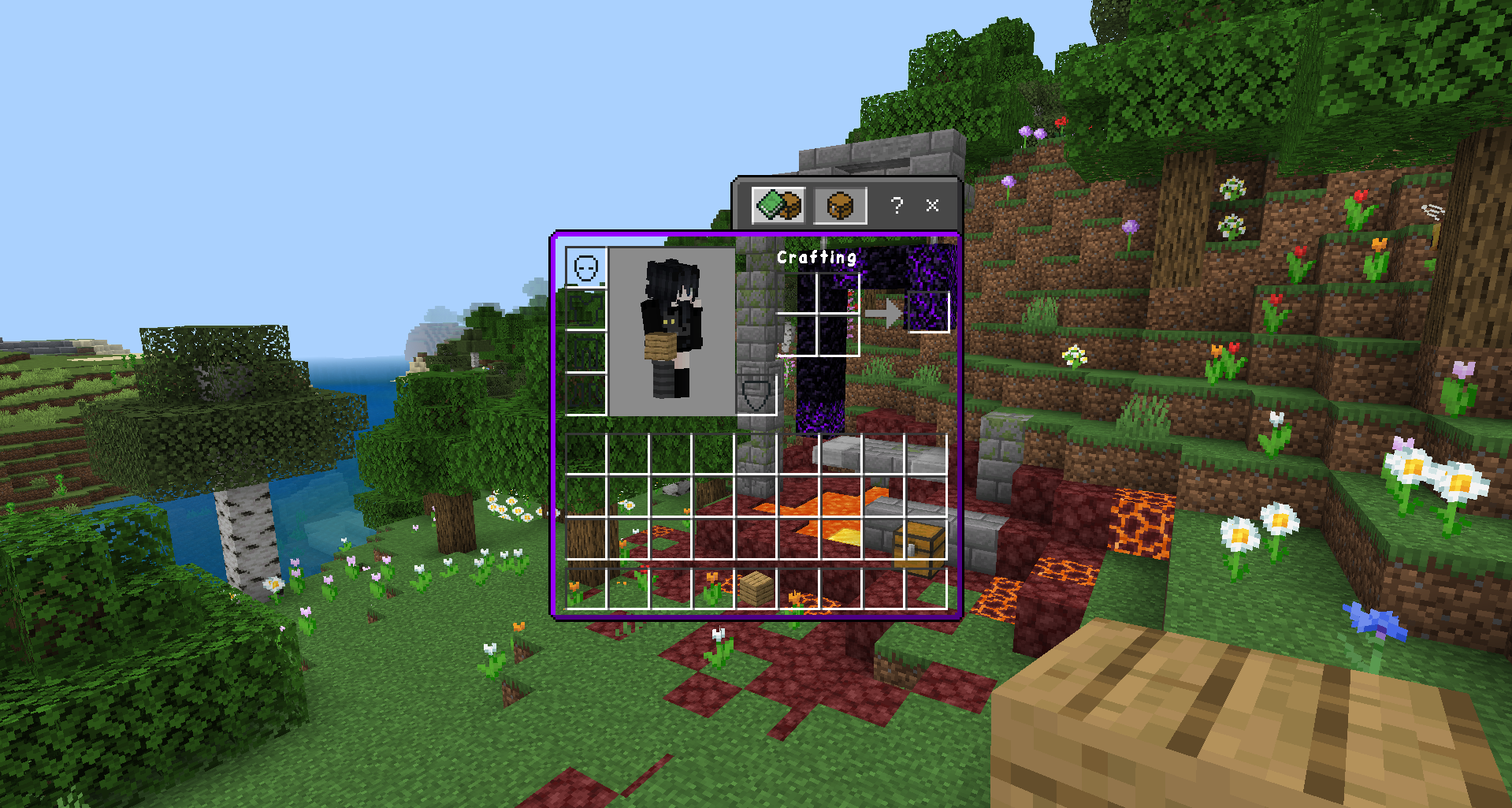
As a result, Minecraft looks more stylish and dynamic even before you enter the world. The transparent, expanded chat menu makes communication easier, while the purple launch button complements the overall colour scheme. At the same time, the pack shouldn’t put too much strain on the game, making it suitable for those who want a beautiful design without a noticeable impact on performance.
How to install the texture pack:
Step 1: Download the texture pack using the link below.
Step 2: Extract the downloaded archive and copy the ‘Solo Levelling Animated UI’ folder to games\com.mojang\resource_packs (if this folder does not exist, create it yourself)
Step 3: In the game, go to Settings and tap the ‘Manage’ button next to ‘Texture Packs’. The copied texture pack will appear in the list on the left; tap it to move it to the top of the list on the right.
Comments (0)