



Tactical 3D Tools and 3D Weapons PvP for Minecraft Pocket Edition 26.x
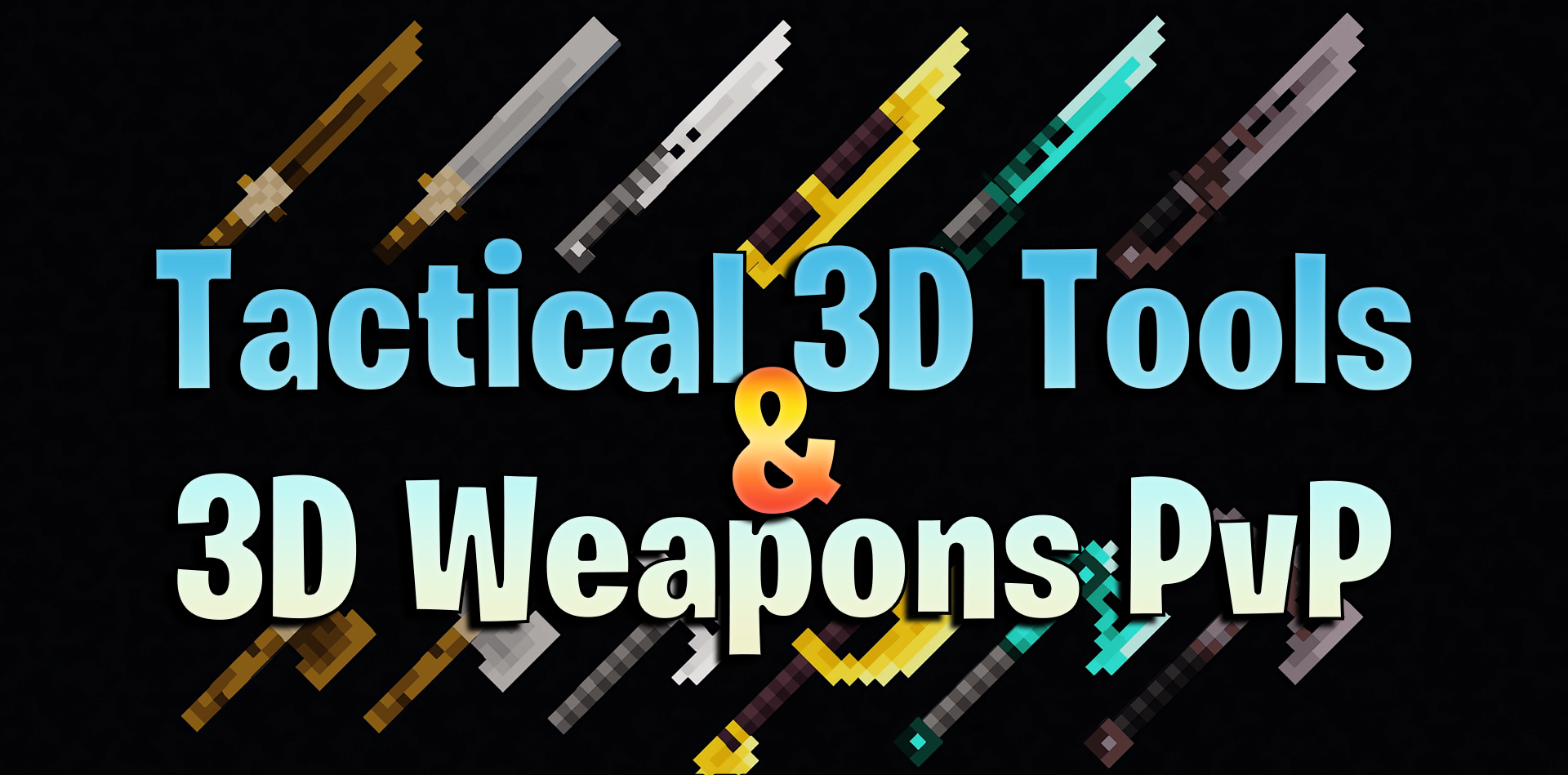
If you’ve grown tired of standard swords, axes and tools, this set could significantly change your combat experience. Tactical 3D Tools and 3D Weapons PvP transforms ordinary items into 3D models with more striking designs. The weapons combine medieval and tactical styles, making battles look more aggressive and spectacular.
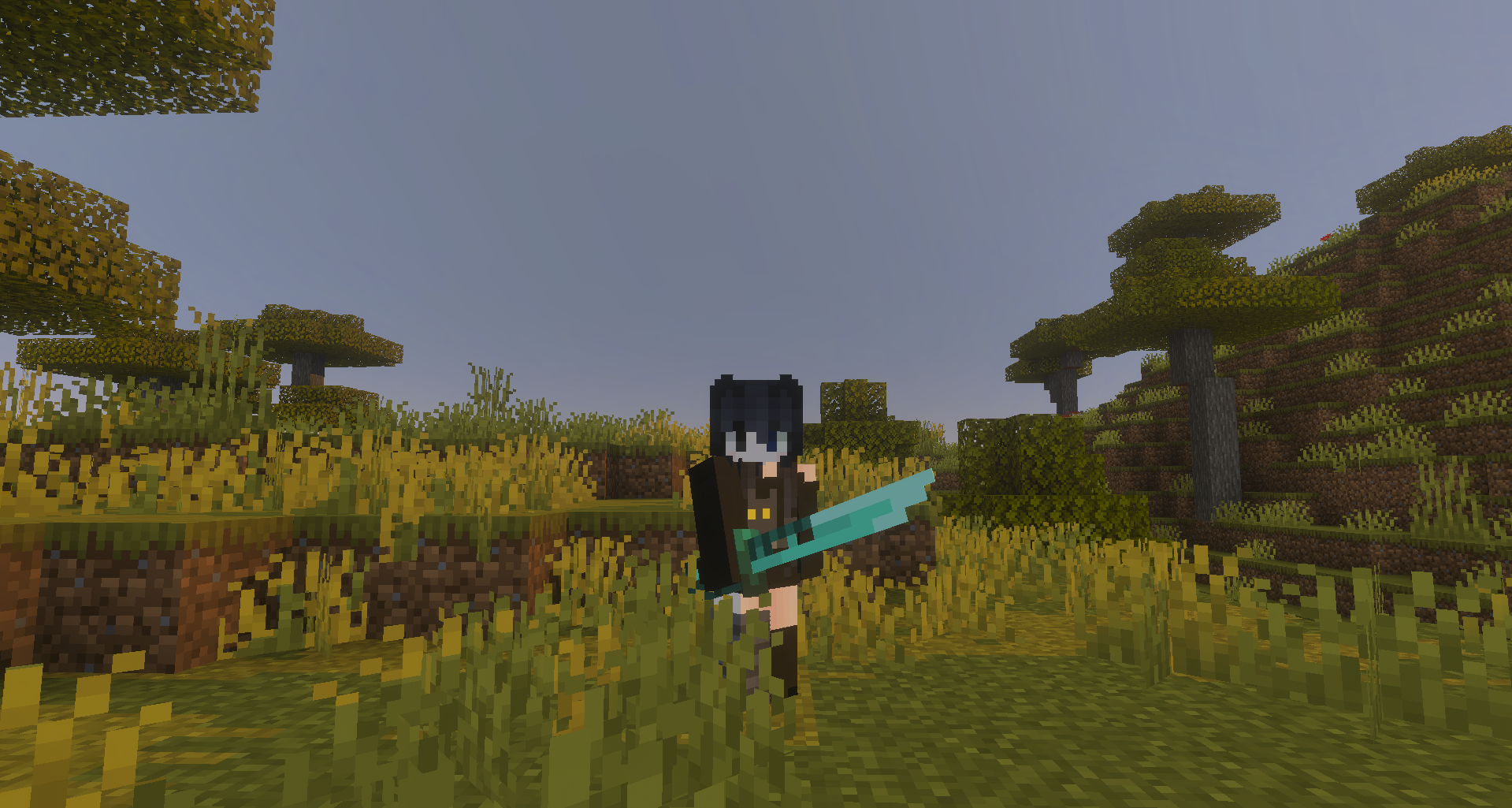
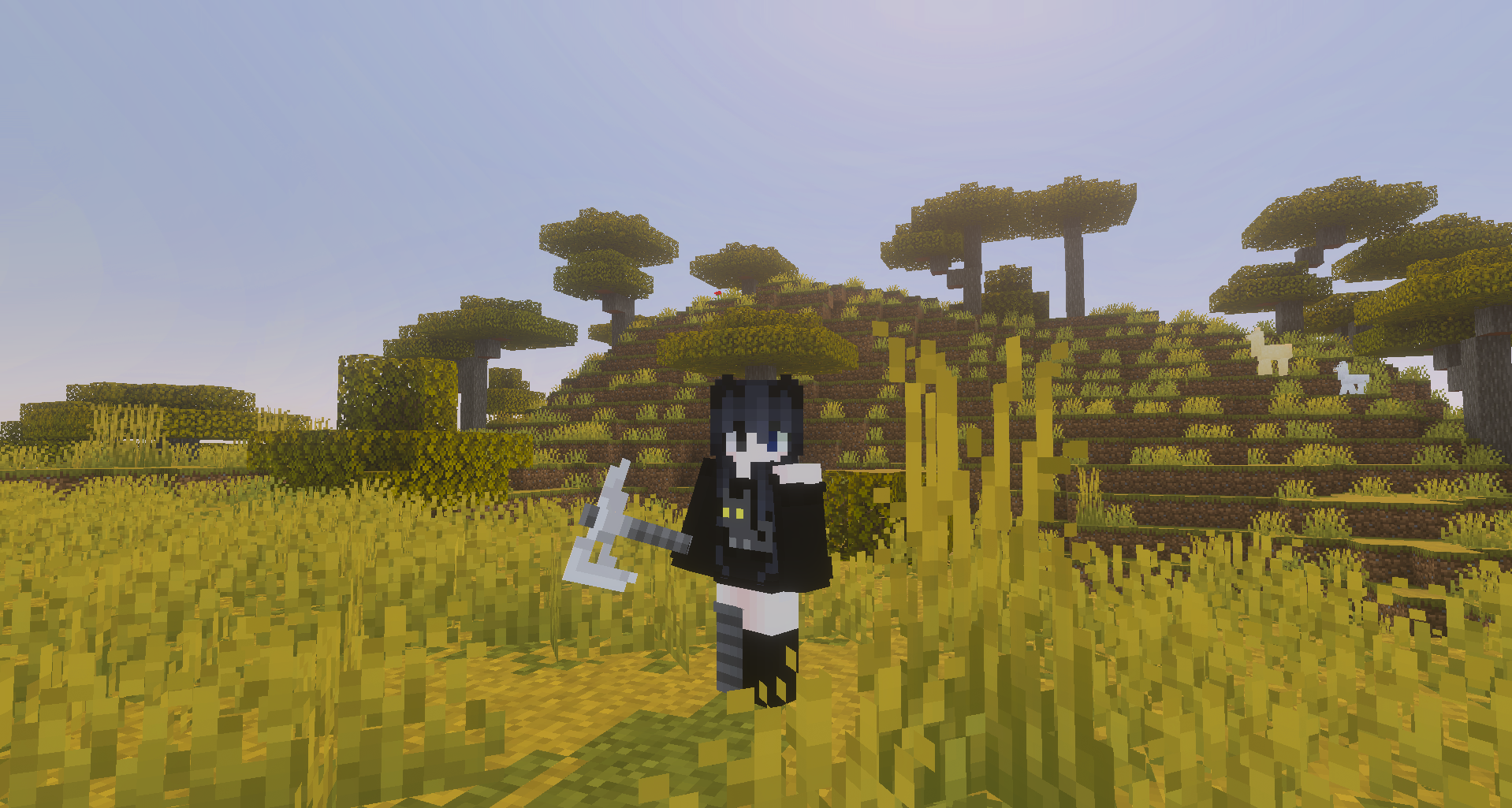
Pickaxes, shovels, swords and axes are no longer just icons in the player’s hand, but fully fledged, detailed items. At the same time, the pixelated style is retained, so the update is noticeable without clashing with the game’s aesthetic. The pack really comes into its own in PvP, where the appearance of weapons has a significant impact on the atmosphere.
How to install the texture pack:
Step one: Download the texture pack using the link below.
Step two: Unzip the downloaded archive and copy the ‘Tactical 3D Tools and 3D Weapons Pvp’ folder to games\com.mojang\resource_packs (if this folder does not exist, create it yourself)
Step three: In the game, go to Settings; next to ‘Texture Packs’ you’ll see a ‘Manage’ button – click on it. The copied texture pack will appear in the list on the left; click on it so that it moves to the top of the list on the right.
Comments (0)