



Vhs Filter for Minecraft Pocket Edition 26.x
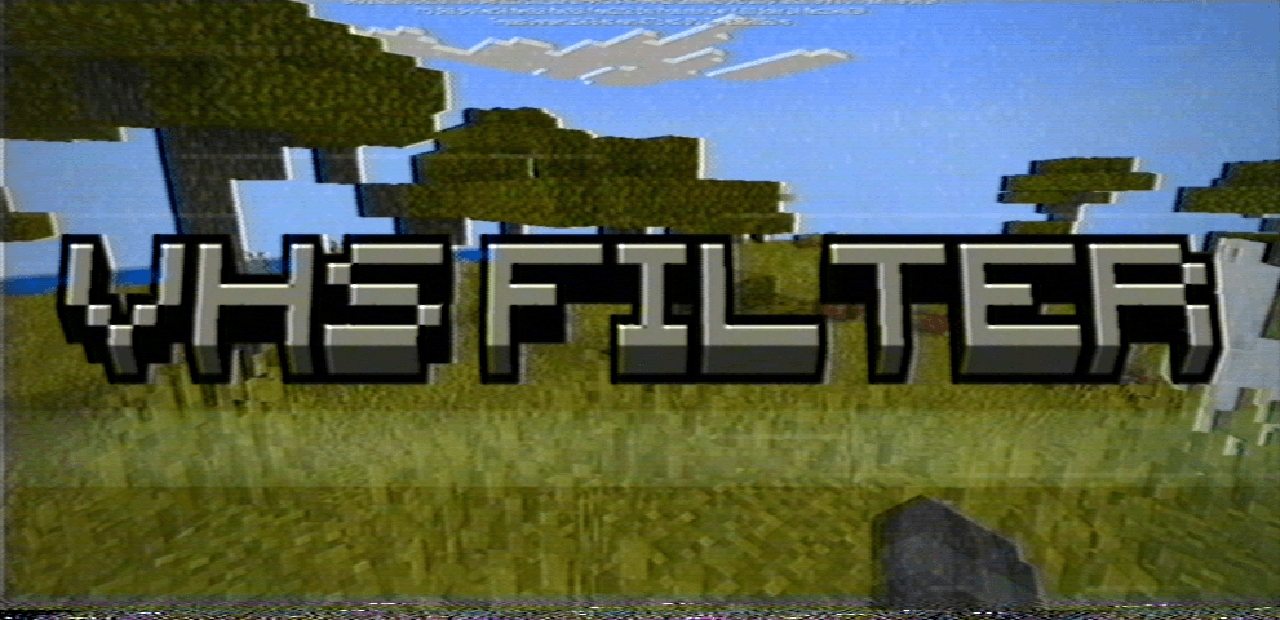
VHS Filter is a visual pack that applies an old video recording effect to the game. The screen displays scan lines, noise and interference, giving the impression of a faulty camera, as if the world were recorded onto a cassette and played back on an old television.
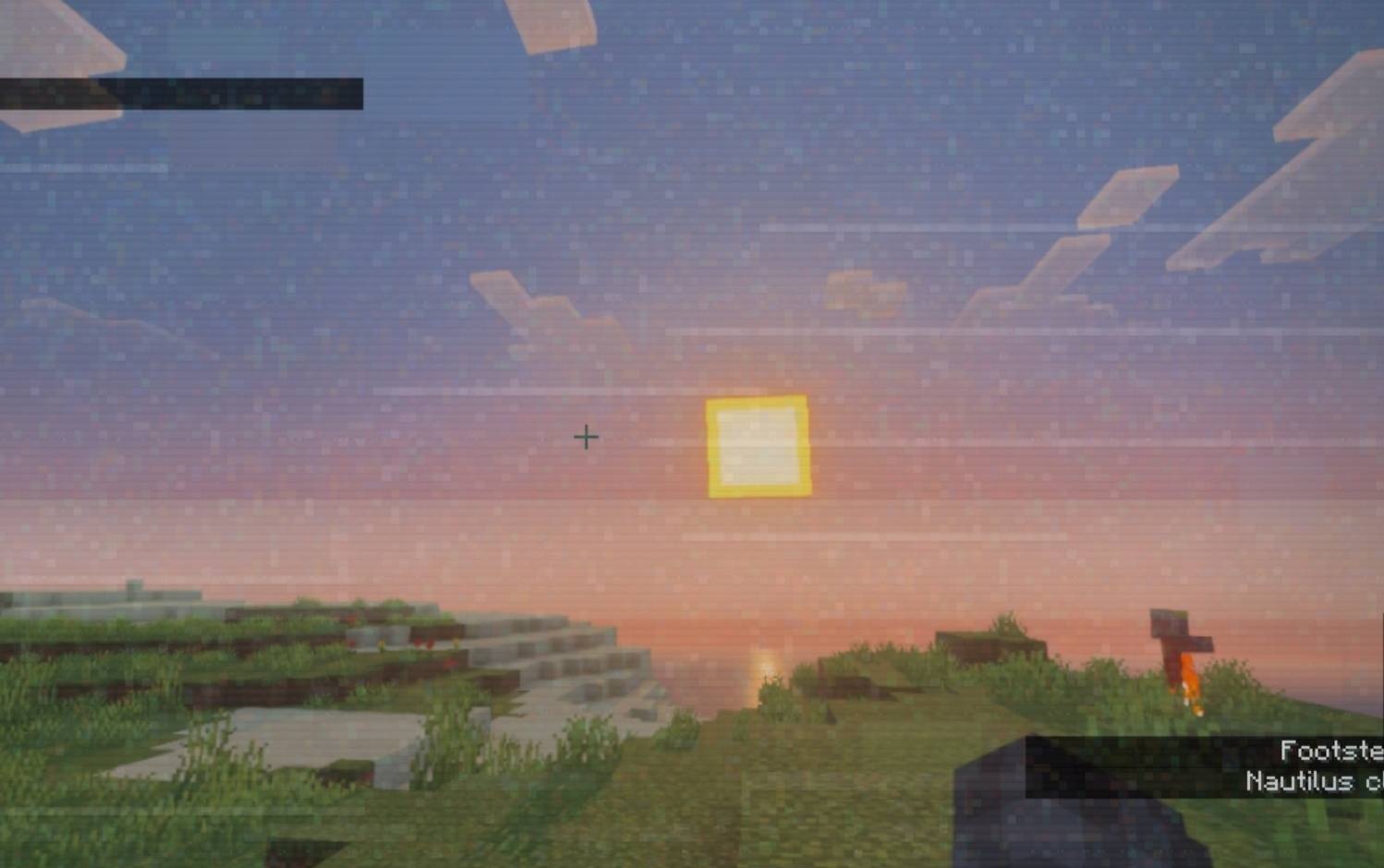
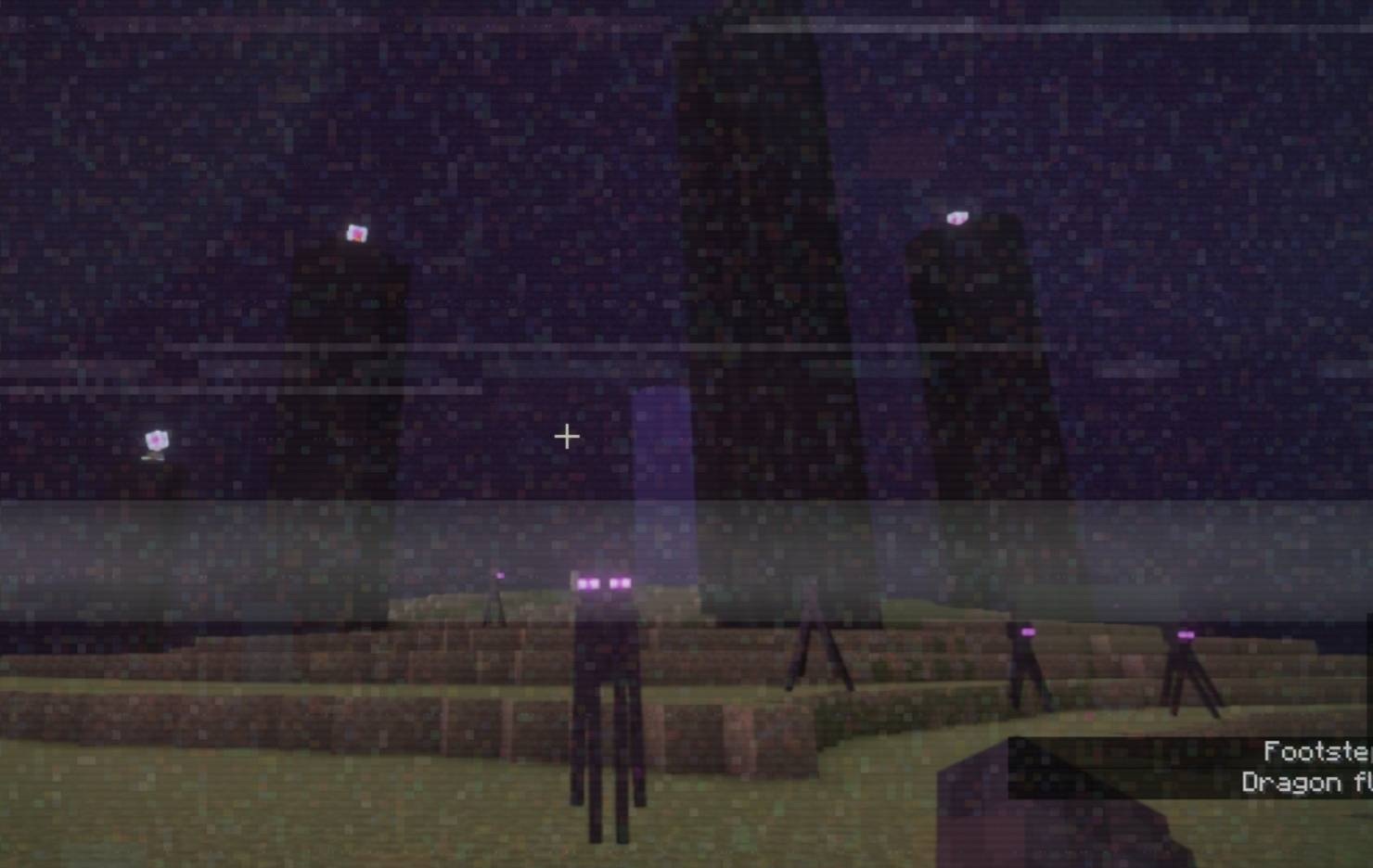
This filter drastically changes how even ordinary locations look: dark corridors, abandoned houses, dungeons and horror maps begin to look more unsettling. The overlay covers the entire screen, so the effect isn’t lost while moving, fighting or exploring. Additional pack options allow you to choose a softer or more pronounced style and tailor the visuals to suit the desired atmosphere.
How to install a texture pack:
Step one: Download the texture pack using the link below.
Step two: Unzip the downloaded archive and copy the ‘Vhs Filter’ folder to games\com.mojang\resource_packs (if this folder does not exist, create it yourself)
Step three: In the game, go to Settings; next to ‘Texture Packs’, you’ll see a ‘Manage’ button – click on it. The copied texture pack will appear in the list on the left; click on it so that it moves to the top of the list on the right.
Comments (0)