



Xnova Model for Minecraft Pocket Edition 26.x

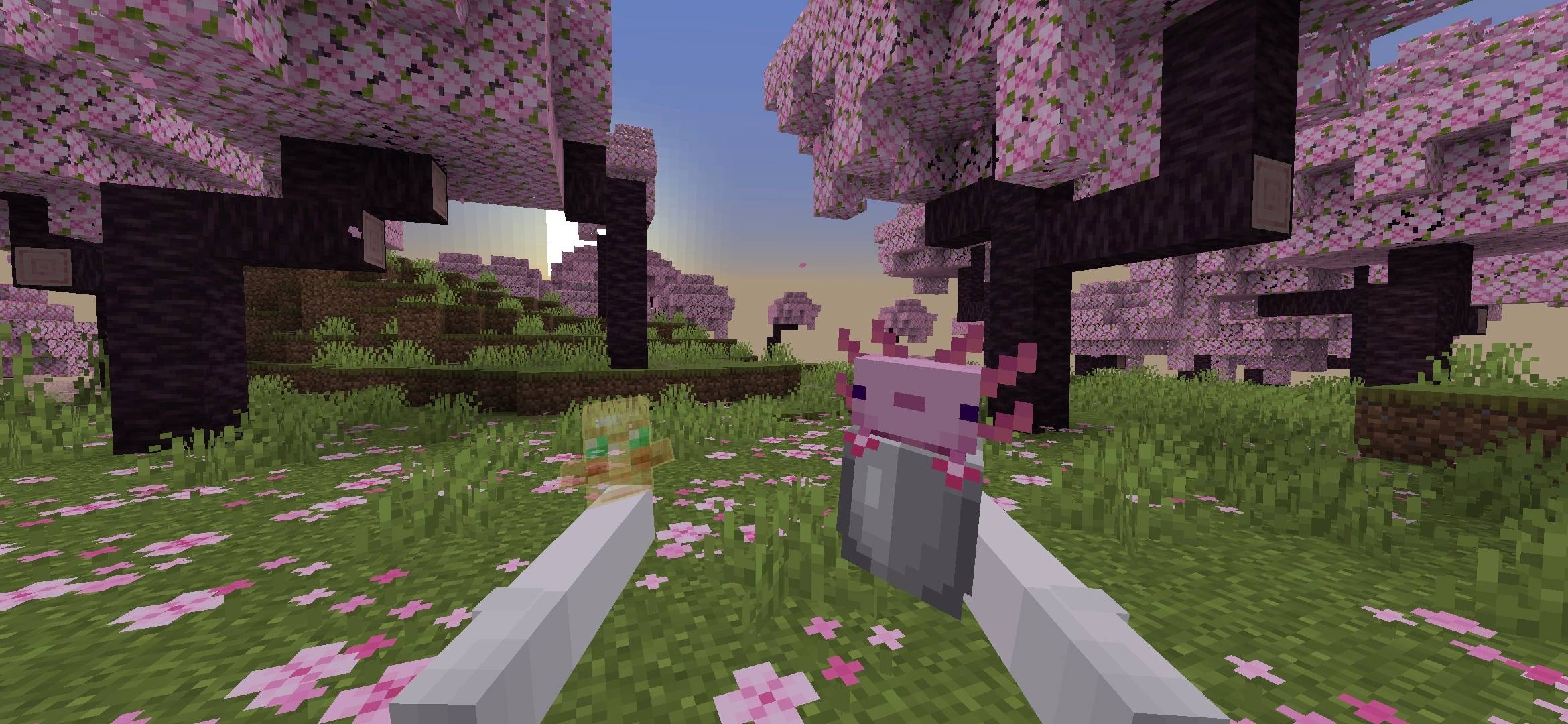
Xnova Model changes the first-person view, making hands, weapons and tools look neater on screen. Items have more pleasing holding animations, while blocks held in the hand are reduced in size, clearing the view. This affects not only the appearance but also the feel of the controls: less of the screen is obscured, making it easier to aim and keep track of what’s happening.
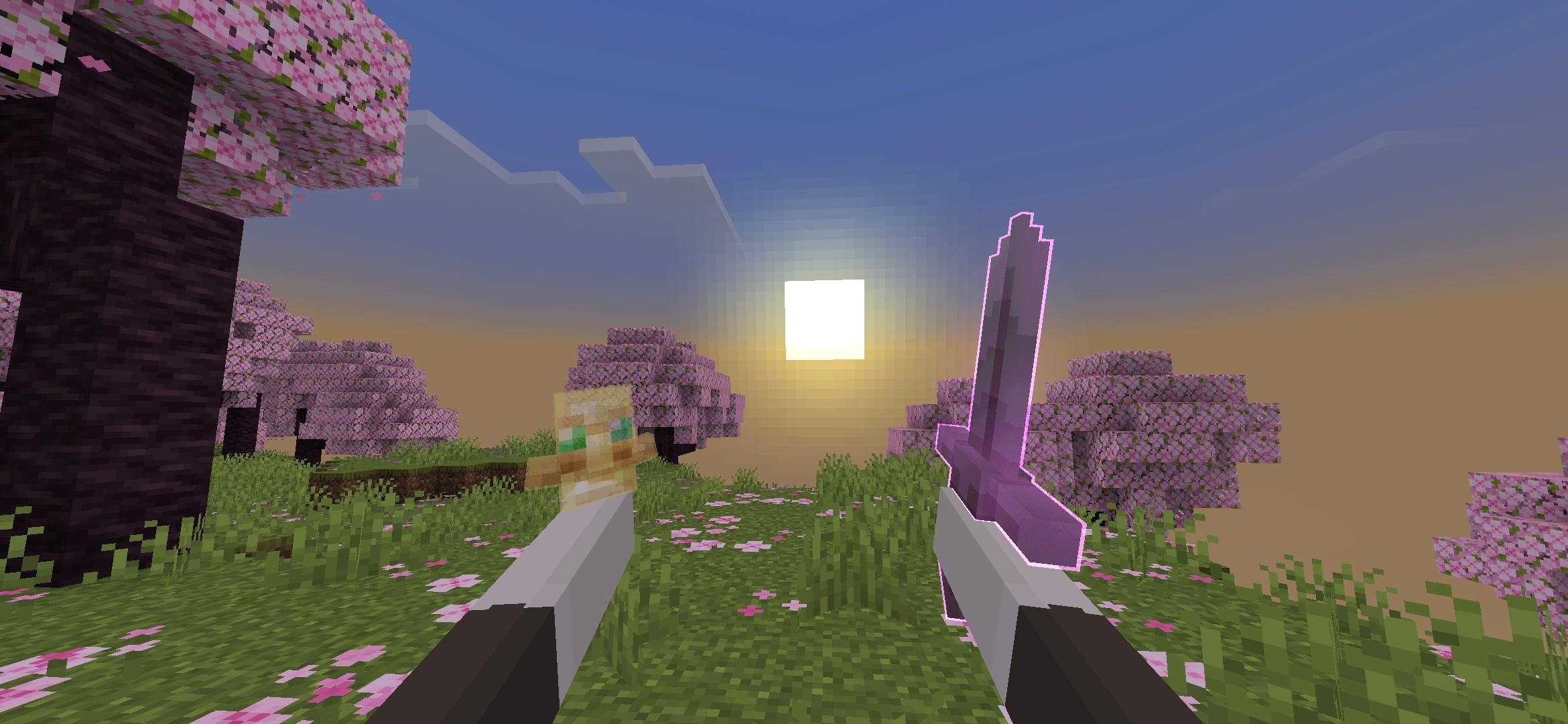
The pack includes several hand position options, so you can choose the position that best suits your usual camera setup. A separate PvP mode makes the model even more practical: the weapon doesn’t take up unnecessary space, and movements look cleaner and easier to read.
How to install a texture pack:
Step one: Download the texture pack using the link below.
Step two: Unzip the downloaded archive and copy the Xnova Model folder to games\com.mojang\resource_packs (if this folder does not exist, create it yourself)
Step three: In the game, go to Settings; next to ‘Texture Packs’ you’ll see a ‘Manage’ button – click on it. The copied texture pack will appear in the list on the left; click on it so that it moves to the top of the list on the right.
Comments (1)