



Luracasmus for Minecraft 1.16.4
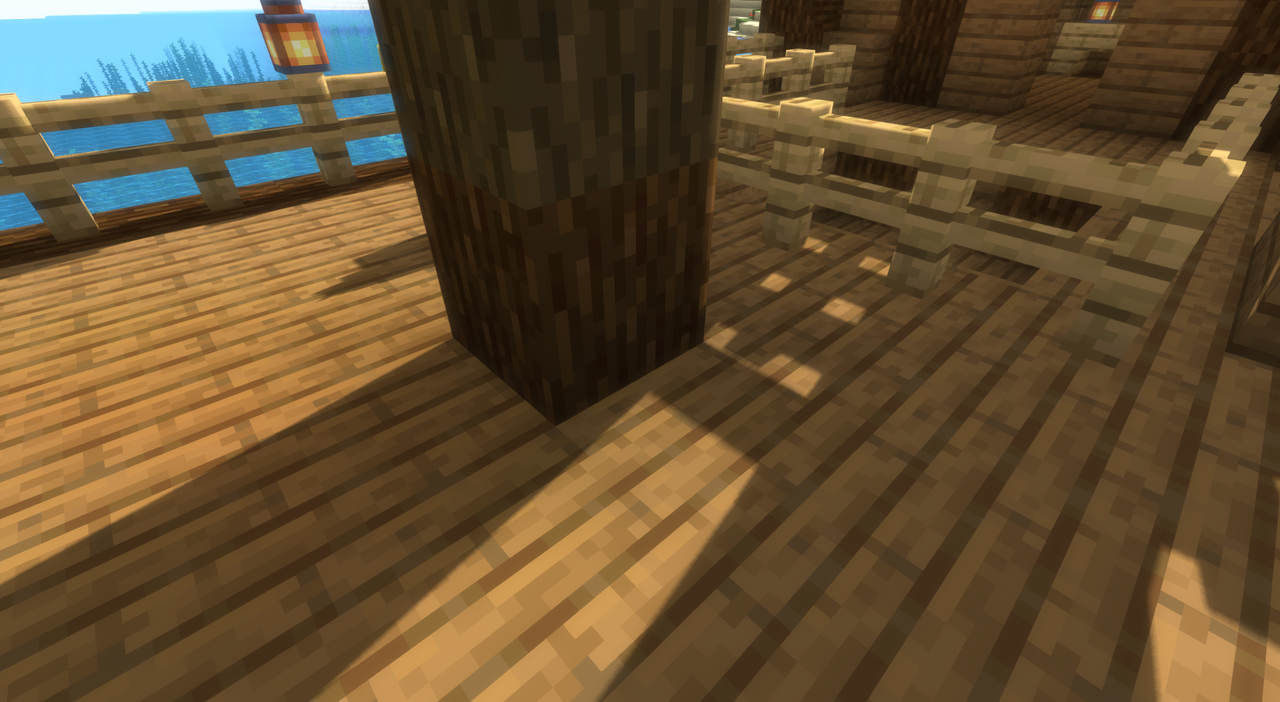
 We’re continuing to expand our collection of new enhancements for an enjoyable gaming experience, and this time we’d like to draw your attention to the Luracasmus 1.16.4 shader pack for Minecraft. This new update will not only give you a host of new experiences but also let you simply enjoy every moment of the game.
All you need to do is take a look at how the environment has changed, what’s new, and what’s worth paying attention to. You’re free to do whatever you like – you just need the desire to set off on an exciting journey. The world will be transformed and become far better, so you can be sure these improvements will make a real difference.
How to install the shader:
Step 1: Download the shader pack using the link below.
Step 2: Extract the downloaded archive and copy the Luracasmus folder to c:\Users\Пользователь\AppData\Roaming\.minecraft\resourcepacks\ (if this folder does not exist, create it yourself) (For Windows)
Step 3: In the game, go to Settings, then Resource Packs. In the list on the left, click the icon for the newly added shader pack.
Comments (0)