



Nellik's GUIs for Minecraft 1.10
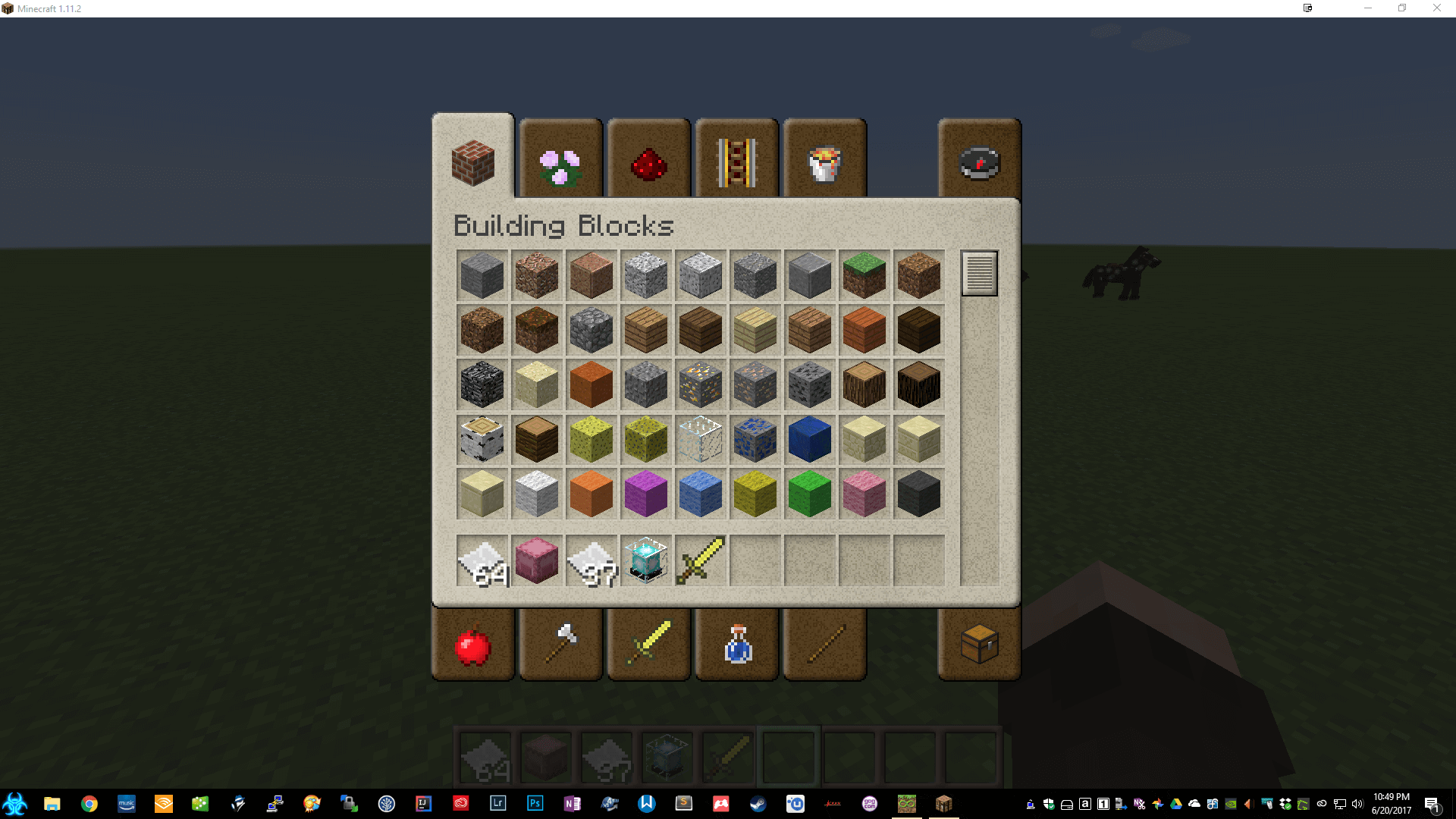
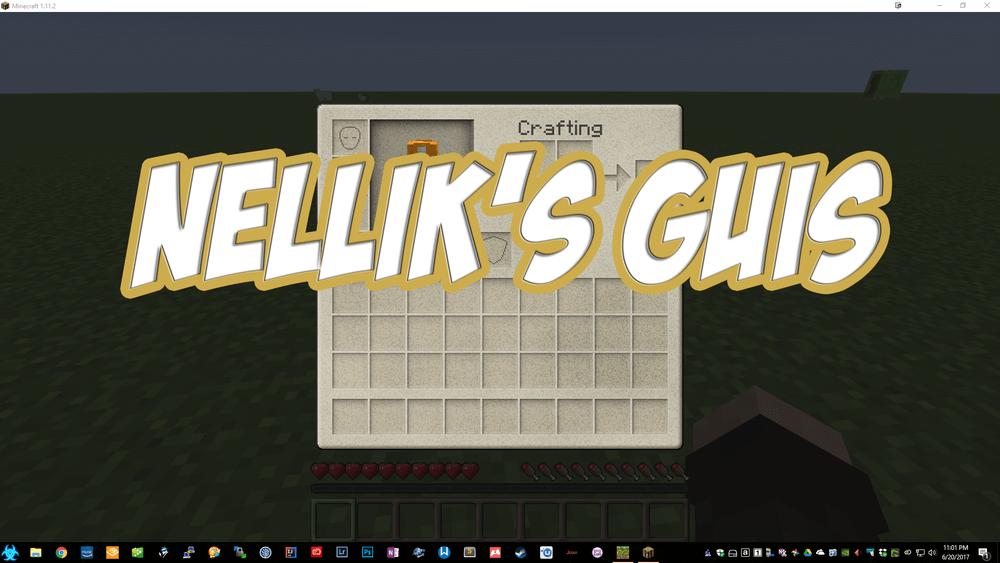 Nellik's GUIs for Minecraft – a versatile texture pack that will allow you to achieve perfection in the game with ease. Why do we say this? It’s simple: this texture pack changes the game’s interface, allowing you to enjoy the pleasant atmosphere of your adventure with ease.
Now, the most familiar part of your adventure, which you see most often, will look different and certainly won’t disappoint in terms of quality. The updated interface will not only delight you with its bold visual design but also fit perfectly into the game. So feel free to test out your new capabilities and enjoy the game.
How to install the texture pack:
Step one: Download the texture pack using the link below.
Step two: Unzip the downloaded archive and copy the folder Nellik's GUIs to the path c:\Users\Пользователь\AppData\Roaming\.minecraft\resourcepacks\ (if this folder does not exist, create it yourself)(For Windows)
Step three: In the game, go to Settings, then Resource Packs. There, click on the icon for the newly added texture pack in the left-hand list.
Comments (0)