



Pixel Reality – Luminance for Minecraft 1.10
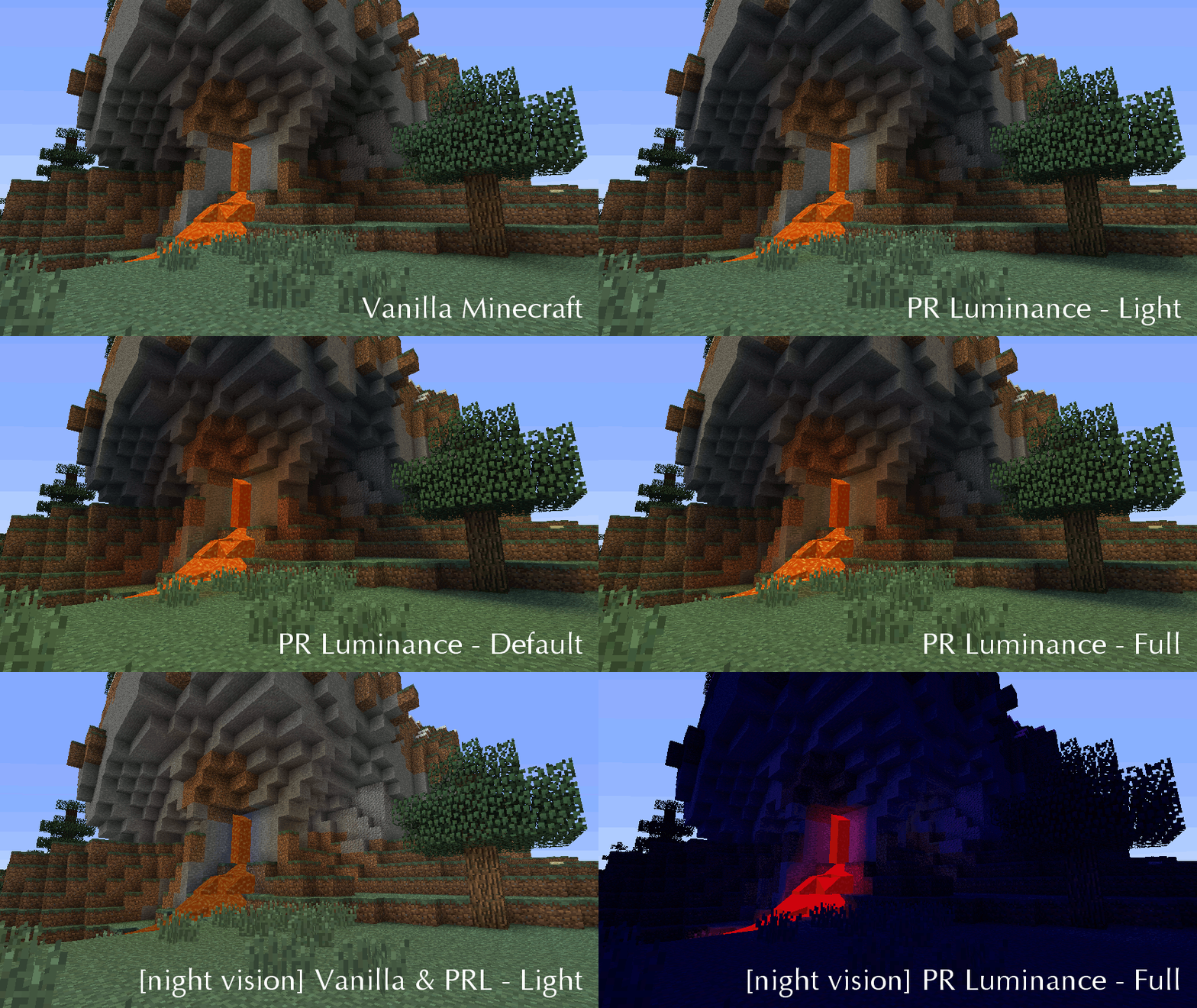
 To make your usual adventures more realistic and interesting, we suggest you take a look at the Pixel Reality – Luminance texture pack for Minecraft. What makes this enhancement unique is that all textures will now feature internal shadows, giving them a more three-dimensional appearance, a new glow effect and other interesting details.
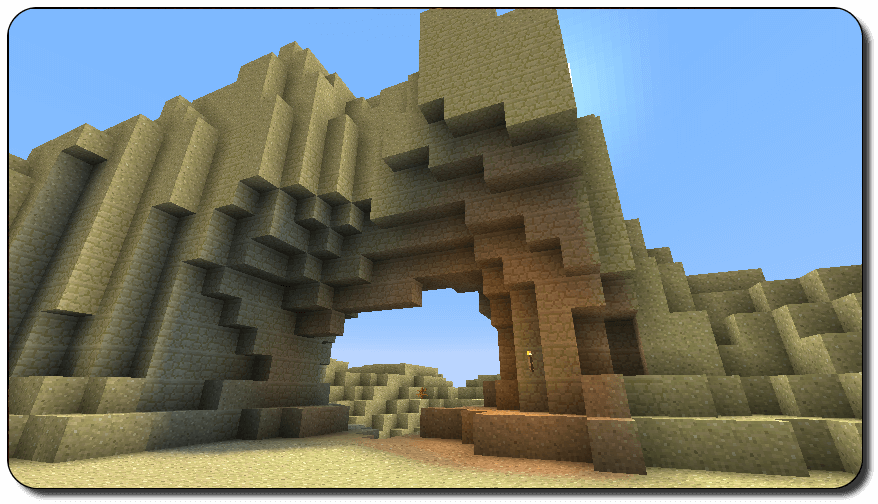
Things will now improve considerably, giving you the chance to enjoy a beautiful and incredibly appealing game. The texture quality will improve so much that it will sometimes seem as though the shaders have been enhanced, even though they haven’t actually been touched at all.
How to install the texture pack:
Step one: Download the texture pack using the link below.
Step two: Unzip the downloaded archive and copy the folder Pixel Reality – Luminance to the following path: c:\Users\Пользователь\AppData\Roaming\.minecraft\resourcepacks\ (if this folder does not exist, create it yourself)(For Windows)
Step three: In the game, go to Settings, then Resource Packs. There, click on the icon for the new texture pack in the left-hand list.
Comments (0)