



R3D CRAFT 128px for Minecraft 1.10.2
 Thanks to numerous changes and improvements, Minecraft users now have some rather interesting options for customisation.
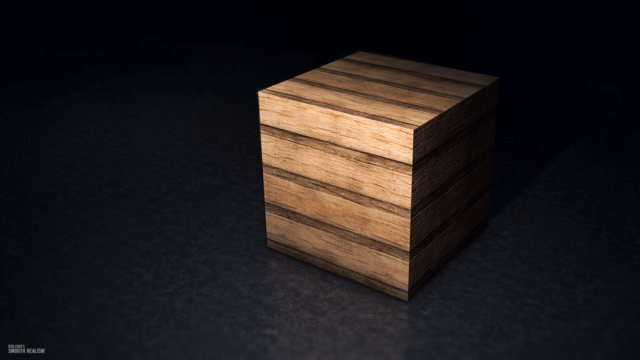
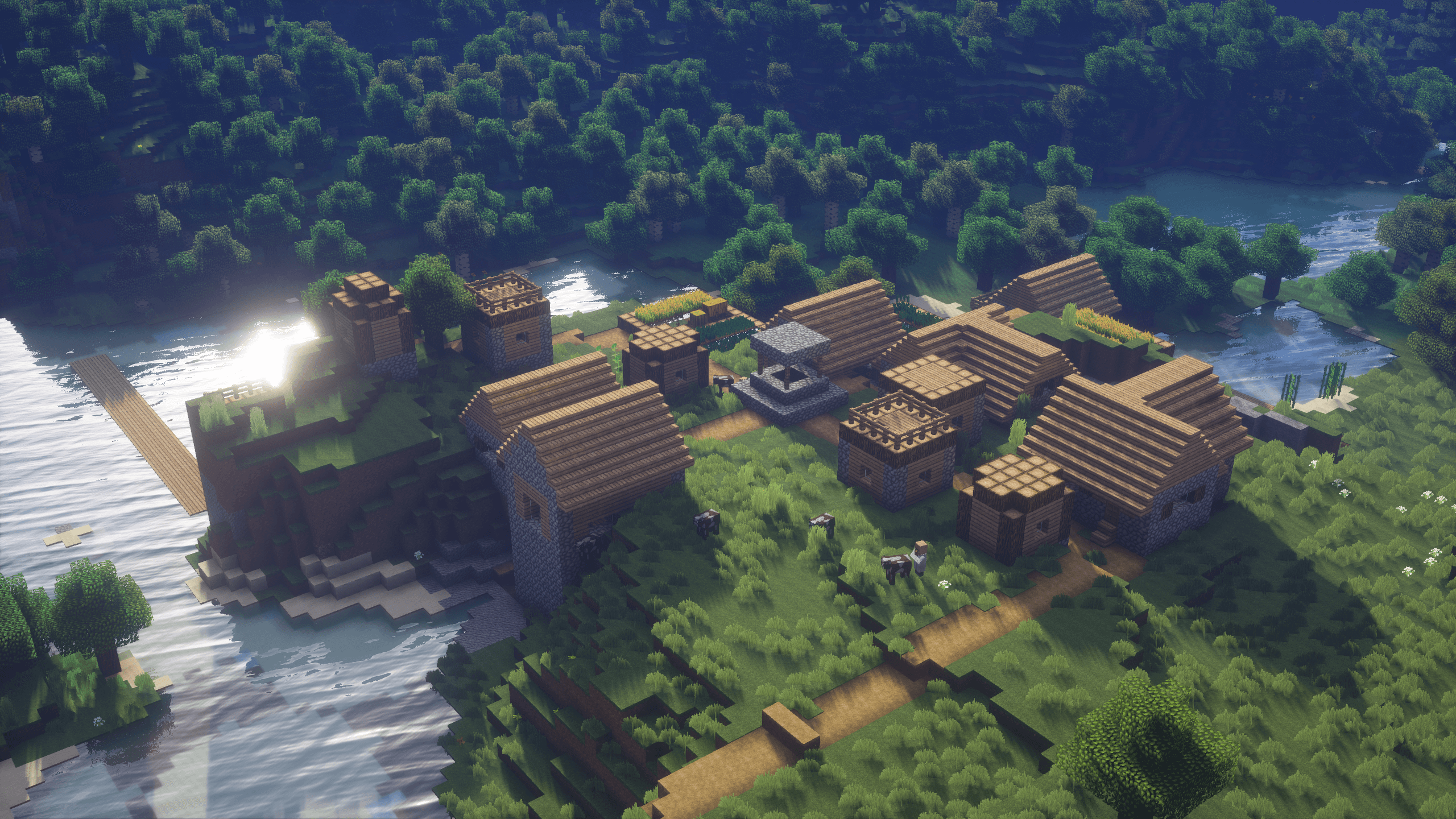
You can now confidently use a wide variety of texture packs, and we recommend starting by taking a look at R3D CRAFT 128x for Minecraft 1.10.2. This graphics pack allows you to easily explore a wide variety of interesting options for improving textures.

Thanks to the higher resolution, users will be able to freely explore a variety of interesting options that will enhance the world around them. There’s no doubt about it – the new views are sure to delight you. We suggest you don’t waste any time and just get started. We wish you the best of luck!
How to install the texture pack:
Step one: Download the texture pack using the link below.
Step two: Unzip the downloaded archive and copy the folder R3D CRAFT 128px to c:\Users\Пользователь\AppData\Roaming\.minecraft\resourcepacks\ (if this folder does not exist, create it yourself)(For Windows)
Step three: In the game, go to Settings, then Resource Packs. There, click on the icon for the new texture pack that appears in the left-hand list.
Comments (20)